The short answer
To run Black Friday on Shopify without selling below cost, set every discount against your cost, not just your price: fill in Cost per item, take the discount from the margin where margins vary, and put a floor under the price. Discount Prime fits this because its Dropshipping Pricing takes the discount from the margin with a floor of cost plus a minimum profit; its flat and bulk sales can use a fixed price floor, and its profit analytics show gross profit per campaign on every plan, including the free one.
Be precise about what a floor covers. In Discount Prime, Dropshipping, Wholesale, and Bundle campaigns, you can enforce a cost floor plus a minimum profit. Flat and bulk sales can use a fixed price floor. Tiered quantity, Buy X Get Y, free gift, cross-sell, upsell, and free shipping have no cost floor, and you protect them with the settings in steps 4 to 6 below.
Black Friday is November 27, 2026. Work through the seven steps in order. Each one names the Discount Prime setting and its plan, and a native Shopify option where one exists.
Why "30% off everything" is the risky default
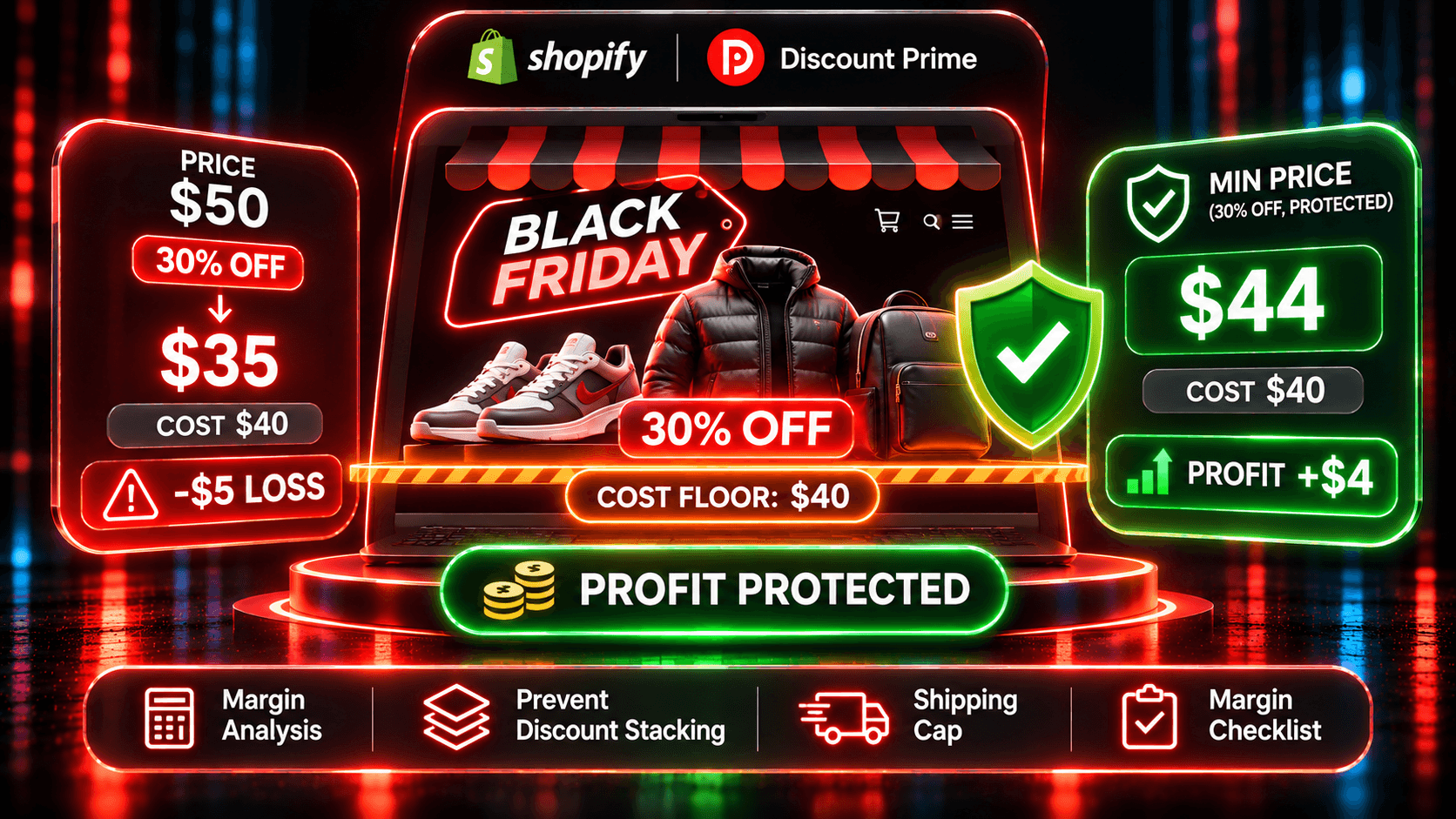
A sitewide percentage treats every product as if it had the same margin. Most catalogs don't. Here are two products and three ways to discount them. The floor is cost plus 10% of cost.
Product A: $80, cost $24 | Product B: $50, cost $40 | |
|---|---|---|
Gross margin at full price | 70% ($56.00) | 20% ($10.00) |
30% off the price | $56.00, gross profit $32.00 | $35.00, gross profit -$5.00 |
20% off the margin | $68.80, gross profit $44.80 | $48.00, gross profit $8.00 |
50% off the margin | $52.00 (35% off), gross profit $28.00 | $45.00 (10% off), gross profit $5.00 |
75% off the margin, floor $44.00 on B | $38.00 (52.5% off), gross profit $14.00 | $44.00 (floor holds), gross profit $4.00 |
Gross margin here is (price minus cost) divided by price.
Three things stand out:
30% off the price loses $5.00 on every unit of B. If each product sells 100 units, the sale earns $3,200 on A and loses $500 on B.
20% off the margin is a small discount on the shelf. A shopper sees 14% off A and 4% off B. That protects profit, but it may not read as a Black Friday offer.
A larger share of the margin, with a floor, gives you both. At 50% off the margin, A drops 35%, and B still earns $5.00. Push to 75%, and B stops at its $44.00 floor while A drops 52.5%.
Try these numbers in the Dropshipping Pricing Simulator, or run a single product through the Discount Profit Calculator. Both are free and need no sign-up.
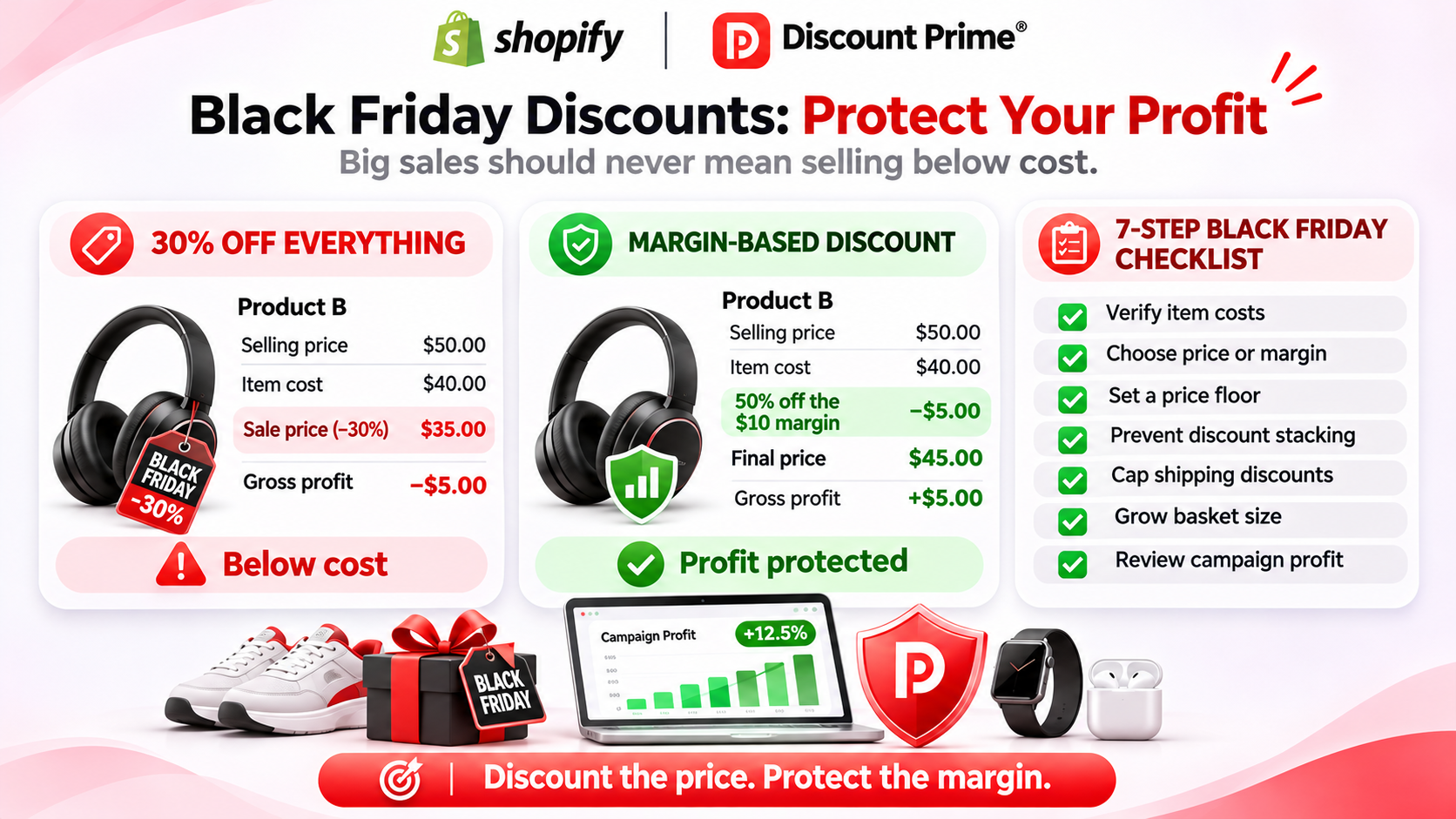
The checklist
1. Fill in Cost per item, and find the products missing it
Every floor, margin, discount, and profit report starts from Shopify's Cost per item field. Without it, nothing can tell you that B is a low-margin product.
In Shopify: export your products to CSV and filter the Cost per item column for blanks. Shopify's profit reports only count items that had a cost recorded when they sold.
In Discount Prime: a cost-based campaign asks what to do with products that have no Cost per item. You either skip them or price them from the selling price. Choose skip for Black Friday unless you have checked those products by hand. Prime and up also lets you set this fallback in wholesale pricing.
2. Choose the discount base: price or margin
A discount from the price is what shoppers expect and what Shopify's native discounts do. A discount from the margin takes the same share of profit from every product, so low-margin items automatically get a smaller cut.
In Discount Prime: Dropshipping Pricing lets you calculate from the selling price, the profit margin (price minus cost), or the product cost. It starts on Premium, $19.90/month with a 7-day free trial. The name says dropshipping, but it works for any store with cost data. For B2B buyers, Wholesale / B2B Pricing has the same margin-based tiers, starting with Prime ($49.90/month).
Native Shopify: no margin base. You can split the catalog into collections by margin band and run a different percentage on each.
3. Set the floor
The floor is the lowest price you accept. Set it before you set the discount depth.
Cost-based floor: Dropshipping Pricing (Premium) keeps the price at or above cost plus a minimum profit, fixed or a percent of cost. Wholesale / B2B Pricing (Prime) does the same per variant at checkout. Product Bundle (Premium) has profit protection with a minimum margin: choose "Reduce the discount for that set" so no item goes under it.
Fixed price floor: flat discounts and bulk price updates can use a price floor, a fixed price the product won't go below, from Premium. Use the Sale Price Simulator to check it on your products.
Adjust Cents: the floor holds even with Adjust Cents. With a $10.50 floor and .49 cents, the price becomes $11.49, not $10.49. If that lands above the current price, the product keeps its price.
Native Shopify: discounts have no cost-based floor.
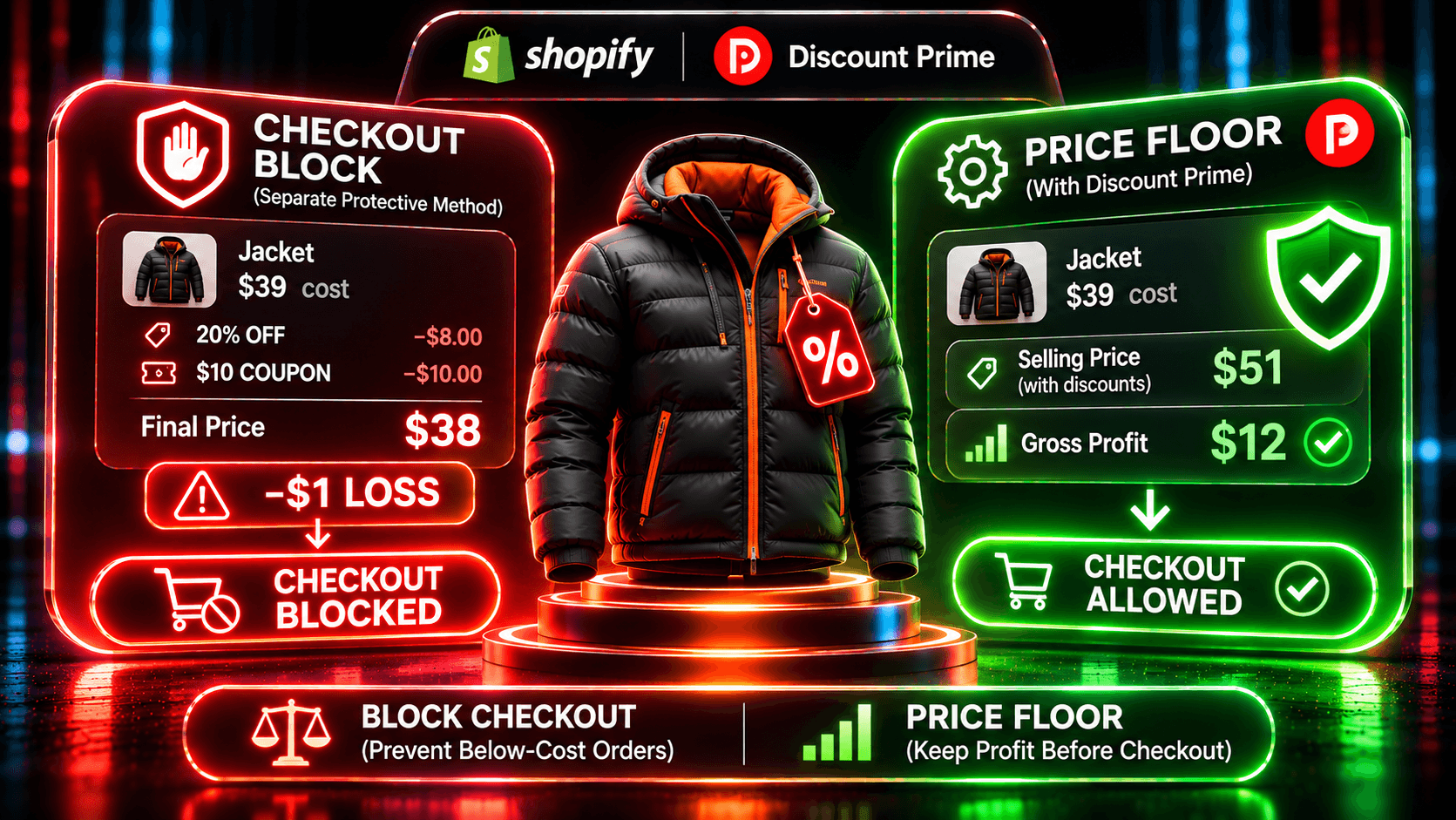
Discount Prime changes the discount, not the order. It does not block checkout. The floor works because the price never goes below it in the first place.
4. Block unplanned stacking
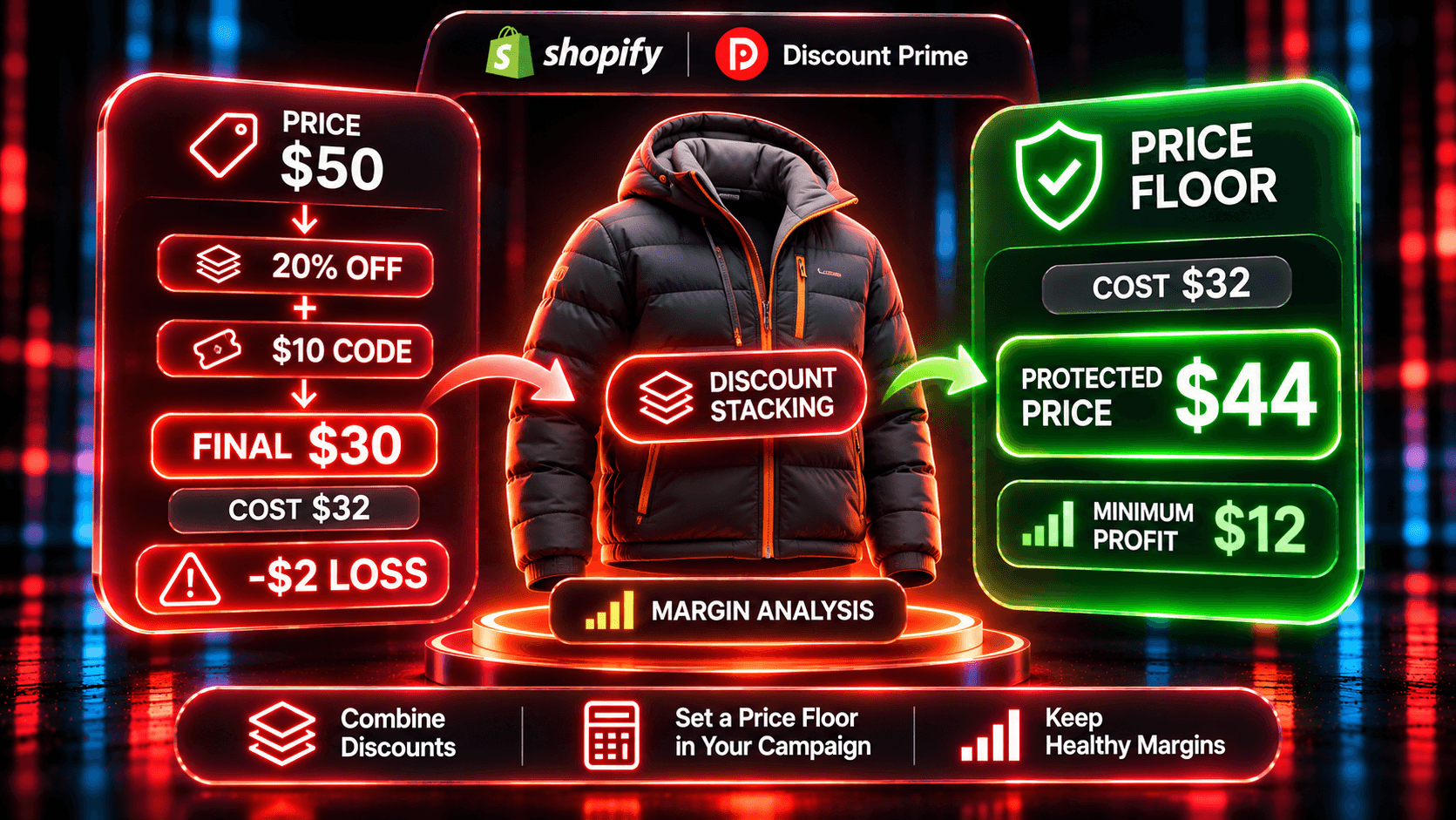
Most below-cost orders come from two discounts that each look fine alone. A 20% automatic sale on a $50 item, plus a $10 welcome code on the order, leaves $30 on a product that costs $32.
In Discount Prime: conflict detection flags product-level price campaigns that target the same product, and you choose which one keeps it. Bundle, cross-sell, and upsell campaigns have Best deal wins (the larger saving applies, never both) or Stack. Starter sees every conflict and can resolve it while setting up a campaign.
Shopify codes: codes follow Shopify's own combination settings. Open each code and each automatic discount, and check what it combines with before the sale starts.
How stacking adds up, with examples: why your discount stack is silently killing your margin.
5. Cap the free shipping you cover
Free shipping is a discount on the shipping line, and on Black Friday it often costs more than the product discount on small orders.
In Discount Prime: a free shipping campaign (Premium) can cap the most you cover per rate, so a heavy or remote order doesn't wipe out the margin. See Free Shipping.
Native Shopify: free shipping discounts have a minimum purchase but no cap on the rate you cover.
6. Prefer offers that raise the order over deeper cuts
A deeper cut spends margin on every order. An offer tied to a bigger order spends it only when the order grows.
Product bundles: a set reward when every slot is filled, from Premium. See Product Bundles.
Free gift at a threshold: a gift added when spend reaches the line, from Prime. Cost the gift like a discount: a gift that costs you $6 on a $100 order takes 6% of that order's revenue. See Free Gift.
Quantity tiers: Starter allows one tier per campaign. Multiple tiers start on Premium.
These offers have no cost floor, so check each one in the calculator against your lowest-margin product before launch.
7. Read gross profit per campaign on Monday
Revenue tells you which campaign was popular. Gross profit tells you which one paid.
In Discount Prime: profit analytics, free on every plan including Starter, show gross profit per campaign and per order. They use Shopify cost prices that sync daily and count shipping separately. Payment fees are not deducted, so the figure is gross profit after product cost and shipping.
Native Shopify: Analytics > Reports, category Profit Margin, shows gross profit by product, variant, and order.
If you use native Shopify discounts
You can run Black Friday on Shopify's own discounts. Two things help:
Read the profit reports daily during the sale. Look at "Profit margin by order" and sort by margin. Any order below 0% is a stack you didn't plan.
Add a checker app as a safety net. Several new apps launched in 2026 check native discounts against a per-product floor, and some can block checkout. If you keep native discounts and only want a safety net, a checker app is enough. We compare them in our guide on how to stop Shopify discounts from selling below cost.
How to set it up in Discount Prime
Install Discount Prime and start on Starter (free) to see profit analytics on your past orders.
Check Cost per item on your Black Friday products, and decide to skip or price from the selling price for products without it.
Upgrade to Premium ($19.90/month, 7-day free trial) and create a Dropshipping Pricing campaign on the margin base. Set the margin share, then turn on the minimum profit.
For a flat sitewide sale instead, use a flat discount with a price floor (Premium).
Resolve conflicts on any product that two price campaigns target.
Add one order-raising offer: a bundle (Premium) or a free gift at a threshold (Prime, $49.90/month, 7-day free trial).
Schedule start and end times in your store's time zone and preview the prices.
On Monday, open profit analytics and compare gross profit per campaign.
Until November 30, 2026, new installs get 30% off any paid plan for 3 months with code BFCM30, applied automatically at install.
Where to go next
How to stop Shopify discounts from selling below cost: native reports, checker apps and price floors compared
What is the biggest discount you can give without losing money?: the break-even formula and a table at 10% to 40% off
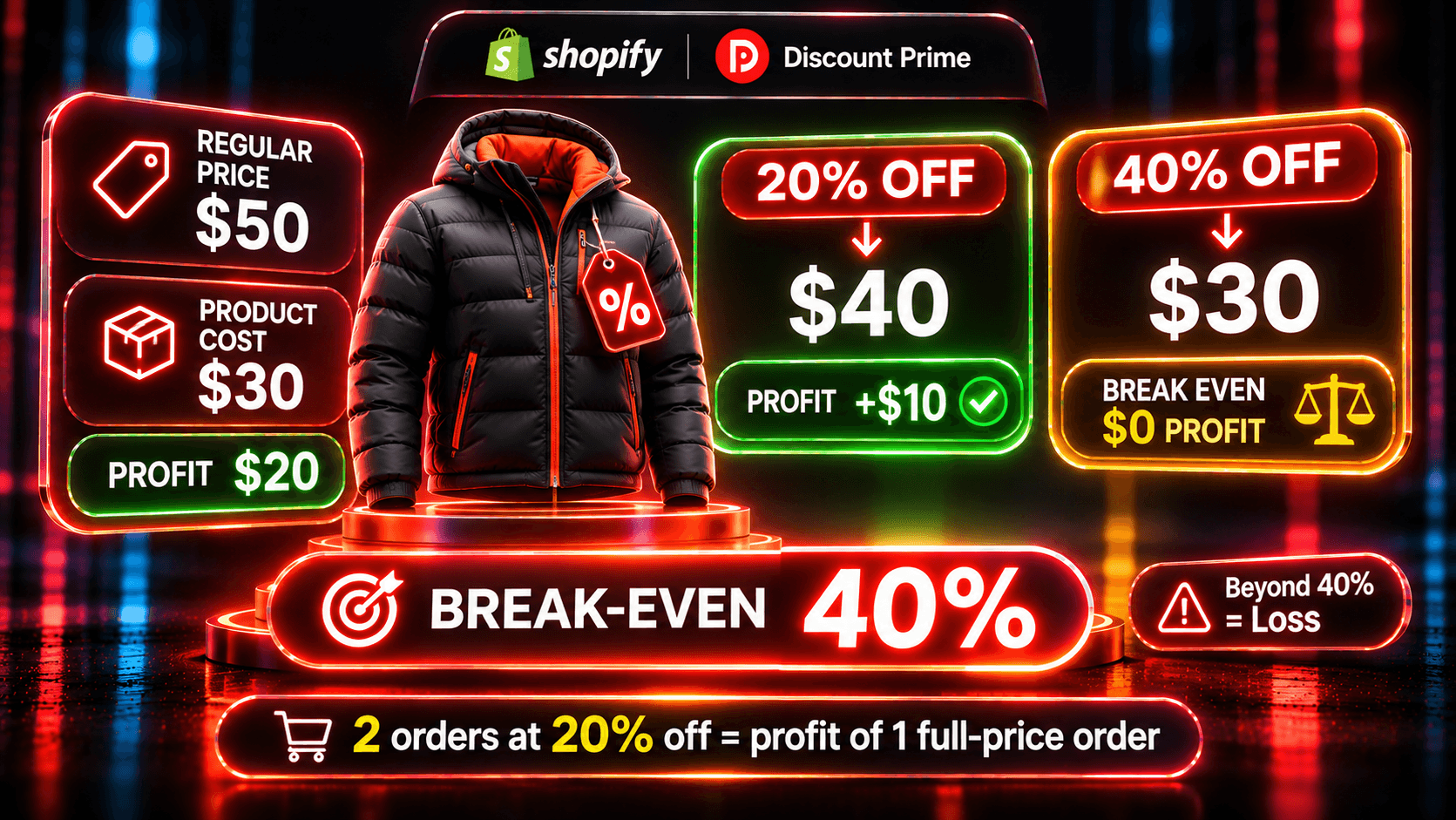
How much discount can your margin carry?: the break-even discount and the extra orders a deeper offer needs
48 hours to BFCM: a calm checklist: the last checks two days out
BFCM: the year of targeted, not sitewide, discounts: why paying every customer the same rate is expensive
Dropshipper Pricing: every setting for margin-based discounts and floors
Ready to try it? Install Discount Prime from the Shopify App Store. Starter is free, and Premium includes a 7-day free trial.