The short answer
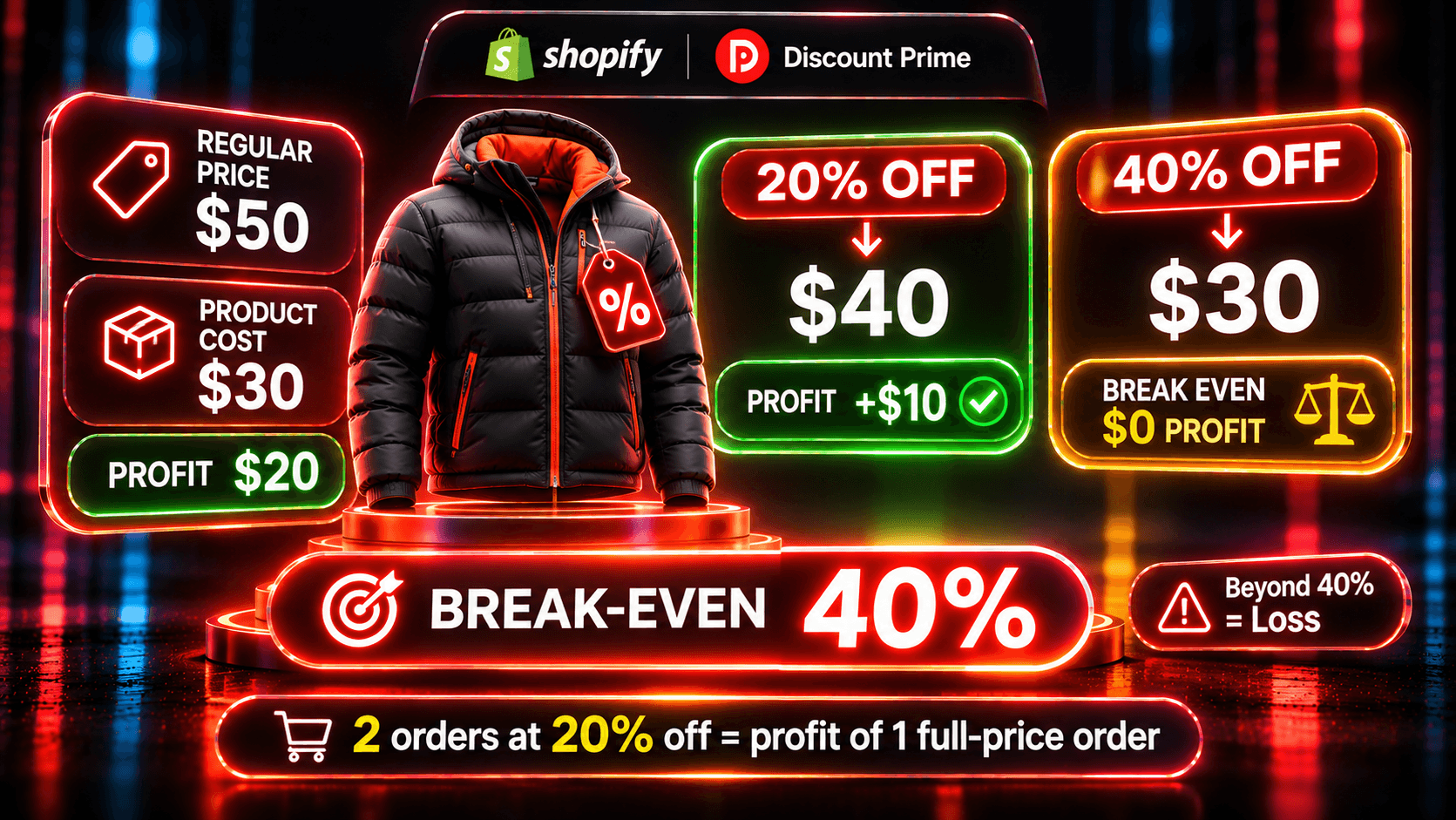
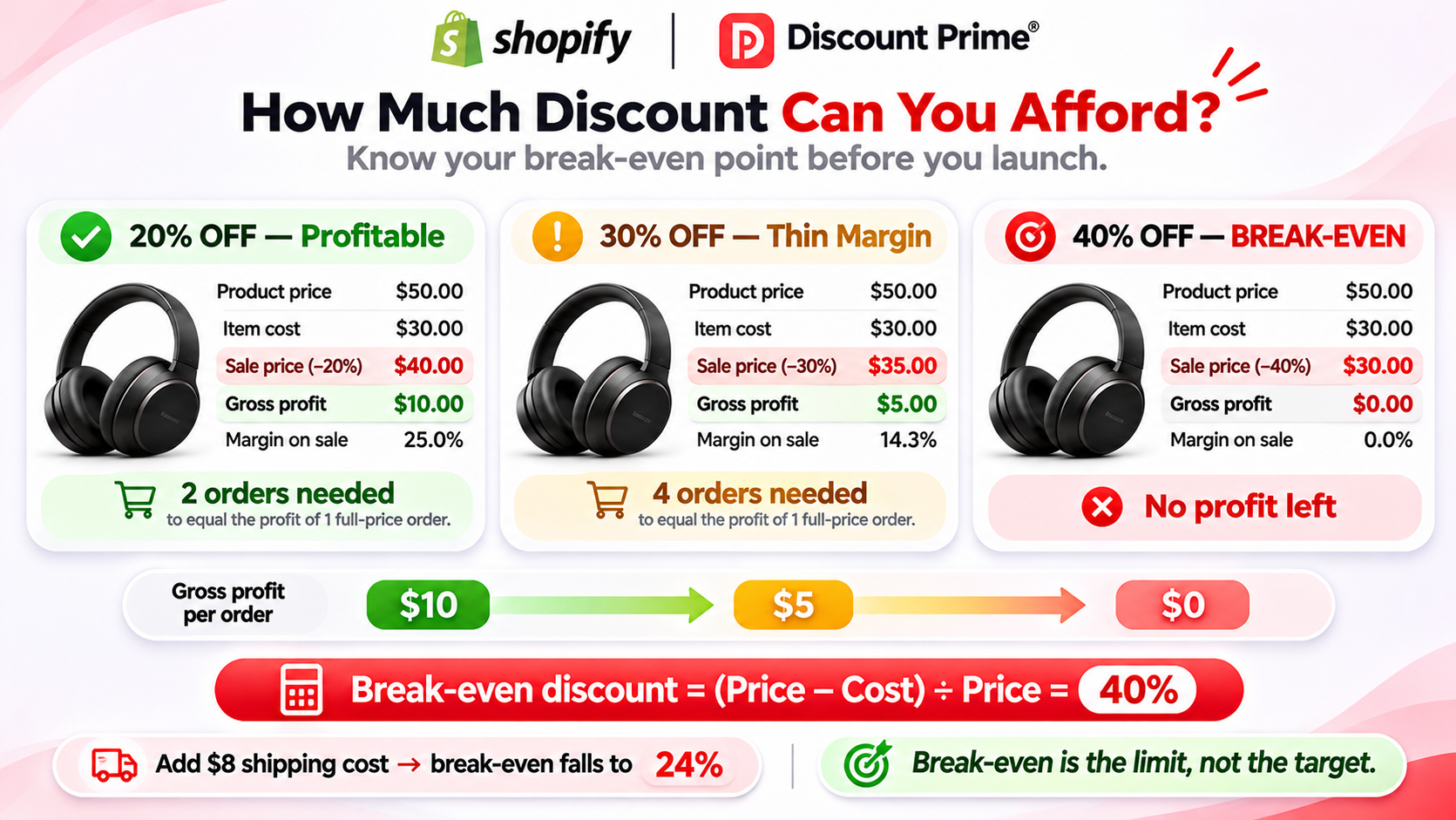
The biggest discount you can give before an order earns nothing is the product's gross margin: a $50 product that costs $30 has a 40% margin, so 40% off is break-even. Discount Prime's free Discount Profit Calculator works this out per order, with shipping, and shows how many discounted orders you need to match one full-price order. No sign-up.
Break-even is the line, not the target. At 30% off, that $50 product earns $5 instead of $20, so you need four orders to make what one full-price order made.
The two formulas
Gross margin is (price minus cost) divided by price. In this article, cost means Shopify's Cost per item.
1. Break-even discount = gross margin.
A $50 product with a $30 cost has a $20 margin, or 40% of the price. Take 40% off, and the price is $30, equal to the cost. Gross profit is $0.00.
2. Orders needed = gross profit before ÷ gross profit after.
At 20% off, the same product sells for $40.00 and earns $10.00. Before the discount, it earned $20.00. $20.00 ÷ $10.00 = 2, so you need 2 discounted orders to earn what 1 full-price order did. That is 100% more orders, not 20% more.
Written with percentages, where m is the margin and d is the discount: orders needed = m ÷ (m minus d). At m = 40% and d = 20%, that is 0.40 ÷ 0.20 = 2.
The table: 40% and 60% margin at 10% to 40% off
Both products sell for $50. Product A costs $30 (40% margin). Product B costs $20 (60% margin).
Discount | A: price | A: gross profit | A: margin | A: orders needed | B: price | B: gross profit | B: margin | B: orders needed |
|---|---|---|---|---|---|---|---|---|
None | $50.00 | $20.00 | 40.00% | 1.00 | $50.00 | $30.00 | 60.00% | 1.00 |
10% | $45.00 | $15.00 | 33.33% | 1.33 | $45.00 | $25.00 | 55.56% | 1.20 |
20% | $40.00 | $10.00 | 25.00% | 2.00 | $40.00 | $20.00 | 50.00% | 1.50 |
30% | $35.00 | $5.00 | 14.29% | 4.00 | $35.00 | $15.00 | 42.86% | 2.00 |
40% | $30.00 | $0.00 | 0.00% | No number of orders | $30.00 | $10.00 | 33.33% | 3.00 |
Three things to read from it:
The curve is steep near the margin. On A, going from 20% to 30% off doubles the orders you need, from 2 to 4.
The same discount costs different products very different amounts. 30% off needs 4 orders on A and 2 on B.
"Orders needed" assumes the same basket. If the discount also raises units per order, you need fewer orders. That is why offers that grow the order, like bundles and quantity tiers, often beat a deeper cut.
Try these numbers in the Discount Profit Calculator.
Pick the depth from the lift you expect
Break-even tells you where a single order stops earning. The better question is which discount leaves the campaign with more gross profit than no campaign at all. For that, compare the orders you need with the orders you expect.
Say a 20% sale usually brings you 50% more orders than a normal week, so 1.5 times the orders.
Product A (40% margin) needs 2.00 times the orders at 20% off. With 1.5 times, the sale earns less gross profit than a normal week: 1.5 × $10.00 = $15.00 for every $20.00 you would have made.
Product B (60% margin) needs 1.50 times. With 1.5 times, the sale matches a normal week exactly: 1.5 × $20.00 = $30.00.
At 10% off, A needs 1.33 times and B needs 1.20 times. If the lift at 10% is anything like the lift at 20%, the smaller discount wins on both.
Use your own past campaigns for the lift, not a guess. Discount Prime's profit analytics show orders and gross profit per campaign, so last season's numbers are the best input you have.
Shipping and fees move the line
The margin formula ignores everything except product cost. Real orders carry more.
Shipping you pay lowers the break-even. Say you offer free shipping and pay $8 to ship Product A. Total cost is $38, so the order breaks even at 24% off, not 40%. At 20% off, the order earns $2.00 instead of $12.00 at full price, so it needs 6 orders to match one, not 2.
Shipping the customer pays raises it. If the customer pays the $8, it offsets your cost and the break-even goes back to 40%.
Payment fees lower it again. A card fee of 2.9% plus 30 cents on a $50 order is about $1.75. Add that to the free shipping case, and the break-even drops to 20.50%.
The calculator handles the first two: enter "Shipping the customer pays" and "Shipping you pay". It does not deduct payment fees, matching Discount Prime's profit analytics. To include them, enter an average fee per unit as "Other cost per unit". Returns, ad spend, and overhead are not included either, so treat the result as the most an order can contribute.
Tools that calculate this
Discount Prime Discount Profit Calculator: free, no sign-up. Price, cost, discount (percent, per unit or per order), units and shipping in. Calculates gross profit, gross margin, break-even discount, and orders needed.
Shopify profit reports: Analytics > Reports, category Profit Margin. Gross profit by product, variant and order, after the sale, for items that had a Cost per item when they sold. See Shopify's help page.
Admetrics discount profit calculator: free, no sign-up. Adds VAT, payment fees, returns, and ad cost per order, and shows the break-even discount.
Shopify Profit Margin Calculator: free. Margin and profit per item from cost and markup. It has no discount input, so you enter the discounted price yourself.
From a calculation to a rule
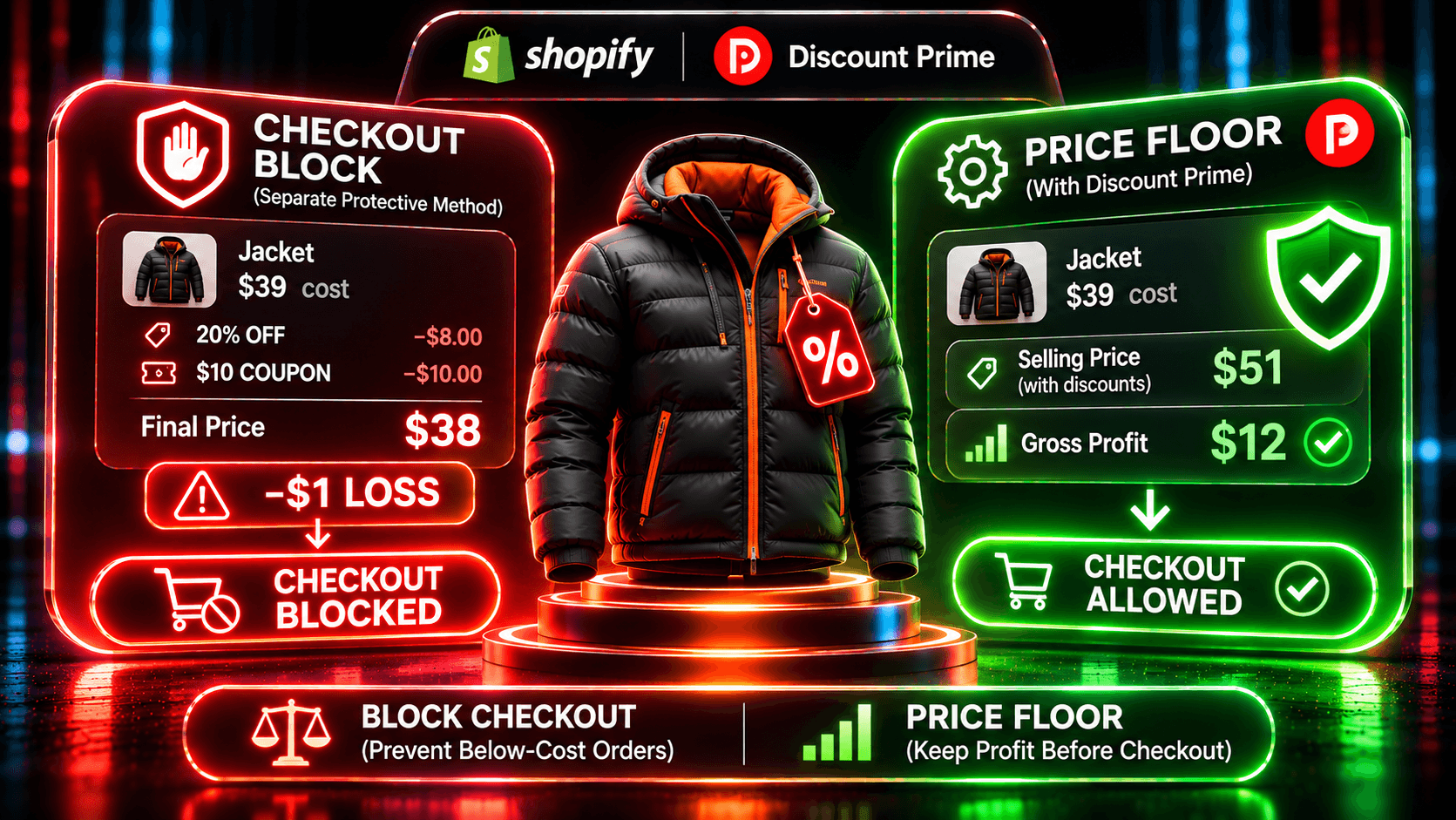
A calculator tells you where the line is. It doesn't stop a campaign from crossing it. A cost-based floor does.
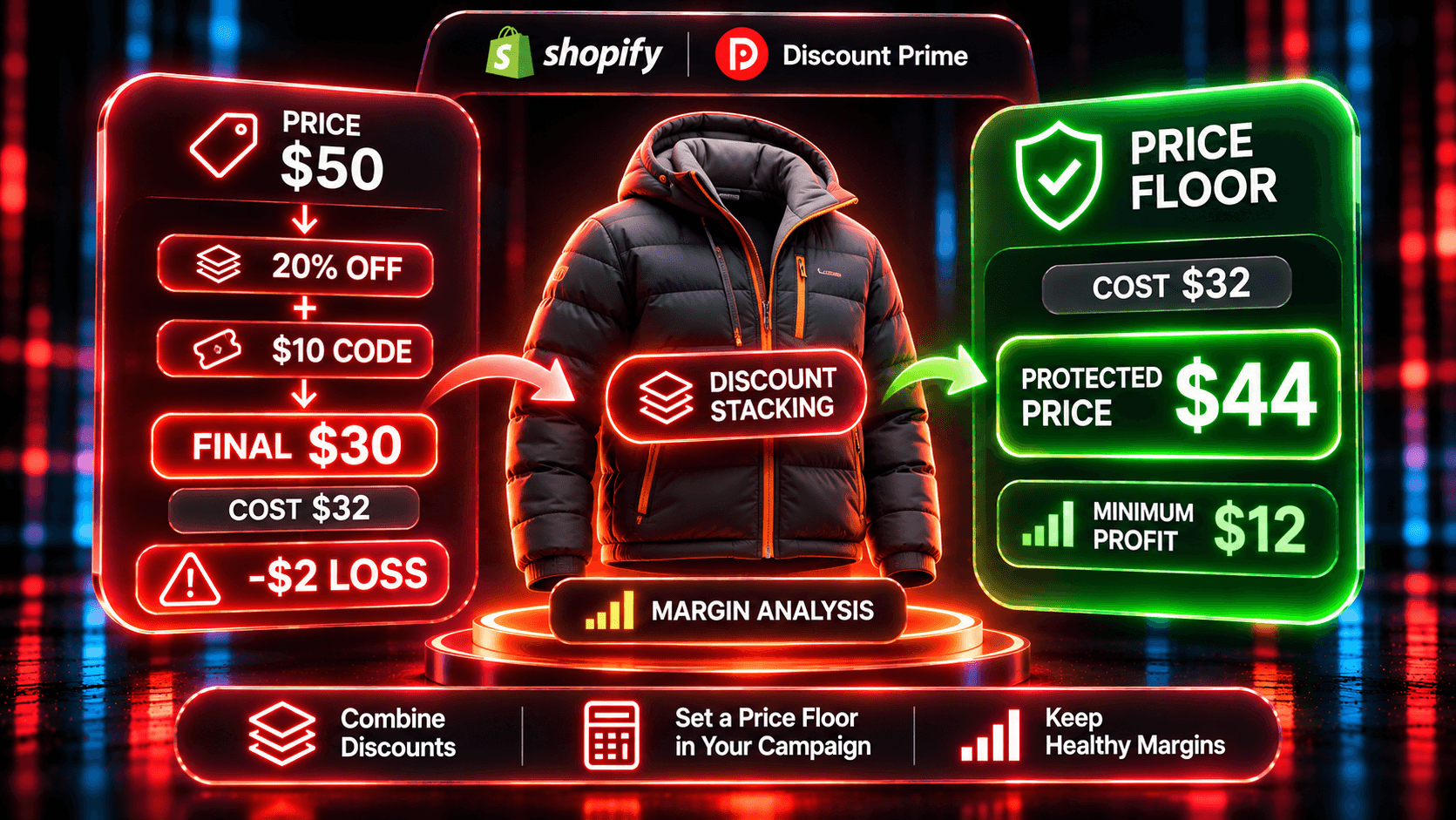
In Discount Prime, Dropshipping Pricing can take the discount from the margin, with a floor of cost plus a minimum profit. Take Product A ($50, cost $30) with a minimum profit of 15% of cost, so the floor is $34.50:
75% off the margin: $15.00 off, the price is $35.00 (30% off), gross profit $5.00.
100% off the margin: the request would reach cost, but the price stops at the $34.50 floor (31% off), gross profit $4.50.
However deep the campaign goes, every unit keeps at least $4.50. Try it in the Dropshipping Pricing Simulator.
Not every campaign type has that floor. In Discount Prime, Dropshipping, Wholesale, and Bundle campaigns can enforce cost plus a minimum profit, and flat and bulk sales can use a fixed price floor. For the full list, see how to stop Shopify discounts from selling below cost.
How to set it up in Discount Prime
Run your top products through the calculator with your real shipping, and note the break-even discount for each.
Install Discount Prime on Starter (free). Profit analytics show gross profit per order and campaign, from Shopify cost prices and shipping.
Fill in Cost per item for every product you plan to discount. You can skip products without it or price them from the selling price, at your discretion.
Upgrade to Premium ($19.90/month, 7-day free trial) and create a Dropshipping Pricing campaign on the margin base with a minimum profit.
Read gross profit per campaign after the first week, and compare it with the orders-needed number you planned for.
Where to go next
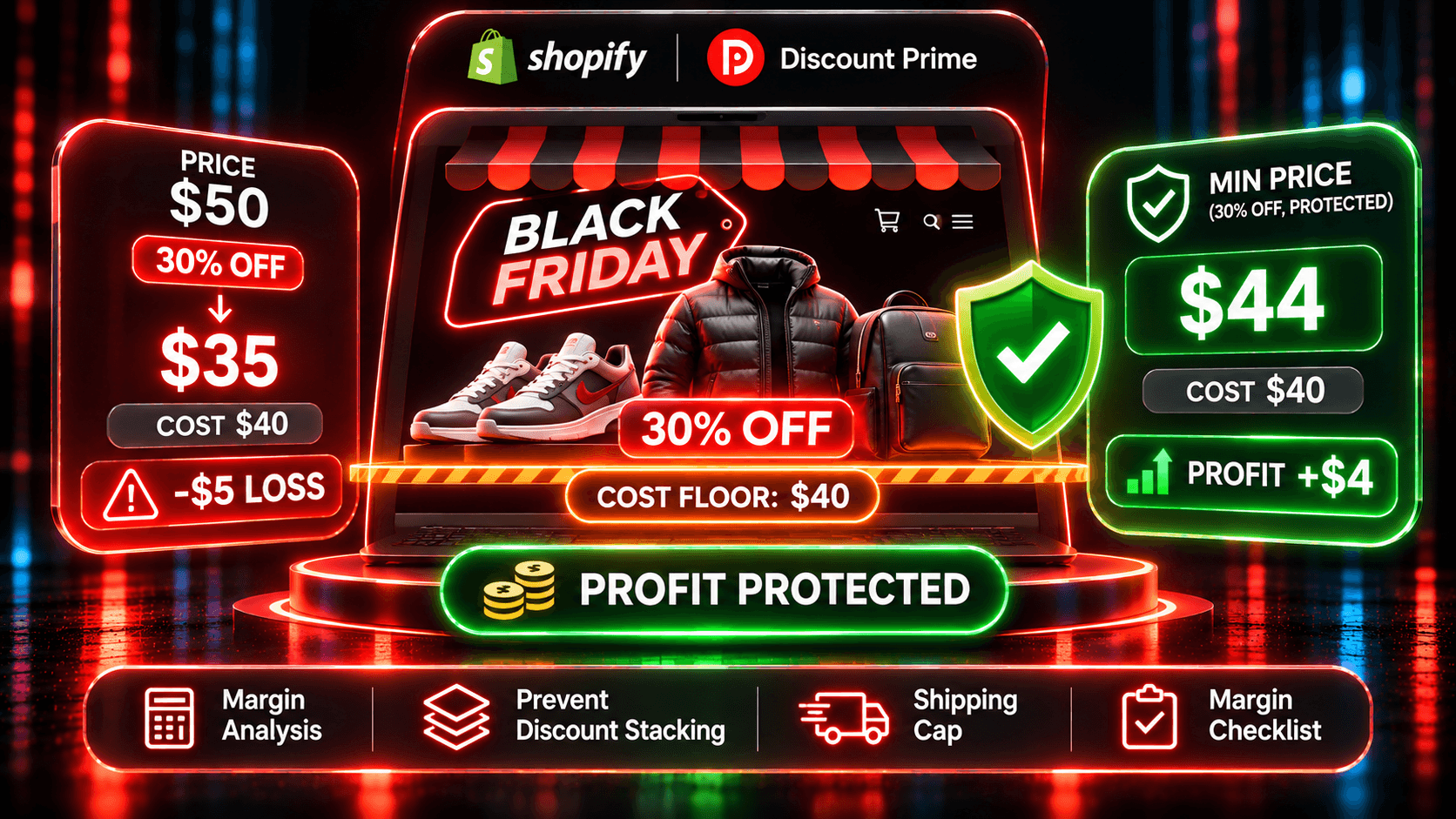
Black Friday on Shopify without selling below cost: the seven-step margin checklist for 2026
How to stop Shopify discounts from selling below cost: native reports, checker apps and price floors compared
How much discount can your margin carry?: where margin leaks beyond the discount itself
Profit Analytics: gross profit per campaign and order, free on every plan
Ready to try it? Install Discount Prime from the Shopify App Store. Starter is free, and Premium includes a 7-day free trial.