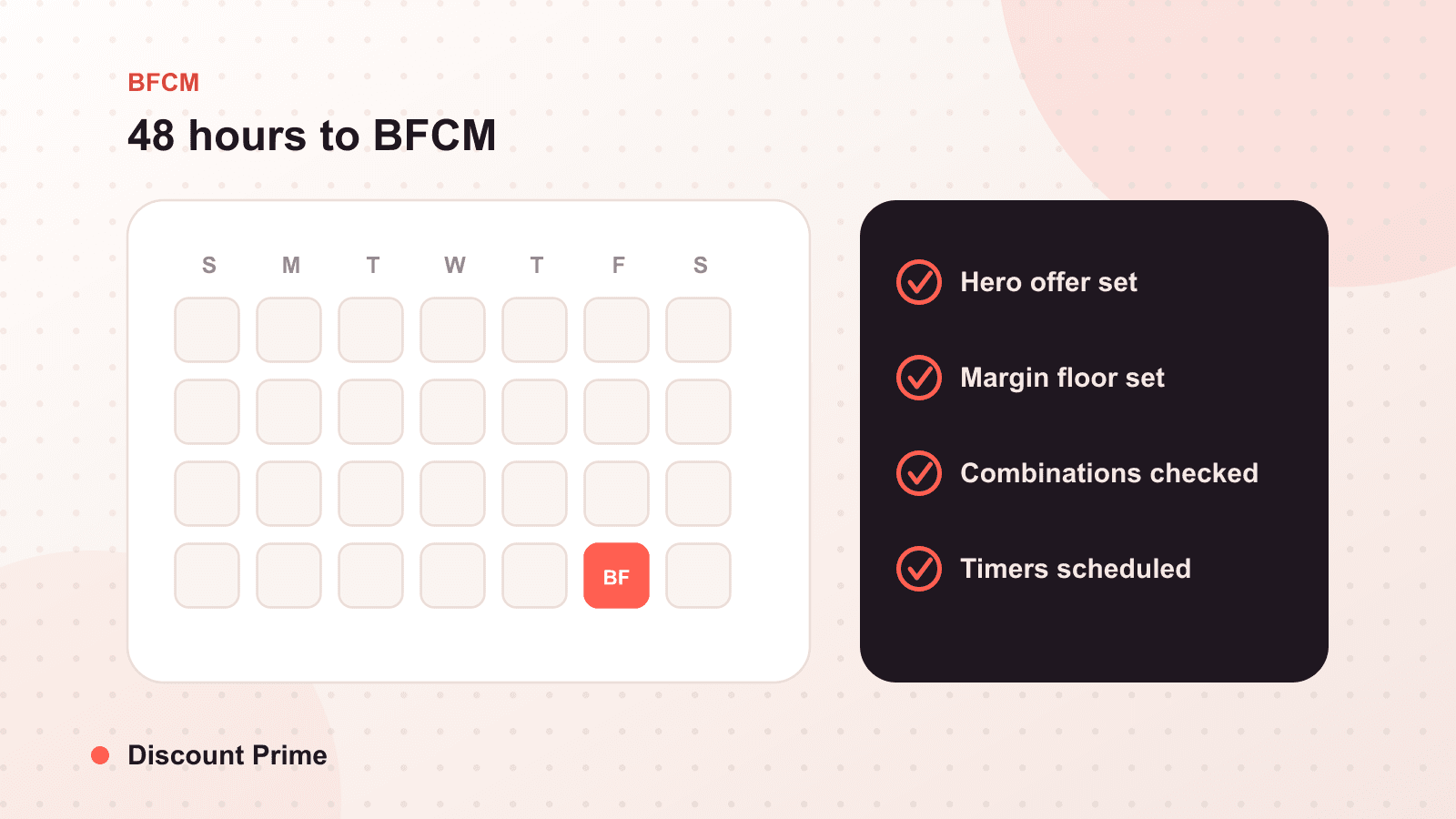
Two days out, the work is not building anything new. It is confirming that what you already built does exactly what you think it does.
You are 48 hours from BFCM. If your offers are not set by now, adding more will hurt you more than help. So this is not a build list. It is a verification list, short on purpose, that you can run in under an hour. The goal is a store you can stop worrying about, because you checked the five things that actually break.
The calm checklist
-
Confirm every start and end time, in your store's timezone. Open each scheduled offer and read the actual timestamps out loud. A sale set on the wrong timezone opens hours early or ends hours late, and nobody notices until it already happened. Confirm what happens to a cart that is open at the boundary.
-
Test a real cart in an incognito window. Your admin session sees prices, tags, and drafts a shopper never will. Open a private window, add the products a real customer would, and watch the discount apply as an anonymous buyer. Do it once on desktop and once on mobile, because most of your BFCM traffic is a phone.
-
Check that combinations resolve the way you planned. Build a cart that triggers two offers at once: your hero offer plus free shipping, or a volume tier plus a code. Confirm the result is the number you intended, not a deeper one. If you mapped a combination matrix earlier this season, this is where you prove it holds. If an old automatic discount is still combinable, this is where you catch it.
-
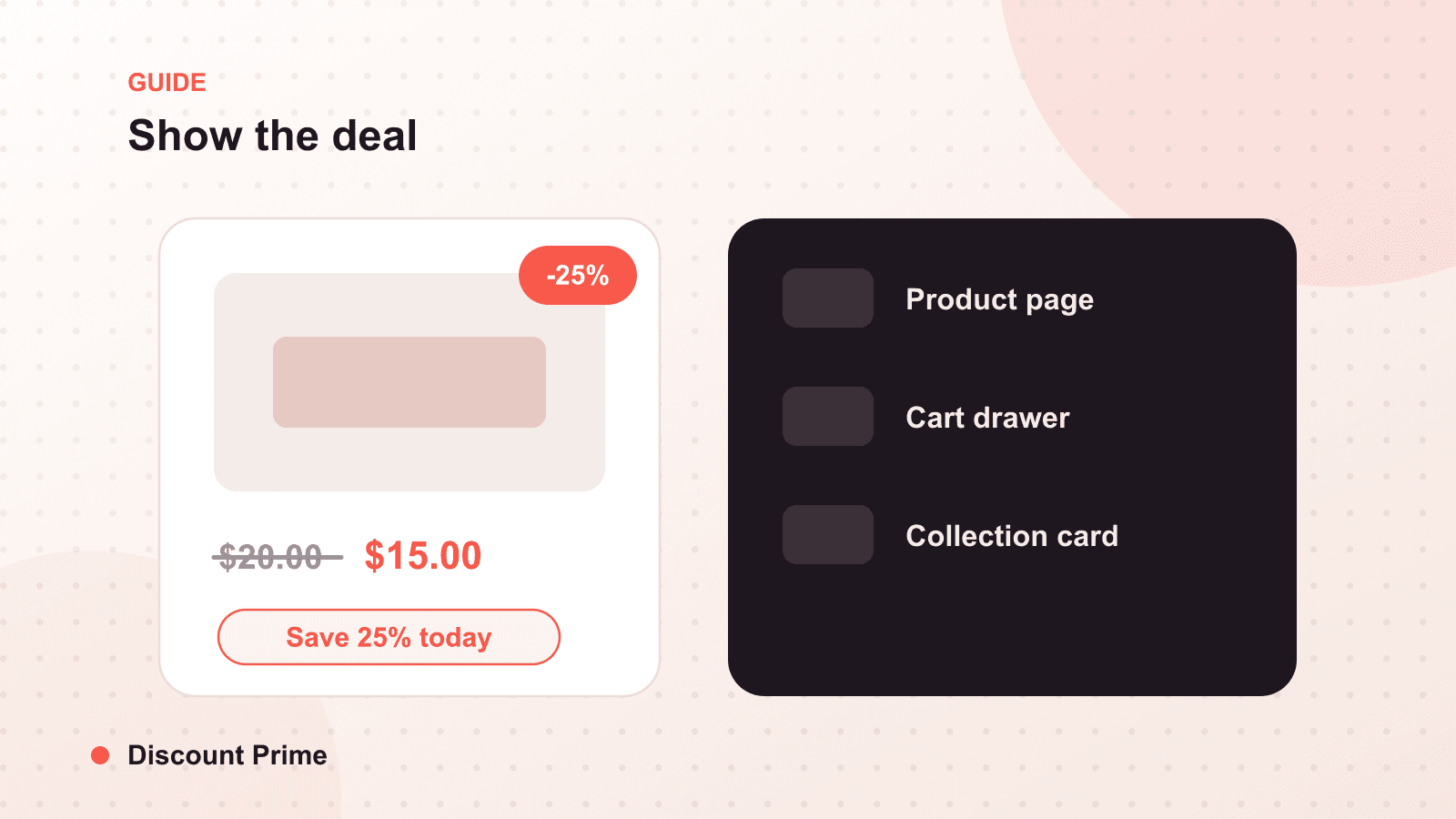
Make sure the discount is visible before checkout. A discount a customer cannot see until the final step does not lift conversion, it just costs margin. Confirm the offer shows on the product page and in the cart, not only at checkout. Your free shipping progress and volume tiers should be legible before the buyer commits.
-
Set the floor, then freeze. Confirm a profit floor is active so any unusual cart, an odd quantity, a currency edge, a stored code, cannot drop an order below your margin line. Then stop. Late edits are the single most common source of weekend margin damage, because they go in untested. Lock it and walk away.
What to deliberately not do
Do not add a new offer tonight. Do not deepen a discount because a competitor's email just landed. Do not extend anything before it has even started. Every one of those decisions is being made under pressure, and pressure is exactly the condition your calm setup was built to survive.
If something is genuinely broken, fix that one thing and re-run step two. If nothing is broken, you are done. A store that is quietly correct on Wednesday needs nothing from you on Thursday except attention to the parts you cannot automate: replies, restocks, and rest.
After you run it
Keep one tab open on your analytics for the weekend, not to change things, but to watch which offers actually carried the volume and at what real margin. That note is next year's plan.
For the deeper version of step three, our guide to planning your BFCM discount stack is the combination matrix this checklist assumes you already built, and if you do find a conflict tonight, last-minute BFCM fixes for discount conflicts covers exactly how to catch and clear it before the weekend.