The short answer
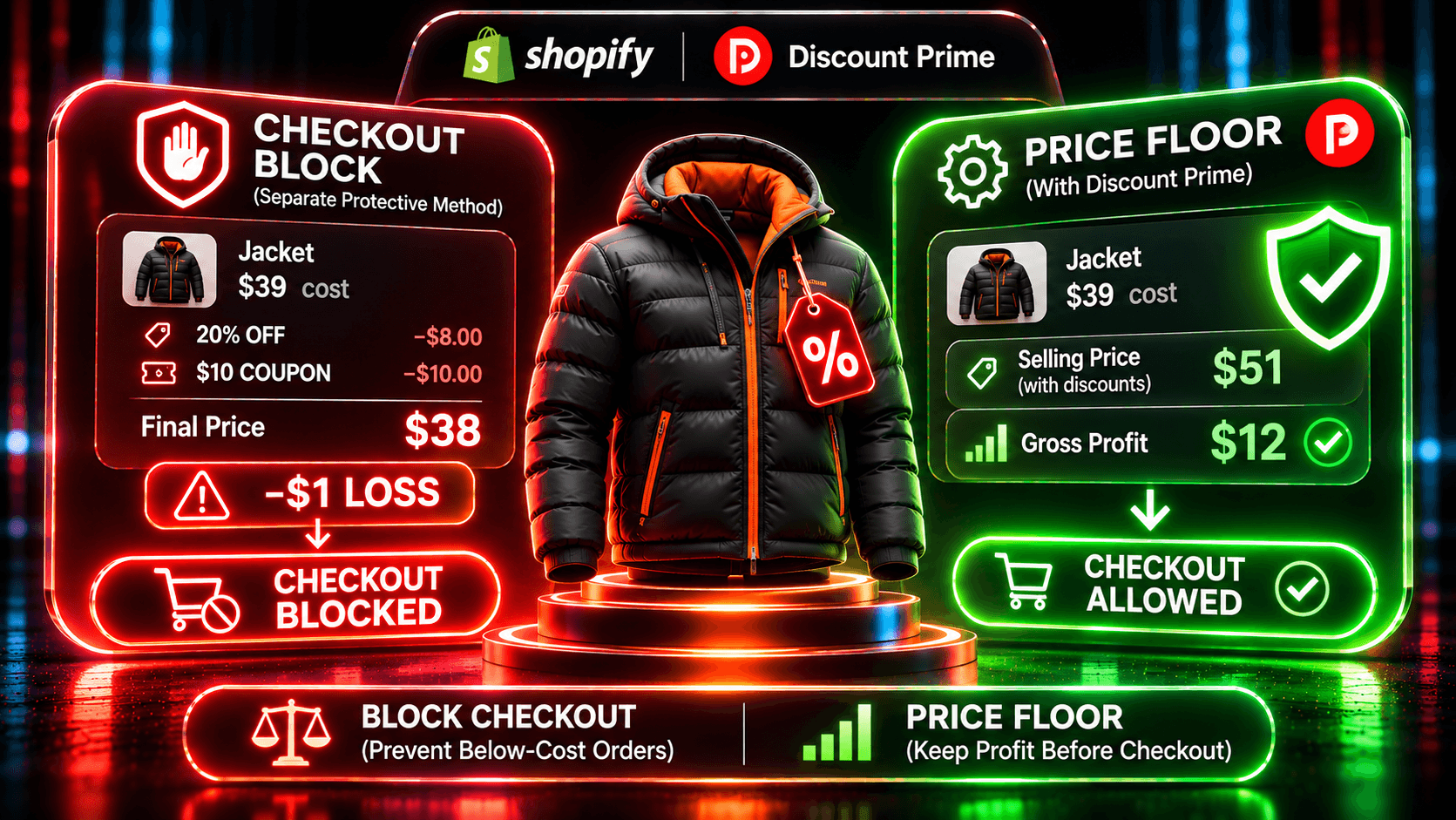
Block checkout below your margin only when you hand out many codes and would rather lose an order than ship it at a loss. If you want the loss never to reach checkout, put a floor in the price instead. Discount Prime takes that second path: its Dropshipping, Wholesale and Bundle campaigns clamp the price to cost plus a minimum profit, and it does not block checkout, so the customer never sees an error.
A block and a floor answer different risks, and using both is valid. The table shows which apps do which.
App | Reviews | Price | How it protects margin | When it acts | Keep in mind |
|---|---|---|---|---|---|
Discount Prime | 5.0 · 20 | Starter free; floors from Premium $19.90/mo; Wholesale on Prime $49.90/mo | Floor of cost plus a minimum profit in Dropshipping, Wholesale and Bundle; fixed price floor in flat and bulk sales. Conflict detection and Best deal wins among its own campaigns | In the price itself | No checkout block. Shopify codes follow Shopify's combination settings |
Margin Proof (new, Jul 2026) | No reviews | About $10 to $50/mo by variants with cost | Checkout validation blocks orders below a minimum net margin | At checkout | The customer removes the code to continue. Products without cost data never block |
Margin Protector (new, Jul 2026) | No reviews | Free (warn only); about $10/mo to block | Calculates margin at checkout with discounts, shipping and fees. Warn-only or hard block | At checkout | Blocking needs the paid plan |
Margin Guard: Profit Alerts (new, Oct 2026) | No reviews | Free; about $19 and $49/mo | Checks discounts against a minimum gross margin. Blocks the order when checkout protection is on | When the discount is checked, and at checkout | Checkout guard is on paid plans |
Floorline: Margin Protection (new, Oct 2026) | No reviews | Free; about $12 and $29/mo | Checks codes, automatic discounts and stacks against a per-product floor. Pro blocks checkout and deactivates discounts | When the discount is checked, and at checkout on Pro | Checkout block only on Pro |
Ratings, reviews and prices from each app's Shopify App Store listing, as of November 2026. Rival prices were shown in CAD from our location and are converted to USD at the listing's rate. Disclosure: Discount Prime is our app.
We did not install the rival apps. Their rows come from their listing text only.
Which one fits:
You publish codes widely (influencers, coupon sites) and can't predict the stacks: a checkout block, such as Margin Proof or Margin Protector
You want to see risky orders before you decide to block them: Margin Protector's free warn-only mode
You run native discounts and want a check before anything goes live, with a block as a last step: Floorline: Margin Protection or Margin Guard: Profit Alerts
You want the floor in the price, so planned campaigns never reach checkout below cost: Discount Prime
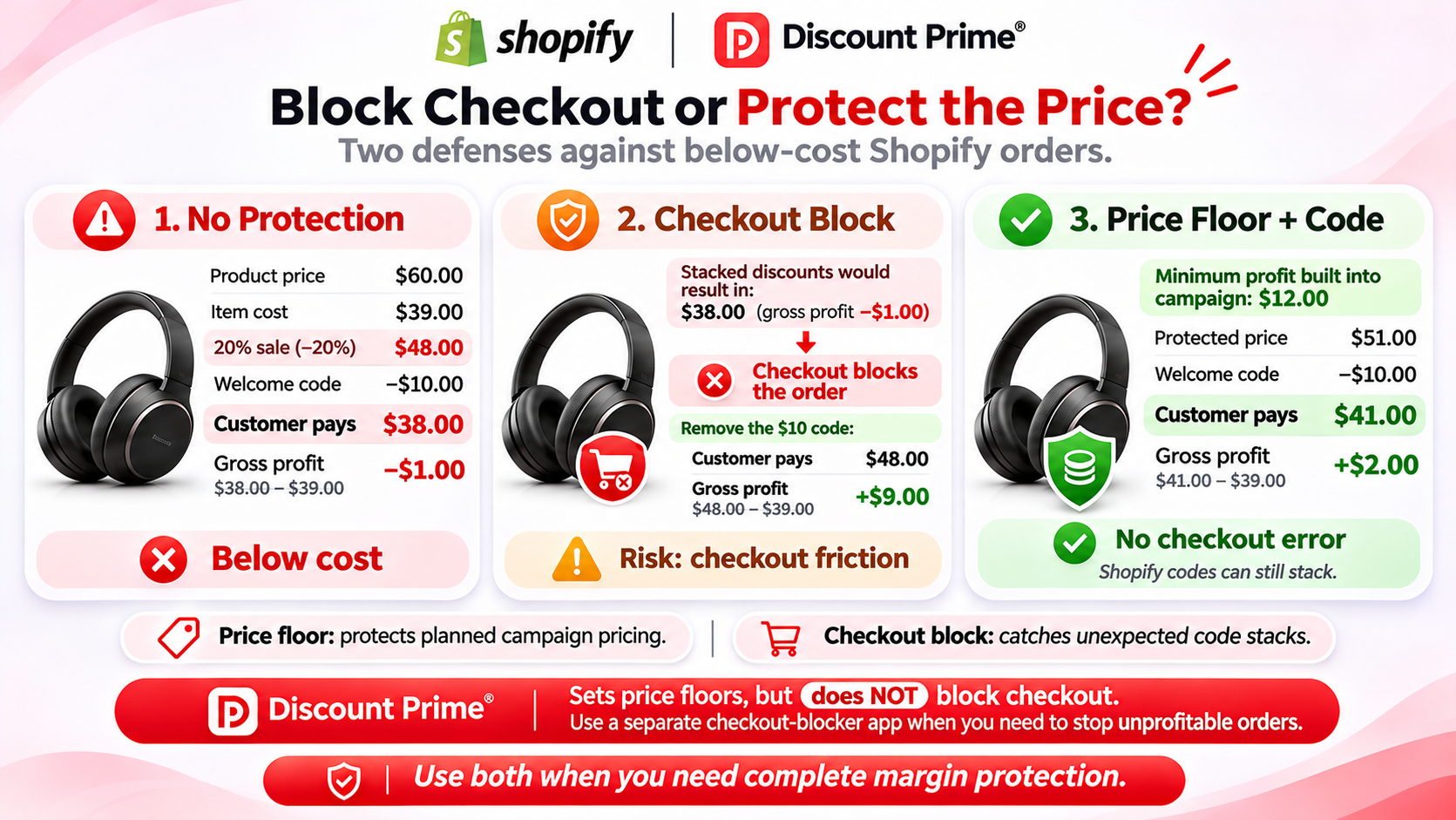
One stacked order, two ways to stop the loss
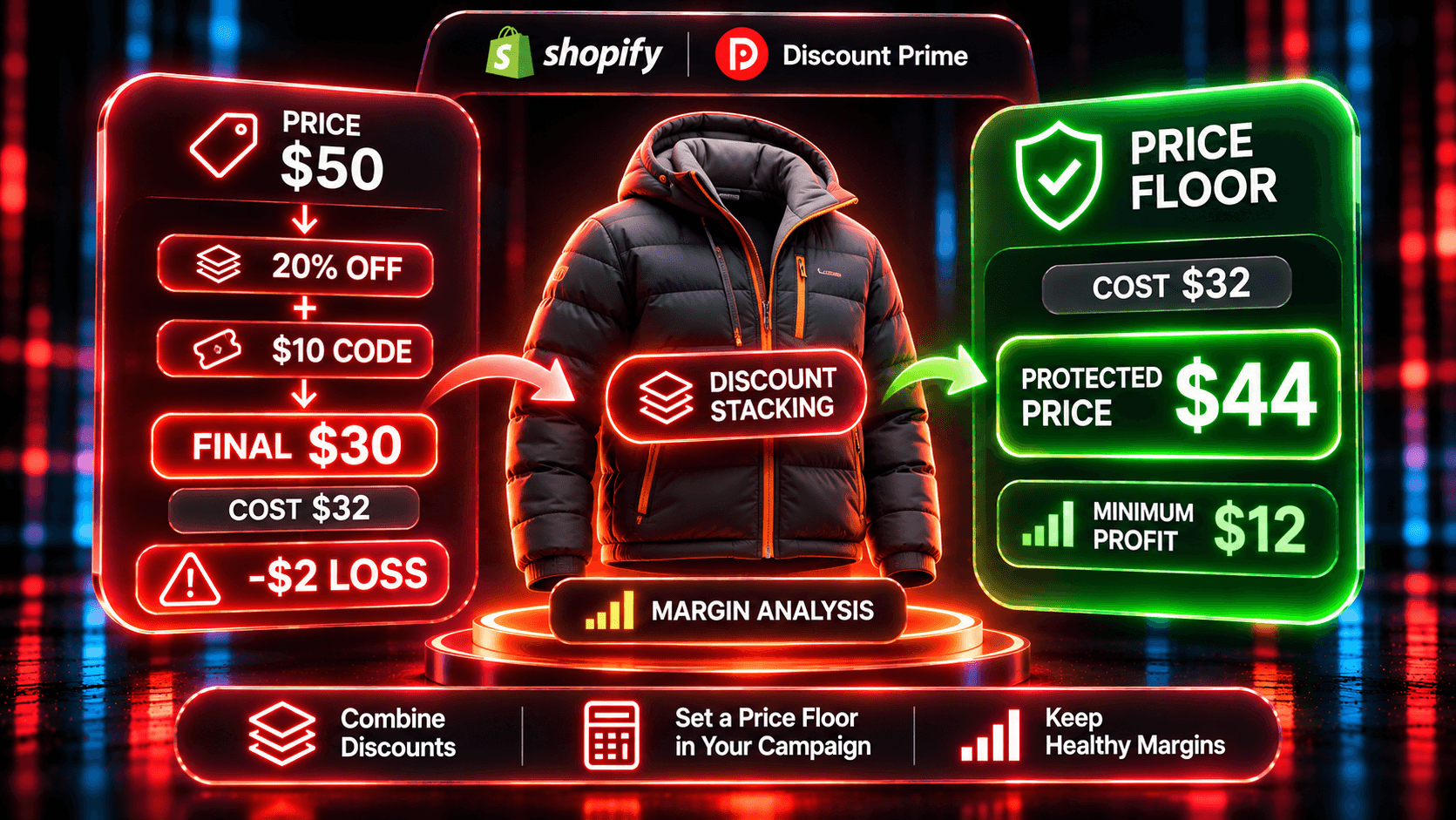
A product sells for $60 and costs $39. Gross margin, (price minus cost) divided by price, is 35%. A 20% automatic sale is running, and a $10 welcome code still combines with product discounts.
No protection. The sale takes the price to $48.00. The code takes $10 off the order. The customer pays $38.00, and gross profit is -$1.00.
With a checkout block
The customer enters the code. At checkout, the block sees an order below your minimum margin and shows an error. Now one of two things happens:
The customer removes the code and pays $48.00. Gross profit is $9.00.
The customer leaves. You keep nothing, and you paid to bring them there.
The block worked. It also stopped a customer with a card out, at the step where intent is highest.
With a floor in the price
In Discount Prime, you run the sale from the margin instead, with a minimum profit of $12. The floor is $51.00. A request for 50% off the margin would set $49.50, so the floor holds and the price is $51.00, 15% off.
The $10 code still applies, because a floor protects the price, not the code. The customer pays $41.00. Gross profit is $2.00, and nobody sees an error.
The floor worked because it left room for the code. If you set the minimum profit lower than the codes you leave active, a stack can still go under cost, and only a block or a change to the code's combination settings stops it.
Try the floor in the Dropshipping Pricing Simulator.
Use a block when...
You hand out codes you don't control, from influencers, affiliates or coupon sites.
Your margins are thin and any stacked order is likely to lose money.
You keep Shopify's native discounts and don't want to move campaigns to an app.
You accept losing some orders to never ship one at a loss.
If you keep Shopify's native discounts and only want a safety net, a checker or blocker app is enough.
Use a price floor when...
You run planned campaigns, like a sitewide sale, B2B tiers or bundles, and want each one above cost by design.
You don't want customers to see an error at checkout.
Your margins vary across the catalog, so one percentage would sell some products below cost.
You want the campaign and its gross profit in one place.
Combining both
A floor and a block cover different gaps. The floor keeps the campaigns you planned above cost. The block catches the stack you didn't plan, like an old code that still combines. With a floor in place, the block should rarely fire, so few customers see it.
Discount Prime doesn't block checkout, so pair it with a blocker app if you need that step. Check what each one does with products that have no Cost per item: Discount Prime skips them or prices them from the selling price, by your choice, and Margin Proof's listing says they never block.
How Discount Prime stops stacking among its own campaigns
Before any code is involved, two of your own campaigns can stack. Discount Prime handles that in the app:
Conflict detection flags product-level price campaigns that target the same product, and you choose which one keeps it: move all, keep, or product by product. Starter sees every conflict and can resolve it while setting up a campaign.
Best deal wins vs Stack decides what happens when a bundle, cross-sell or upsell meets a price campaign on the same items. Best deal wins gives the larger saving, never both. Stack applies both.
Shopify codes, free shipping and order campaigns follow Shopify's combination settings. Check each code before a sale.
More on how bundles combine: do bundle discounts stack with other discounts on Shopify? For the wider rule set, see discount safety rails.
Show the deal before checkout
A floor changes the price on the product page, so the customer sees the real deal early. Discount Prime's storefront widgets show sale badges, tier tables and bundle offers on product pages and the cart, so the price at checkout matches what the customer expected.
How to set it up in Discount Prime
Install Discount Prime on Starter (free) and check gross profit per order in profit analytics.
Fill in Cost per item and choose skip or price-from-selling-price for products without it.
Upgrade to Premium ($19.90/month, 7-day free trial) and create a Dropshipping Pricing campaign on the margin base with a minimum profit at least as large as the codes you leave active.
Choose Prime ($49.90/month, 7-day free trial) for B2B tiers with a per-variant floor at checkout.
Resolve conflicts between your own price campaigns, and set Best deal wins on bundles that overlap a sale.
Review your Shopify codes and turn off combinations you don't need. Add a blocker app if you can't control who uses them.
Where to go next
How to stop Shopify discounts from selling below cost: native reports, checker apps and price floors compared
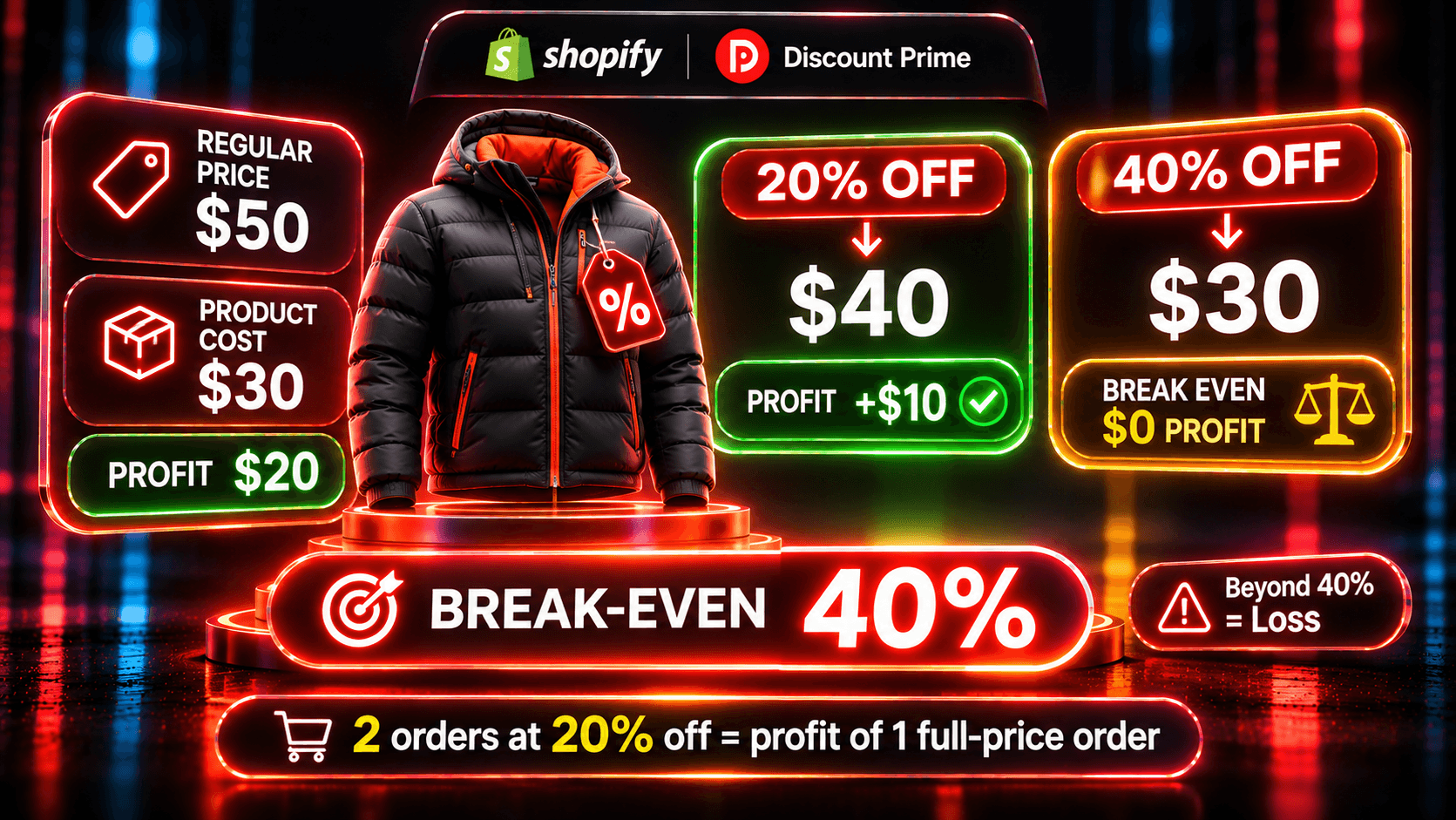
What is the biggest discount you can give without losing money?: the break-even formula and the extra orders a discount needs
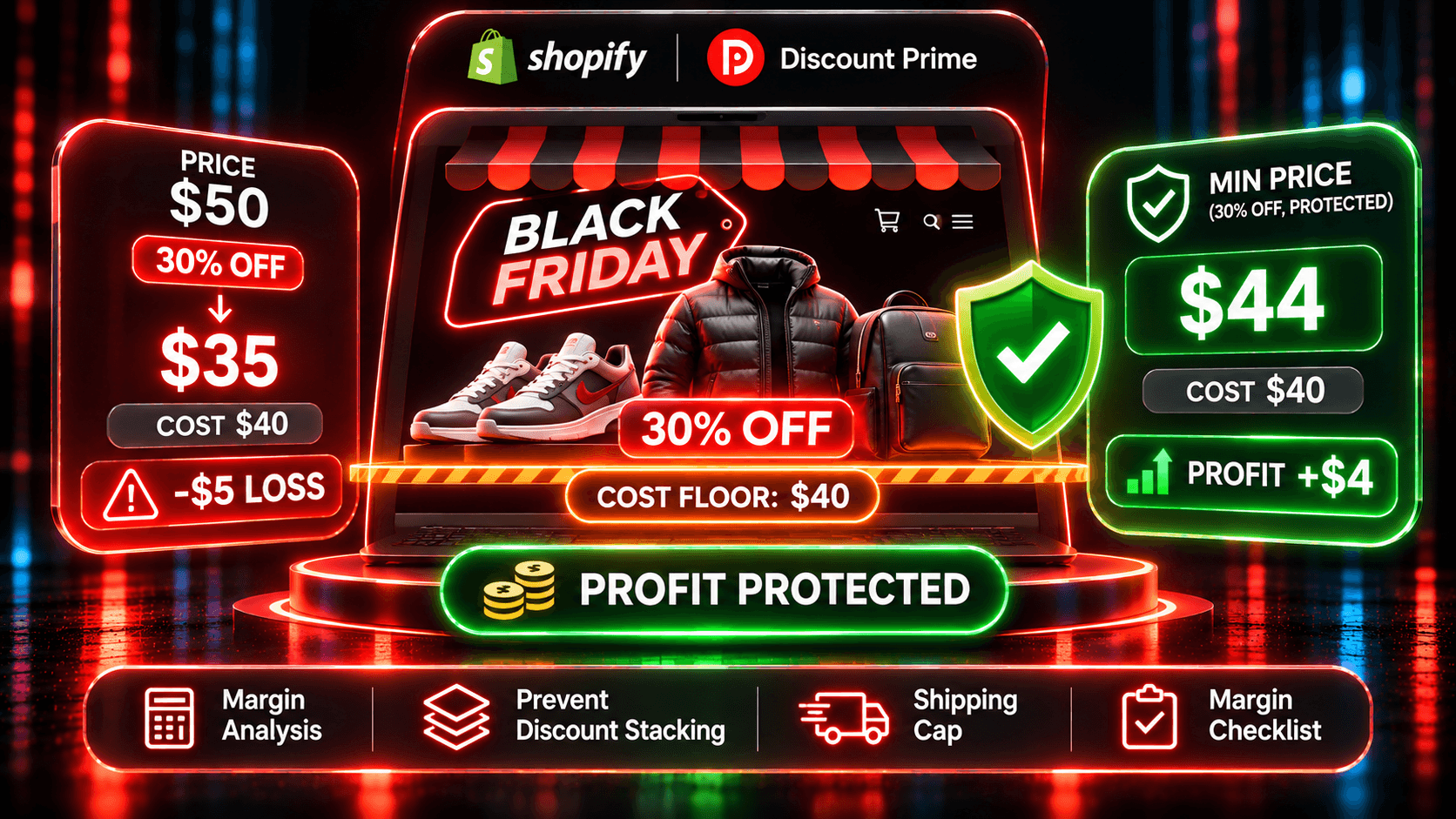
Black Friday on Shopify without selling below cost: the seven-step margin checklist for 2026
Storefront widgets: show the deal before checkout
Ready to try it? Install Discount Prime from the Shopify App Store. Starter is free, and Premium includes a 7-day free trial.