The short answer
To sell a bundle as its own Shopify product with real inventory, create a bundle product built from components, not a discount rule. Discount Prime fits when you also want rule-based sets and margin controls in one app: its Combo feature publishes the set as a real product through Shopify's Bundles API, with variants and stock from the components, and the same campaign also runs as a discount rule. Combo is on the Ultimate plan ($99.90/mo), and plain bundles start on Premium ($19.90/mo).
You have other good options. Shopify Bundles and Simple Bundles also create bundle products with component inventory, and for some stores they are the better choice.
App | Rating · Reviews | Price | How it handles a bundle as a product | Keep in mind |
|---|---|---|---|---|
Discount Prime | 5.0 · 20 | Free Starter without bundles; bundles from $19.90/mo; Combo on Ultimate at $99.90/mo | Combo: a real Shopify product with variants and stock from components, plus a discount rule version from one campaign | Far fewer reviews. Combo needs specific products, and the margin floor does not reprice it |
Shopify Bundles | 2.9 · 571 | Free | Fixed bundles and multipacks in the admin, with real-time inventory and variant choice | Bundle price is updated by hand. Stock is tracked overall, not by location. No rule-based slots |
Simple Bundles | 4.9 · 822 | Free for 3 bundles and 50 monthly orders; $24 to $149/mo by Shopify plan ($14/mo under 100 monthly orders) | Bundle products with SKU breakdown and inventory sync across 3PL, WMS and ERP tools | Margin floor and stacking rules not documented |
Fast Bundle | 5.0 · 3,628 | Free on development stores; $19 to $139/mo by monthly bundle sales | Single BAP creates a Shopify product and reduces bundle and component stock | Multi BAP and Cart Transform use a dummy product, with no bundle stock tracked and online sales only |
Bundler | 4.9 · 2,773 | Free plan; $9.99 to $19.99/mo | Widget offers and custom landing pages; bundle product not documented | Free plan has unlimited revenue and orders. Mix & Match starts at $9.99/mo |
Kaching | 5.0 · 6,609 | Free on development stores; $14.99 to $59.99/mo | Widget deals on products or collections; bundle product not documented | Plans are tiered by additional revenue |
Ratings, reviews and prices from each app's Shopify App Store listing, as of November 2026. Disclosure: Discount Prime is our app.
Which one fits:
A simple kit page at no cost, and you are fine pricing it by hand: Shopify Bundles.
Fulfillment runs through a 3PL, WMS or ERP: Simple Bundles, which documents that integration. We do not.
Widget offers matter most and you do not need a separate product: Kaching or Bundler, which also have far more reviews than we do.
A real product plus rule-based sets, a margin floor and stacking control in one app: Discount Prime. If you do not need the real product, Premium at $19.90/mo is enough.
Two ways to sell a bundle
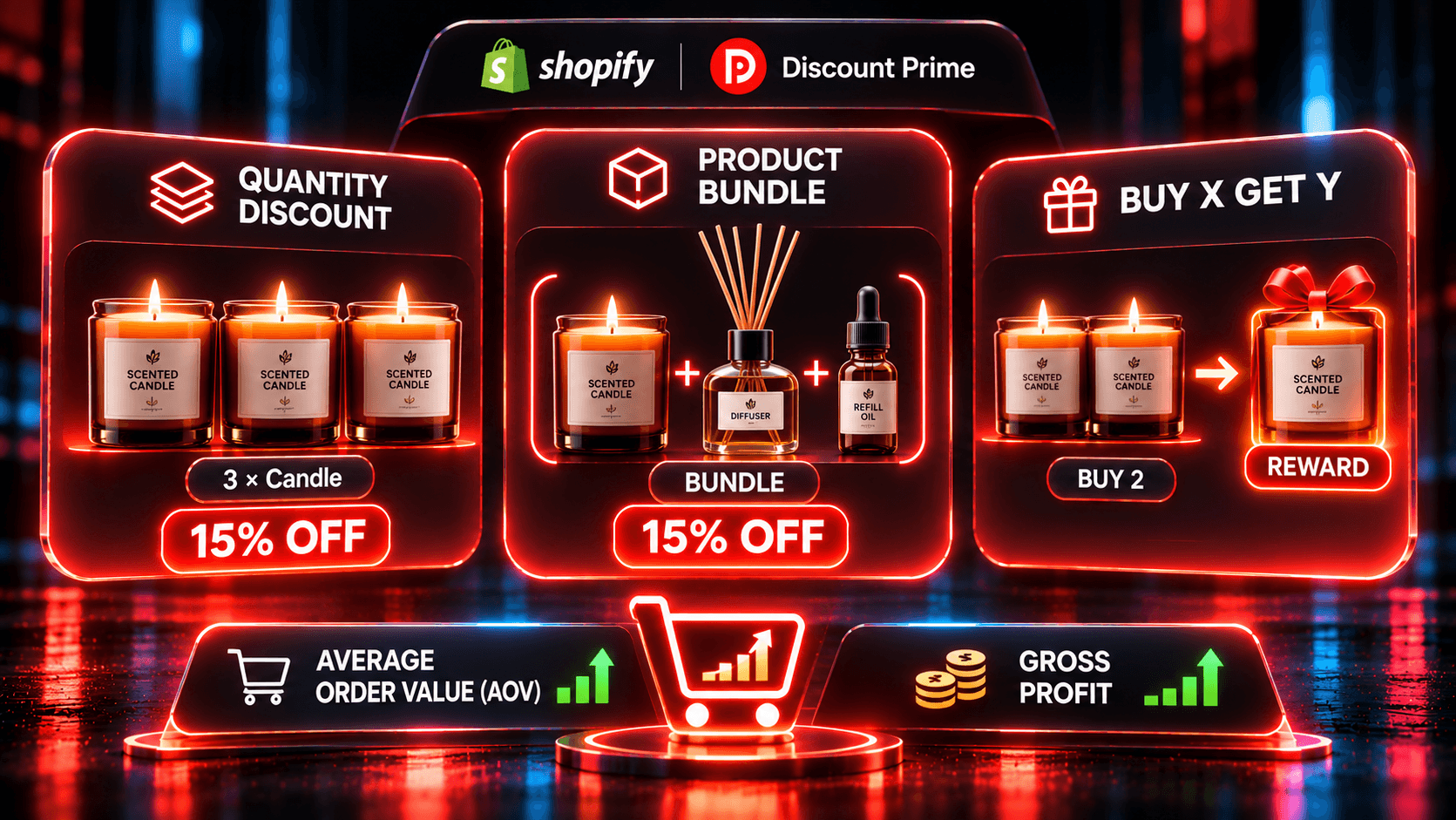
A discount rule watches the cart. The products stay separate, and when the set is complete, the reward applies. There is no new product to manage. In Discount Prime this is a Product Bundle: up to 6 slots, a widget on the product pages, and a bundle discount applied per line in the cart.
A real product is a page of its own. It has a URL, a place in collections and search, and it can be the target of an ad. In the cart it is one line, and at checkout its components are listed under it, so fulfillment and inventory work per item.
Question | Discount rule | Real bundle product |
|---|---|---|
Own page and URL? | No, it lives in a widget | Yes |
Shows in collections and search? | The components do, the set does not | Yes |
Follows new arrivals automatically? | Yes, with rule-based slots | No, components are fixed |
Customer adds the parts from separate product pages? | Still gets the reward once the set is complete | Pays list price, unless a discount rule also covers the set |
Price reacts to cost changes? | Yes, if a floor is set | No, you edit it |
Use a discount rule for raising order value on existing product pages, such as "complete the look" outfits and "any 3" deals. Use a real product for SEO, ads, gift sets and seasonal kits, where the kit itself is what you promote.
You may not have to choose. In Discount Prime, one campaign shows the widget on component pages and can also publish the Combo product.
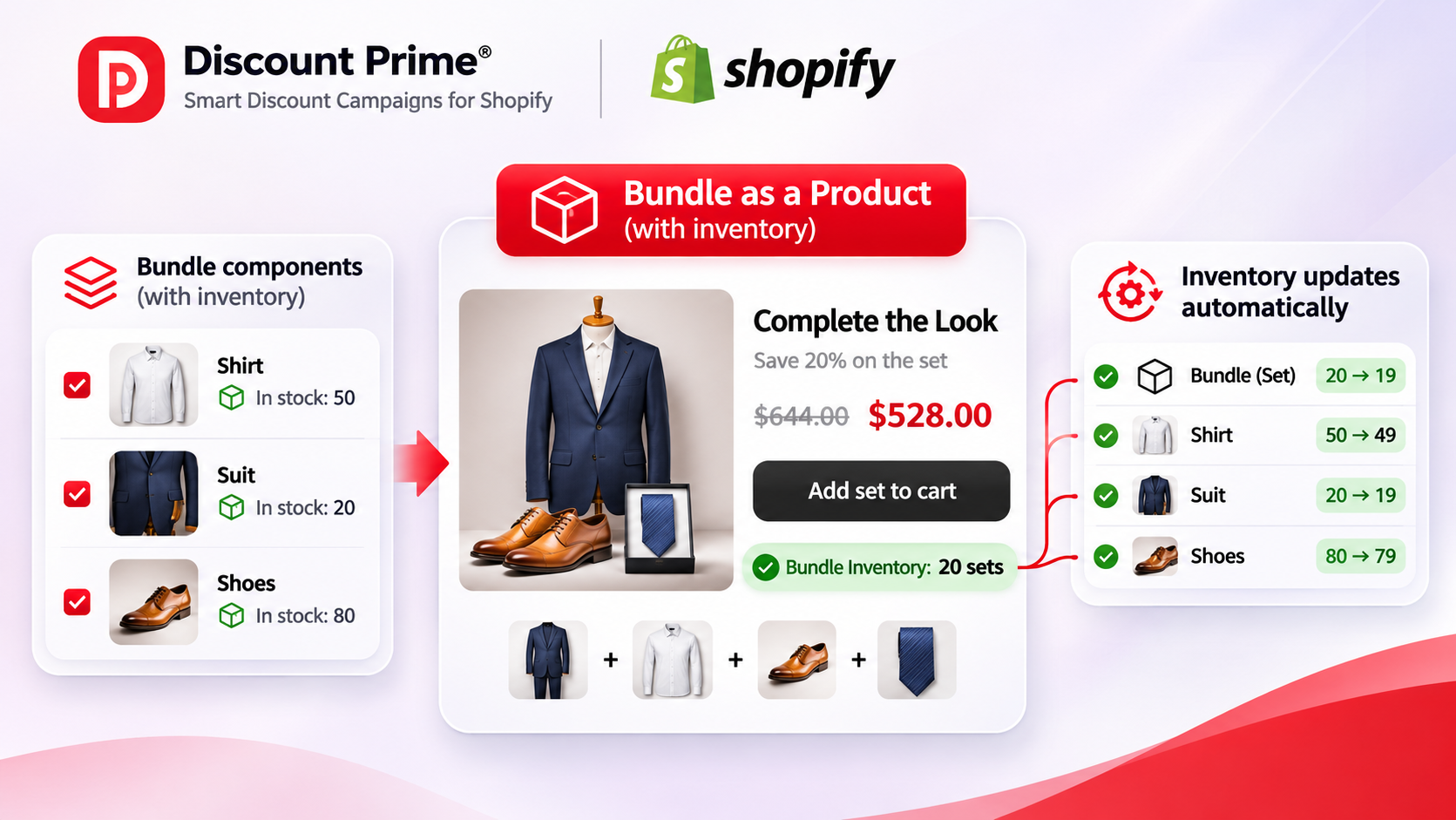
What real inventory means, and why a kit SKU falls short
The old way to build a kit is a new product with its own SKU and its own stock count. That number knows nothing about the parts. It can say "in stock" while the main component is sold out, and it needs manual edits every time a component price moves.
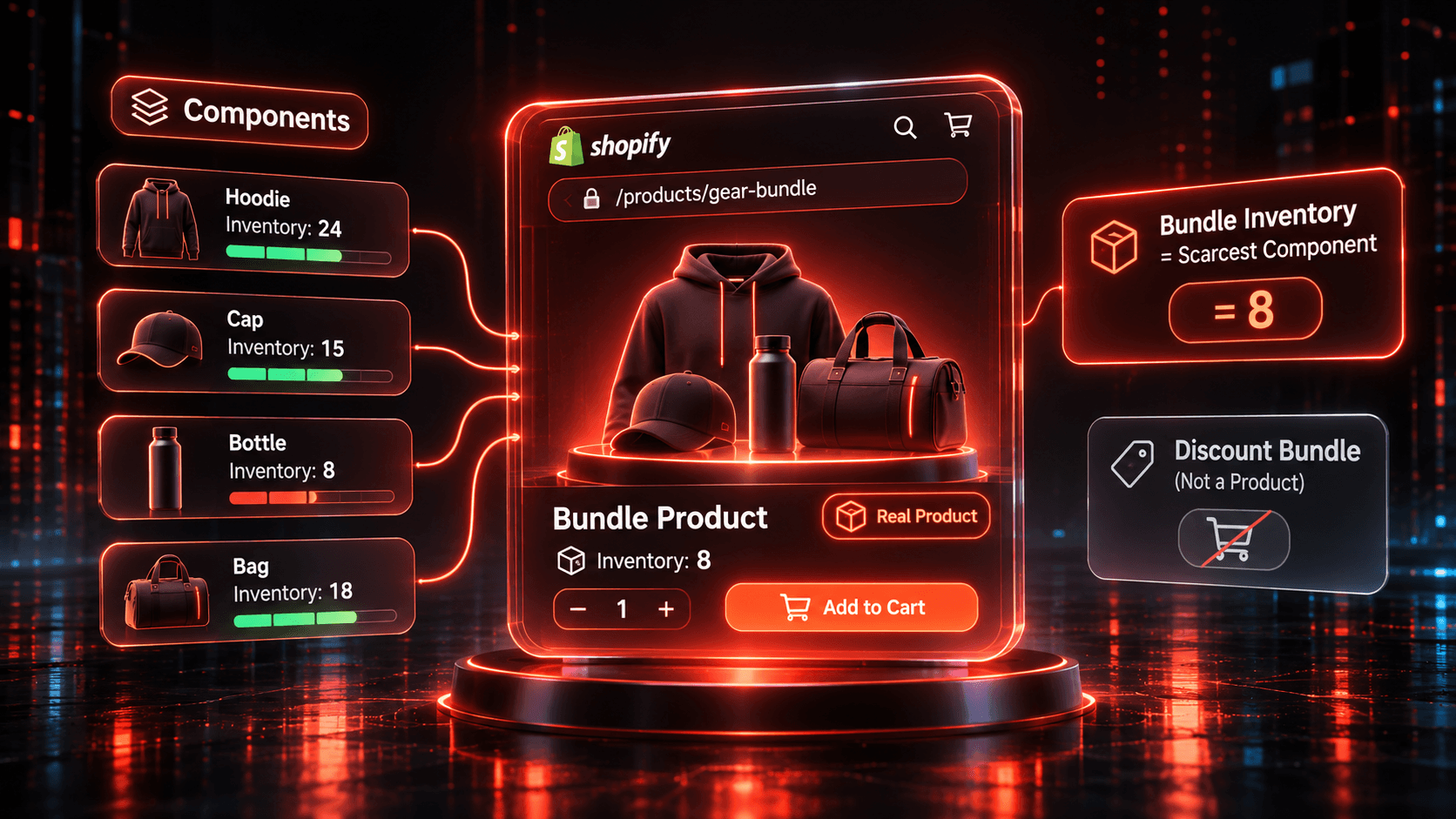
A Shopify bundle as a product with inventory fixes this, because the bundle holds no stock of its own. For a Combo, availability follows the lowest component stock, and Shopify maintains that number.
Here is an illustrative five-item starter kit, with one unit of each component:
Component | Units in stock |
|---|---|
Fermenter | 40 |
Airlock | 300 |
Hydrometer | 120 |
Siphon | 90 |
Sanitizer | 200 |
Combo availability | 40 |
Two things follow. The fermenter is the limit, so 260 spare airlocks do not create extra kits. And the kit shares its units with standalone sales: sell 5 fermenters on their own and the Combo drops to 35. Reorder the scarcest part first.
In our own test on November 2, 2026, a three-product Combo showed 498 per variant, equal to its lowest component stock. Details are on the bundle apps comparison.
Variants: where the limits bite
You do not create Combo variants by hand. They come from the components. In our test, a serum in 30 ml and 50 ml gave a bundle with the same two sizes.
Combo allows at most 30 components, 3 options and 100 variant combinations. These come from Shopify's Bundles API, and Shopify Bundles lists the same 3 options and 100 variants. Fast Bundle's Single BAP has a 100 variant limit too.
Multiply before you build:
A tee in 5 sizes and jeans in 6 sizes: 5 x 6 = 30 combinations. Fine.
Add a jacket in 4 sizes: 5 x 6 x 4 = 120. Over the limit.
Selling that outfit as a set is still possible. Run it as a discount rule, where shoppers pick variants in the widget.
What Combo does not do
Combo has real constraints, and you should know them before you pay for Ultimate.
Specific products only. Every slot must be required and hold one specific product with no variant filter. Collection, tag, vendor and product type slots run as discount rules, because Shopify bundle products are fixed. A campaign also has at most 6 slots, whatever the API allows.
All customers. A published product cannot be hidden from a segment, so eligibility must be All customers.
Publishing is permanent for that campaign. You cannot turn it off from the campaign. If you deactivate the campaign, the product goes to Draft, and in our test its storefront URL returned a 404. Plan for a long-lived kit page.
The floor does not reprice it. See the next section.
Pricing: one kit can end up with two prices
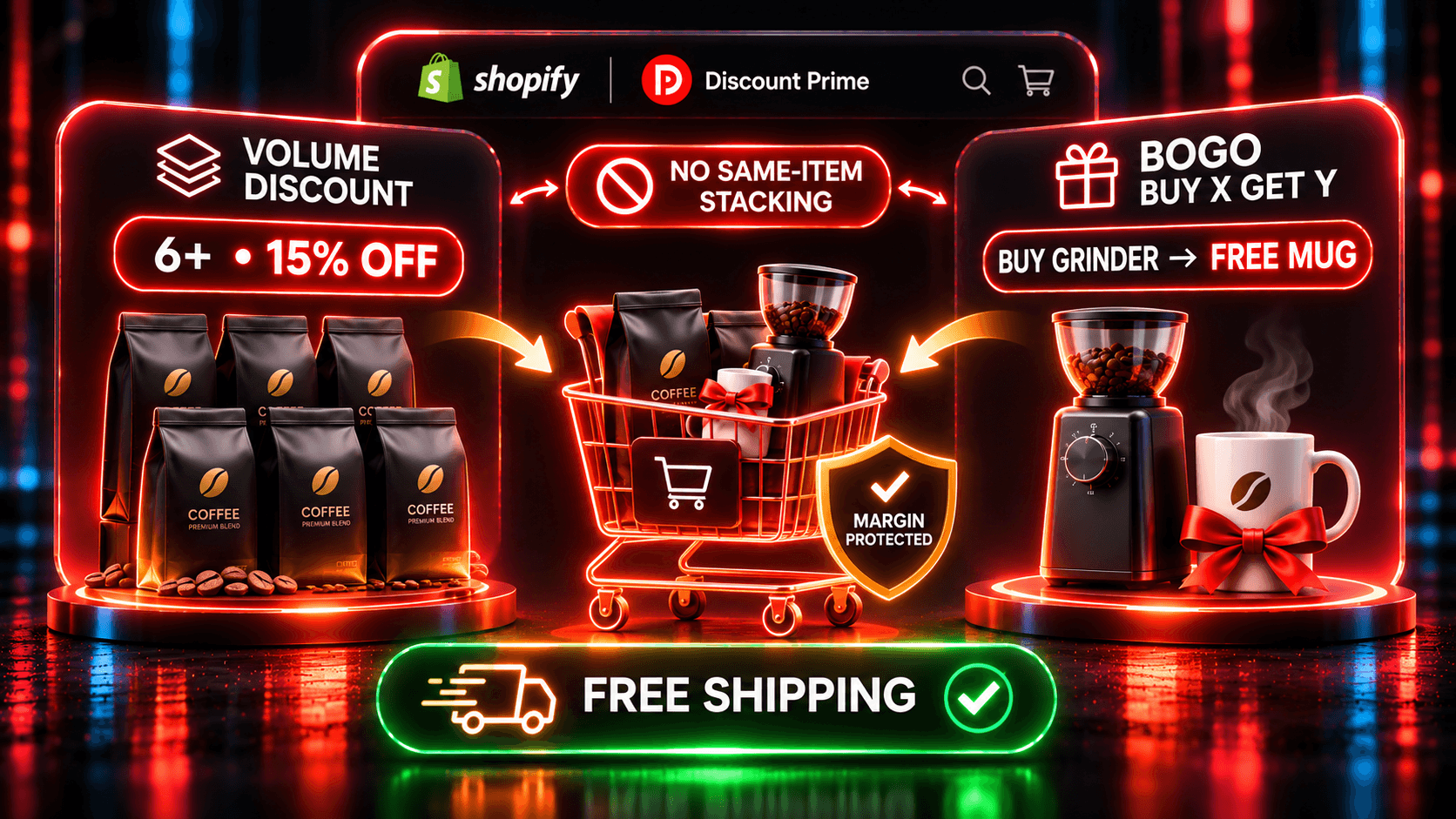
The Combo sells at its own product price, either a Fixed combo price or one computed once from the set discount. The savings are in the price, so the discount function skips Combo lines and there is no double discount.
That also means the profit-protection floor does not touch it. Take the illustrative kit from our fixed-price starter kit case study: five items at $489 list, $272 total cost, sold at $449.
Situation | Combo product | Same set built from separate products, 15% floor |
|---|---|---|
Today | $449, gross profit $177 (39.4%) | $449 |
Fermenter cost rises from $210 to $265 | $449, gross profit $122 (27.2%) | $458.67 with Reduce the discount, or $489 with the other setting |
Shopify Bundles has the same manual step: its help page says the bundle price does not update when a component price changes. So whichever you pick, put a price check on your calendar.
The controls Discount Prime adds, "Best deal wins", "Stack" and the floor, work on the discount rule route. If you want to see how a rule-based set is priced, the complete-the-look case study works through a fictional $785 suit, shirt and shoes set, with a break-even near 24.5% and a 20% reward. It does not use Combo. For margin detail, read do bundle discounts stack with other discounts.
Of the 8 rivals on our comparison page, none documents a cost-based margin floor inside the bundle, or building a widget set and a bundle product from one rule set. Not documented is not the same as not supported, so ask the developer if it matters to you.
How to set it up in Discount Prime
Install Discount Prime. Starter is free, but bundles need a paid plan. Premium and Prime include a 7-day free trial, and Ultimate a 14-day free trial.
Create a Product Bundle (Premium, $19.90/mo). Pick the Starter kit scenario or start blank.
Add one slot per component. Specific-product slots are on Premium. Rule-based slots are on Prime ($49.90/mo), but those sets cannot become a Combo.
Choose the reward and combination. Pick % off set, $ off set, Fixed set price, Cheapest item free or a free gift. Keep "Best deal wins" as the default or switch to "Stack", then set a minimum margin.
Choose the storefront display. Use the product page block, cart progress, or both. It is one of the 13 storefront widgets.
Publish as a product (Ultimate, $99.90/mo). Set eligibility to All customers and turn on "Create a combo product for this bundle". Set the Combo price, then read the checklist, which checks each limit.
Test it. Check the variants and availability on the product page, then place a test order and confirm that checkout lists every component.
Where to go next
Product Bundle feature page: every setting and plan label.
Shopify bundle apps compared: five field tests and sources.
Mix and match bundles by collection, tag or vendor: when the rule-based route is the better choice.
Unit pricing and bundles: selling by the case: bundles for bulk orders.
Ready to try it? Install Discount Prime from the Shopify App Store and use the 14-day Ultimate trial to publish your first Combo.