Every store carries promo debt. It is the pile of discounts you started, meant to end, and never actually turned off.
If you run promotions on Shopify for a year, some of them do not get cleaned up. A BFCM code that never got deactivated. An automatic discount you set up for one weekend and forgot. A free shipping threshold from a campaign that ended in March. None of it is visible on your storefront, so none of it feels urgent, and all of it quietly discounts orders that would have converted at full price. That accumulated mess is promo debt, and January is the right time to pay it down.
A discount audit is a full review of every active discount in your store, checking each one for whether it should still be running, whether it is leaking, and whether it is stacking with others in ways you never approved. Below is the audit we run, in seven numbered steps. Set aside an afternoon. Most stores find at least one thing costing them money.
Why promo debt is invisible until you look
The reason promo debt survives is that a live-but-forgotten discount produces no error. The order goes through. The customer is happy. Your revenue number even looks fine. The only thing that suffers is margin per order, and margin per order is the number most stores watch least closely. A discount you meant to run for three days and left on for three months does not announce itself. You have to go looking.
The other reason is that Shopify spreads discounts across two systems, codes and automatic discounts, and the interactions between them are governed by combination settings that are easy to set once and never revisit. An audit forces you to look at all of it in one sitting.
The seven-step discount audit
1. Inventory every active discount. Open your Shopify admin discounts list and export or write down every code and automatic discount currently active or scheduled. Do the same inside any app that creates discounts, including Discount Prime. You cannot audit what you have not listed. Most merchants are surprised by the length of this list.
2. Kill the zombie codes. A zombie code is a past-campaign code that was never deactivated and is still being redeemed. Sort your recent orders by discount code. Any code still getting used after its campaign ended, or used far more than the audience you gave it to, is leaking. These circulate on coupon sites and browser extensions for months. Disable every code you cannot tie to a live, approved promotion.
3. Check every end date. For each remaining active discount, confirm it has an end date and that the date is correct. Campaigns without an end date are the single biggest source of promo debt. If a discount is meant to be permanent, that should be a deliberate decision, not the default that happened because no one set a date.
4. Map the overlaps. List which discounts can apply to the same cart at the same time. A volume tier on a product, an order-level code, and a free shipping threshold can all hit one cart. If they are all set to combine, the customer gets all three. Write down every combination that is currently allowed and ask, for each, whether you meant to allow it.
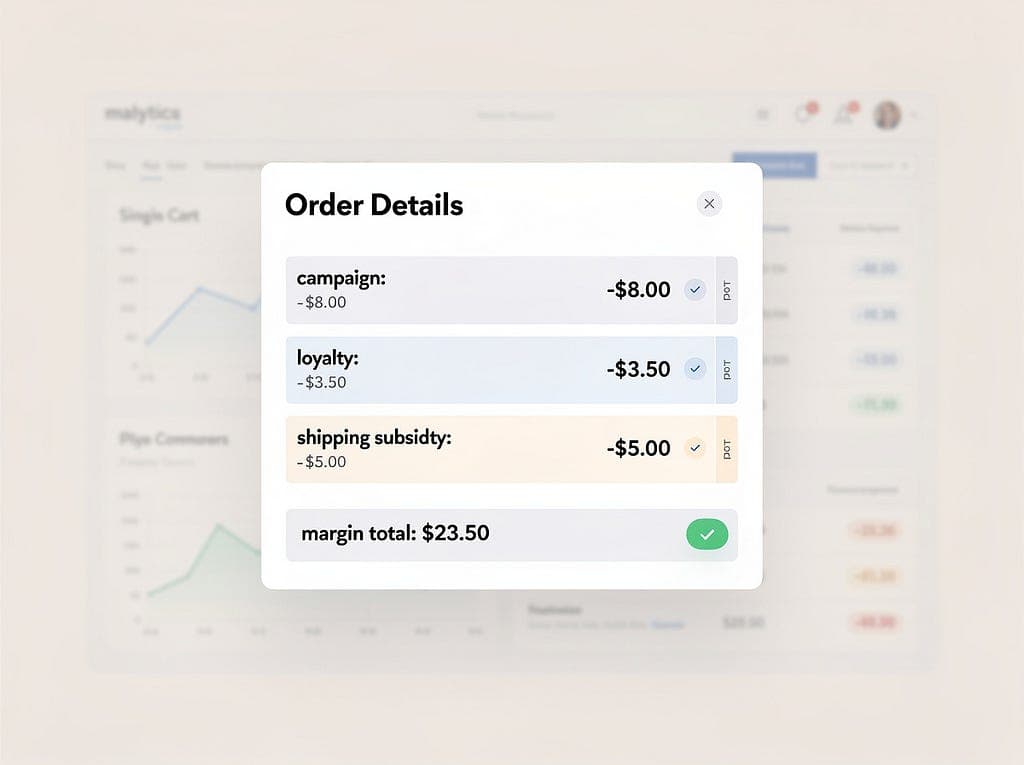
5. Calculate the effective discount on your worst case. For the deepest allowed stack, do the arithmetic. Suppose a customer hits a 15% volume tier, applies a 10% welcome code, and clears the free shipping threshold. Those do not simply add, but on a $100 order the combined giveaway plus shipping cost can easily reach 30% or more of your take. If that number is below your margin floor, you have found real money.
6. Retire the orphaned campaigns. An orphaned campaign is a discount tied to a landing page, collection, or promotion that no longer exists. The offer is live but the context around it is gone. These confuse customers who stumble into them and they never get measured because no one remembers they exist. Turn them off.
7. Set a standing review. Promo debt is not a one-time cleanup, it is a recurring maintenance task. Put a quarterly audit on the calendar, plus a quick pass after every major sale season. BFCM and the winter holidays generate the most orphaned campaigns and leaked codes, which is exactly why January is the natural time to do the big one.
A quick worth-it check
Say your store did 2,000 orders last quarter and a zombie code leaked onto a coupon site, quietly attaching 10% off to 8% of those orders. That is 160 orders discounted by 10%. On a $70 average order, that code alone gave away roughly $1,100 of revenue you never approved, most of it straight off margin. One code. The audit that would have caught it takes an afternoon.
Measuring the cleanup
Once you have closed the leaks, watch what happens to your effective discount rate, meaning total discount dollars divided by gross revenue. It should drop, and margin per order should rise, without any fall in conversion, because the discounts you removed were not driving the sales in the first place. Our analytics can show you which discounts are actually tied to incremental orders and which are just leaking, which is the difference between a promotion and a liability. We wrote about that shift when the feature first shipped in see which discounts actually make you money.
Keeping the store clean going forward
The best defense against promo debt is deliberate combination settings and a scheduled end date on everything. Decide up front what each discount is allowed to stack with, and never create a promotion without an end. For the margin side of the same problem, our guide to protecting margin during sitewide sales covers the exclusions and caps that keep a big sale from becoming a leak.
Setting this up with Discount Prime
Discount Prime gives every campaign explicit combination controls and a scheduled end date, so the discounts you create do not become next year's promo debt. It runs on Shopify Functions, applies natively in checkout, and works on any plan, so you can see and manage all of your volume, shipping, and tiered offers in one place instead of hunting through the admin. Pair it with our analytics and your volume discounts stay clean by design. You can find the app on the Shopify App Store.