Reporting tells you an order lost money. A floor stops it from happening.
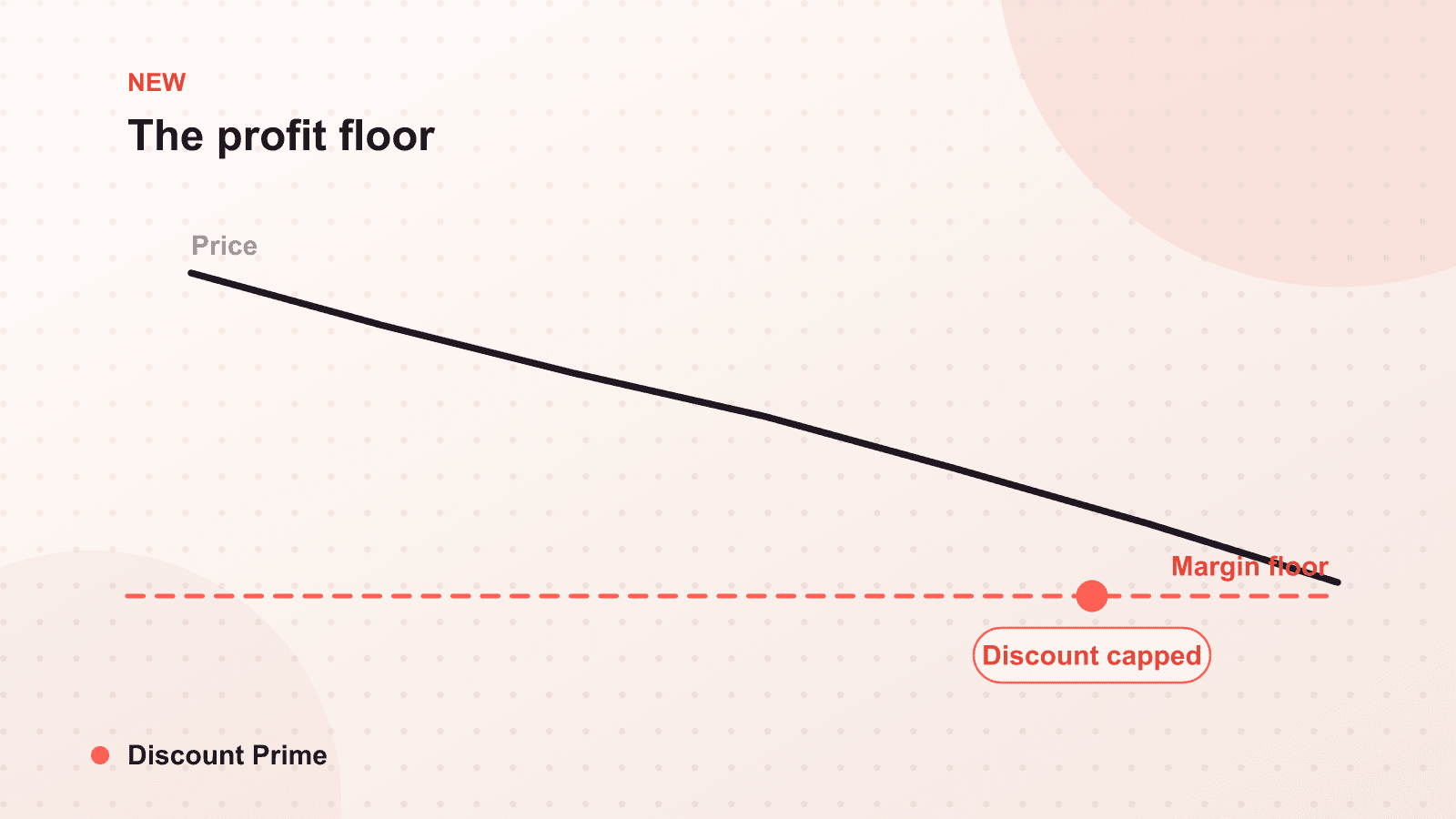
Today we are shipping profit floor, and it is the feature the last year of Discount Prime has been building toward. Profit floor lets you set a hard minimum margin, and when discounts would push an order below it, the engine caps the discount so the order never ships at a loss. Not a warning, not a line in a report you read next week. A live guardrail enforced at checkout, on every order, using your own cost data.
If profit analytics answered "which of my discounts lose money," profit floor answers the harder question: "make sure they cannot."
What profit floor does
You set a floor, expressed as a minimum margin. From that point on, every discounted order is checked against it live in the cart. If the combined discounts on that order would leave margin above the floor, nothing changes and the customer gets the full discount. If they would push margin below the floor, the engine reduces the applied discount to the exact point that holds your minimum, and no further.
It caps the discount, it does not block the order. The customer still checks out, still gets a discount, just not one deep enough to breach your floor. You get a completed sale at your minimum acceptable margin instead of a loss.
The problem it solves
Every merchant who runs combinable discounts has the same quiet exposure: the tail. On average a campaign looks healthy, but somewhere in the order data is a cluster that went underwater. Usually it is the cheapest variant hitting the deepest tier, or a volume discount landing on top of a welcome code you forgot could combine, or a thin-margin dropshipped product where a normal-looking discount is enough to erase the spread.
You could catch these by setting shallower discounts everywhere, but that is a blunt fix. It protects the edge cases by taxing every healthy order, leaving margin on the table across the whole campaign to defend the few orders that would have breached. Profit floor is the surgical version: full discount on every order that can afford it, a precise cap only on the orders that cannot.
A worked example
Take a product at $40 with a $28 landed cost, so gross margin is $12, or 30%. You run a 15% volume tier, and it can combine with a 10% welcome code. You set your profit floor at 12% margin.
A normal order takes the 15% tier: price $34, margin $6, or about 18%. Above the floor, so it applies in full.
Now a customer arrives with the welcome code and the volume tier both qualifying. Combined, that is a deeper effective discount:
| Scenario | Applied discount | Price | Margin |
|---|---|---|---|
| Volume tier only | 15% | $34.00 | 17.6% |
| Tier plus welcome code, uncapped | 23.5% | $30.60 | 8.5% |
| Tier plus welcome code, with 12% floor | 20% | $32.00 | 12.0% |
Uncapped, the stacked order falls to 8.5% margin, below your floor and barely above cost. With profit floor set at 12%, the engine caps the combined discount at 20% instead of letting it run to 23.5%, holding margin at exactly your minimum. The customer still gets a real discount. You just do not fund the last few points that would have crossed the line.
How it fits the rest of the app
Profit floor is the enforcement layer on top of a stack we have been building deliberately. It reads the same cost data that powers your profit analytics, which is why cost of goods is a prerequisite: the floor can only defend a margin it can calculate. If you sell on thin spreads, it pairs directly with dropshipper margin pricing, turning a target margin into a hard limit rather than a hope.
It also completes the arc we started with dry-run simulation in June. Simulation lets you see the underwater orders before you launch. The floor stops the ones you did not foresee, the combination you did not model, the variant you did not check, at the moment they would occur. Together they cover both halves of the problem: predict what you can, catch what you cannot.
Setting it up
Profit floor needs two things: cost data on your products, and a floor. If you already track cost of goods for profit analytics, you have the first. For the floor itself, start conservative. Set it at the lowest margin you are genuinely willing to accept on a sale, not your target margin, because the floor is a hard stop, not a goal. You want it to catch losses, not to override every promotion you run.
Then watch it for a season. The orders it caps are the orders that would otherwise have been the quiet leaks in your margin, and seeing which discounts trigger the cap tells you where your combination rules need tightening upstream.
We wrote at our profit analytics launch that revenue reporting is table stakes and margin is the story. Profit floor is where that stops being a story you read and becomes a rule your store enforces. It is live for every plan today. Add your cost data, set a floor, and stop shipping orders that lose you money.