The most expensive discount is the one you find out was wrong after it shipped.
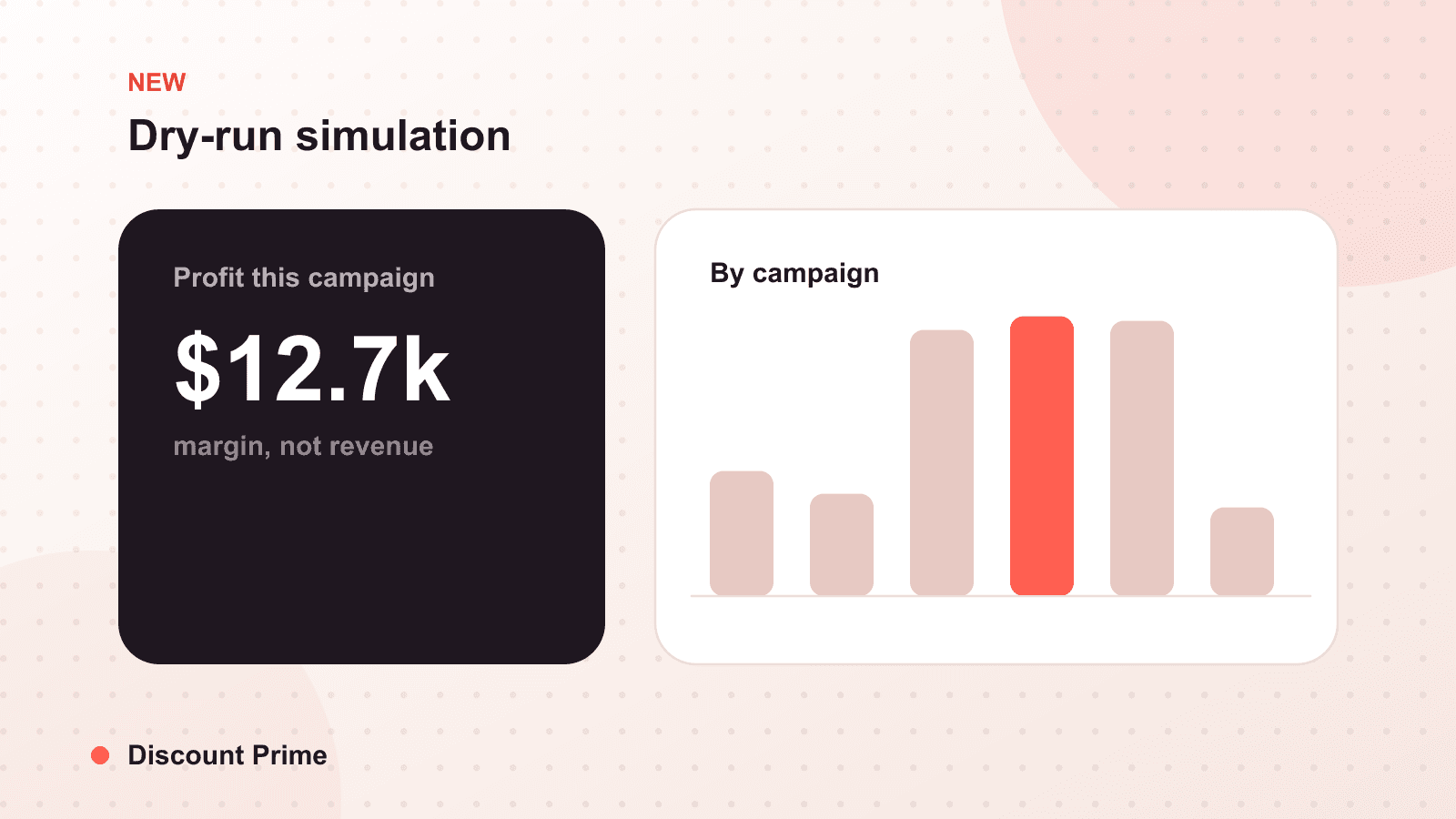
Today we are releasing dry-run simulation in Discount Prime. Before you publish a discount, you can now replay it against your recent real orders and see exactly what it would have done: how many orders it touches, how deep it actually discounts once combinations resolve, and what it leaves on the table in margin. Nothing goes live, no customer sees a price change, and you get the answer in seconds.
If you have ever launched a campaign, watched it for a day, and quietly realized the tiers were deeper than you meant, this is the feature that ends that pattern.
What dry-run simulation does
A dry-run takes a discount you have configured but not published, runs it through the same engine that would evaluate it in a live cart, and applies it to a window of your recent orders. Instead of guessing what a "buy 3, save 15%" tier will cost you, you see the historical answer: the orders that would have qualified, the average effective discount after any stacking, the revenue affected, and the gross margin remaining.
It is read-only. The simulation never touches a live campaign and never changes a price a customer can see. It is a preview, not a soft launch.
The gap it closes
Until now, testing a discount on Shopify meant one of two bad options. You could publish it and watch, which means real customers get real prices while you decide whether the math holds. Or you could model it in a spreadsheet, which never matches reality because spreadsheets do not know how your discount combines with the free shipping threshold or the volume tier already running on that product.
Simulation closes that gap. It uses your actual order history and the actual combination rules in force, so the number you see is the number you would have paid.
A worked example
Say you sell a product at $40 with a landed cost of $26, so gross margin is $14 per unit, or 35%. You want to add a "buy 3 or more, 15% off" tier to lift order size.
Run the dry-run over the last 30 days of orders and it might report:
| Metric | Result |
|---|---|
| Orders that would qualify | 214 |
| Average effective discount | 21% |
| Gross margin after discount | 19% |
The headline discount was 15%, but the effective rate came back at 21%. The simulation caught that many qualifying carts also had a 10% welcome code applied, and the two were set to combine. On those orders, margin fell from 35% to 19%. That is the kind of thing you want to learn from a report, not from a month of thin orders.
You then either stop the two discounts from combining, raise the tier threshold, or accept the number with your eyes open. Either way, you decided on purpose.
How to use it well
Simulate before every non-trivial launch. Any discount that touches products with real cost variation, or that can combine with something else, is worth a 10-second dry-run. It is cheaper than the alternative.
Watch the effective rate, not the headline. The number you configured and the number customers actually get diverge whenever discounts stack. The effective discount rate is the one that spends your margin.
Check the thin tail. A campaign can look healthy on average and still contain a cluster of orders priced below cost, usually the cheapest variant or the deepest tier. The report lets you see where margin bottoms out, not just where it averages.
Pair it with your numbers. Dry-run tells you what a discount would have done historically. Reading it next to your live profit analytics tells you whether the campaign, once running, is behaving the way the simulation predicted.
Where this fits
Dry-run simulation is part of a longer arc for us: moving from reporting on margin after the fact to protecting it before a campaign ships. It works with every discount type in the app, including volume discounts and combination-heavy setups where the stacked outcome is hardest to predict by hand.
If you already audit your discounts periodically, this is the tool that lets you audit them before they exist. For a wider cleanup of the promotions you already run, our guide to auditing promo debt pairs well with it, and if margin reporting is new to you, start with the profit analytics launch.
Dry-run simulation is live for every store now. Open a draft discount, run it, and see what it would cost before it costs anything.