Most stores discount by collection because that is the tool in front of them, not because a collection is the right way to describe what is actually on sale.
A metafield is a structured attribute stored directly on a Shopify product: its season, its material, its product line, its internal margin band. The important idea is this. Collections tell you where a product sits in your catalog. Metafields tell you what the product is. And when you want to run a promotion on "everything from last spring" or "every low-margin accessory," what a product is turns out to be far more useful than which list you happened to file it under.
This is a concept guide. Shopify has supported metafields for years, and getting your product data structured now pays off across search, theme display, and, shortly, discount targeting. Let's cover how metafields work and why attribute-based merchandising is worth the setup.
What a metafield actually is
A metafield is a custom field attached to a Shopify object, most often a product or variant. Each one has a namespace, a key, and a typed value, so custom.season = "Spring 2026" is readable both by a human and by software. You define the field once in Shopify Admin under Settings, then fill in the value on each product the way you would fill in a price or a title.
The reason metafields exist is that Shopify cannot ship a built-in field for every attribute every merchant tracks. A coffee roaster wants roast level. A clothing brand wants fabric weight. A supplement store wants serving count. Metafields are the escape hatch: a consistent, queryable place to record the attributes that make your catalog yours.
Why collections are the wrong tool for promotions
Collections are lists. You either add products by hand or write a rule based on the handful of conditions Shopify exposes, such as product type, tag, or price. That works until your promotion needs a slice the collection rules do not cleanly cut.
Consider a spring clearance. You want every product from last spring's line, regardless of category, marked down. With collections you either build and maintain a manual "Spring 2025" list, which drifts the moment someone edits a product, or you tag hundreds of items and hope the tag stays consistent. Either way you are duplicating information the product should already carry.
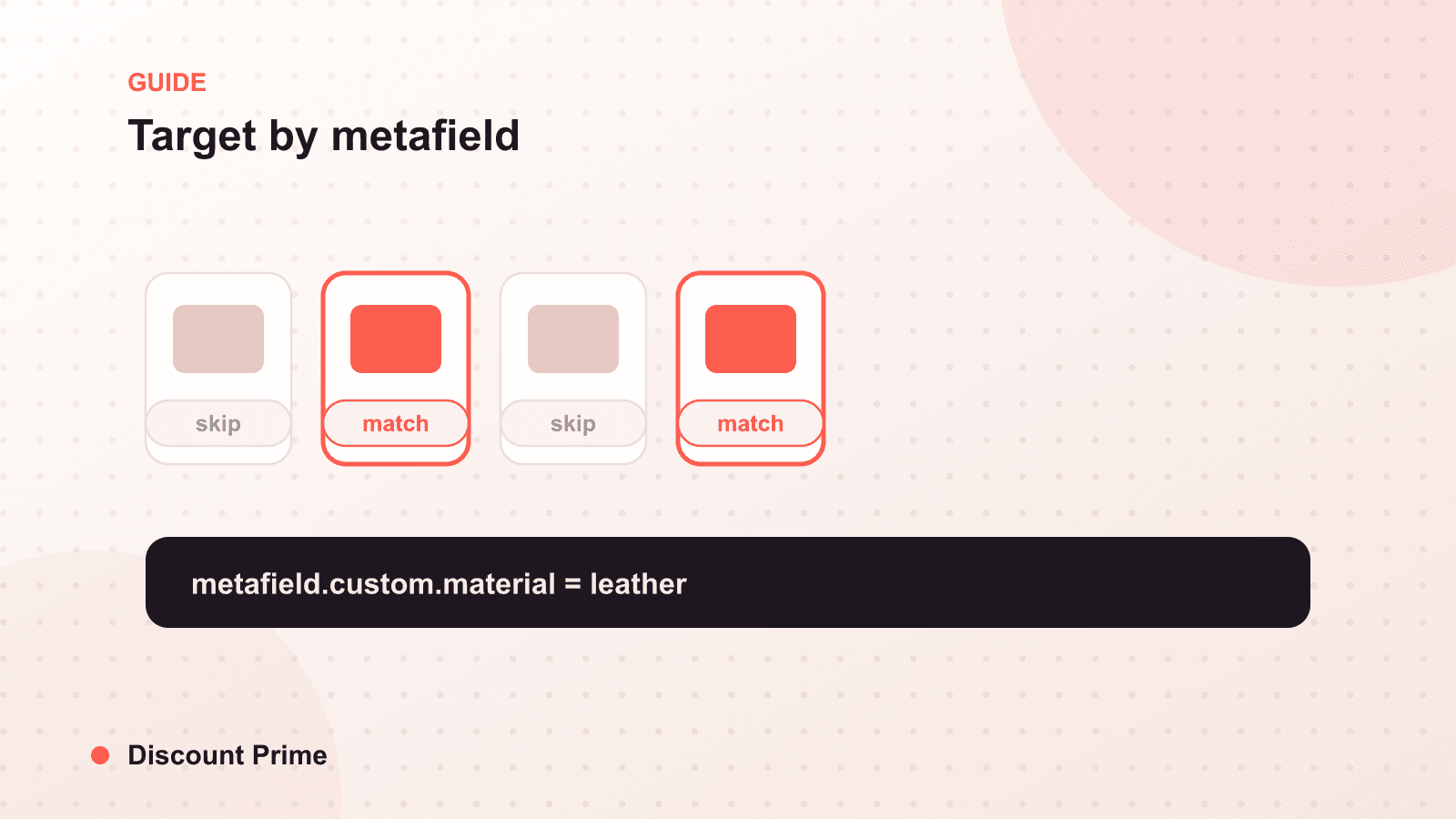
With a season metafield, the answer is already on every product. "Everything where season equals Spring 2025" is a precise, self-maintaining slice. Nothing to hand-build, nothing to drift. The attribute travels with the product even as it moves in and out of collections through the year.
Collections vs metafields for targeting
| Dimension | Collection | Metafield |
|---|---|---|
| What it represents | A list of products | An attribute on the product |
| Answers the question | Where does this sit? | What is this? |
| Maintenance | Manual or rule-based, drifts | Set once per product, travels with it |
| Overlap handling | A product lives in many lists | One clear value per key |
| Best for | Storefront navigation | Precise, durable targeting |
Neither is wrong. Collections are the right structure for how shoppers browse your store. Metafields are the right structure for how you slice your catalog behind the scenes, especially for promotions that cut across the way products are merchandised on the front end.
The metafields worth setting up first
You do not need dozens. A few high-value fields cover most merchandising and promotion needs.
Season or drop. The single most useful promotional attribute. Lets you clear last season without touching this season, and without a manual list.
Material or product line. Enables "all leather goods" or "everything in the core line" as a targetable slice, cutting across categories.
Launch date. Distinguishes new arrivals from aging stock, which is the difference between protecting a launch and clearing a long-tail SKU.
Margin band. An internal, non-public field, for example high, standard, or thin. This is quietly the most valuable one for discounting, because it lets you exclude thin-margin items from a sitewide promotion by attribute instead of remembering each SKU. Pair it with the margin data in profit analytics so the band reflects real cost, not a guess.
Define these in Admin, then populate them in bulk with the editor or a CSV import. Populating a few hundred products is an afternoon, and you only do it once per product.
Where discount targeting comes in
Here is the honest boundary today. Shopify stores your attribute data faithfully in metafields, but native Shopify discounts still target products and collections, not arbitrary metafield values. So having a clean season or margin_band field does not, by itself, let you say "discount every thin-margin item." The discount engine cannot read the field.
Closing that gap takes a discount system built on Shopify Functions that can read metafield values at checkout and match a campaign against them. That is exactly what we are building. Metafield-based targeting is coming to Discount Prime, and when it lands you will be able to point a campaign at an attribute directly, no hand-built collection in between. We will walk through it in detail in the launch note.
The practical takeaway for right now: structure the data first. The stores that will get the most out of attribute targeting are the ones whose season, line, and margin fields are already populated when the feature arrives. This is the same reason we keep pushing merchants to respect the mechanics that make a campaign precise, the way we did with scheduled sales. Precise targeting starts with clean inputs.
Setting up for what is next
Spend the time now. Define your season, material, product line, launch date, and margin band metafields, then populate them across the catalog. Even before attribute-based discount targeting is live, structured data improves storefront filtering and theme display, and it makes your eventual campaigns far easier to aim. When metafield targeting ships, you will be ready to run promotions on what your products are, and Discount Prime, which already handles volume discounts natively through Shopify Functions, is where that targeting will live. You can find the app on the Shopify App Store.