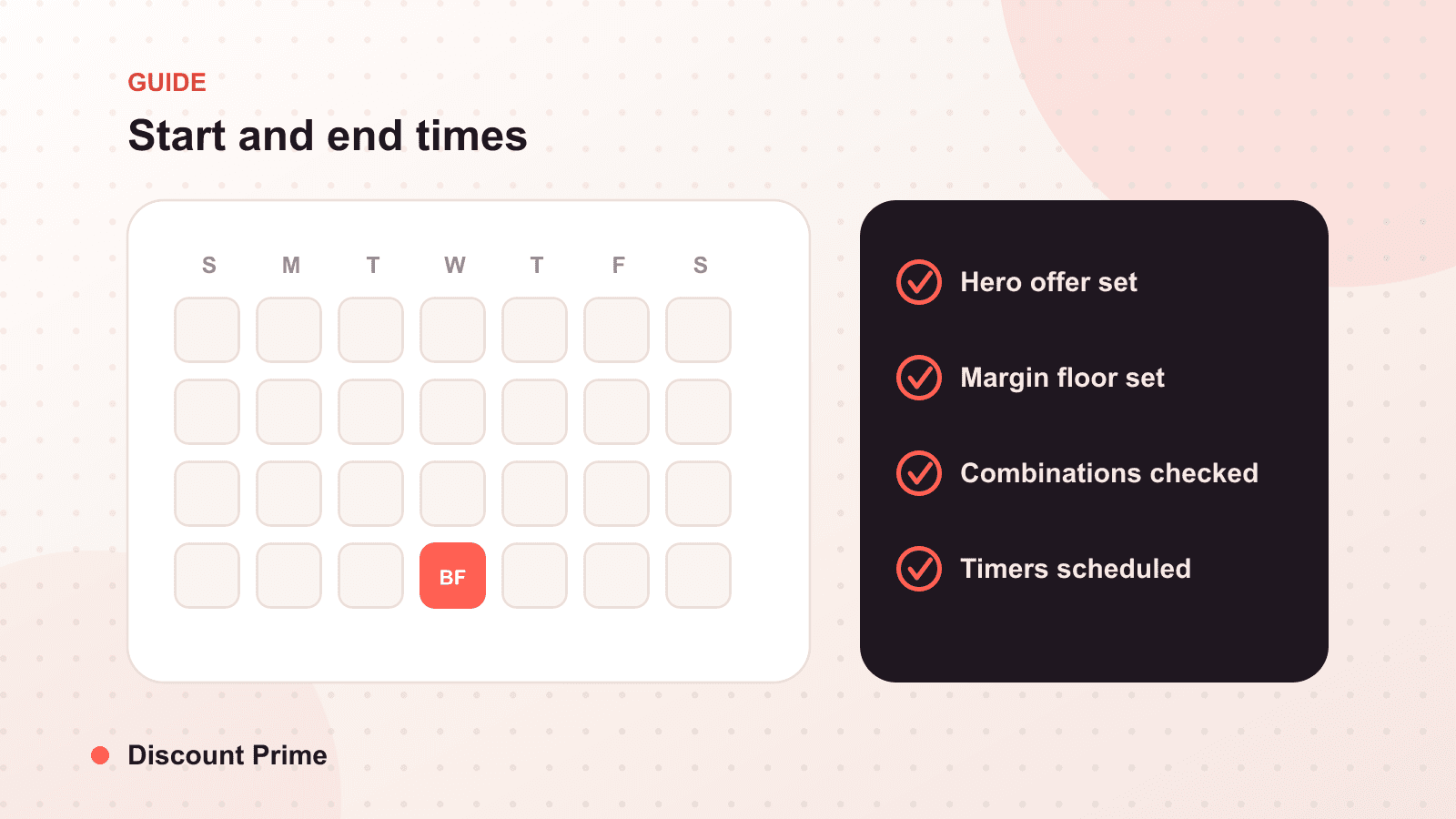
A sale that starts an hour late looks like a glitch. A sale that never ends looks like your real prices. Both are scheduling failures, and both are avoidable.
Merchants obsess over the size of a discount and barely think about its clock. That is backwards. The depth of a sale is a pricing decision you make once. The timing of it is an operational decision you have to get right every single time, and it is where more promotions quietly go wrong than anywhere else. A start time in the wrong timezone, an end date left blank, a flash window that opens ten minutes late during your best traffic hour: none of these show up in your discount settings as errors, but customers feel all of them.
Getting scheduling right is unglamorous and worth real money. Here is how the timing actually works, and the traps to avoid.
The one rule that prevents most problems
Set your schedules in your store's timezone, and know what that timezone is.
Shopify runs discount schedules against the timezone configured in your admin settings, not your laptop's clock and not the customer's local time. This sounds obvious until your team is spread across three regions and someone sets a "midnight" launch from a city three hours off the store clock. The sale fires when the store says midnight, not when that person's phone did, and now your email said one thing and the store did another.
Before you schedule anything, confirm the store timezone in Shopify settings and make it the single reference everyone plans against. If you remember nothing else from this post, remember that the store clock is the only clock that matters.
Always give a promotion an end
The most common scheduling mistake is not a wrong time. It is a missing one.
A discount with a start date and no end date does not fail loudly. It just keeps running. Weeks later someone notices that the "spring sale" is still live in summer, and by then it has done its damage: it has taught your customers that your discounted price is your real price, and that patience beats paying full price. We touched on this in our pre-BFCM checklist, and it is worth repeating because it is so easy to do by accident.
The fix is a habit, not a feature. Set the end time when you create the discount, in the same motion as the start. If a promotion genuinely should be permanent, that is a pricing structure, not a sale, and it should be set up as one.
Flash windows leave no room for drift
For a two-week sale, a few minutes of timing slop does not matter. For a four-hour flash sale, it is the whole game.
Short windows concentrate demand, which is the point, but they also concentrate the cost of any timing error. If your flash sale opens ten minutes late, the customers who showed up on time saw full price and some of them left. If it closes ten minutes late, you gave the discount to people who missed the window, which annoys the ones who raced to make it.
For flash windows, three precautions:
Set both ends before the window opens, never during. Editing a live flash sale under load is how you introduce the exact error you are trying to avoid.
Confirm the times on the discount itself, not from memory or from the campaign brief. The discount's own start and end fields are the source of truth.
Test ahead of launch with a low-stakes version so you know the mechanics fire the way you expect before real money is on the line.
The daylight saving trap
Twice a year, clocks shift, and scheduled sales that span the change can misbehave in ways that are genuinely confusing to debug. A sale set to end at "2 AM" on a spring-forward night has an end time that technically does not exist. Planning a promotion across a daylight saving boundary means checking that your start and end still mean what you think after the shift.
You will not hit this often, but when you do it is baffling if you are not looking for it. If a scheduled promotion lands near a clock change, give the times a second look.
A quick reference for getting it right
| Situation | What to check | Common failure |
|---|---|---|
| Any scheduled sale | Store timezone in admin | Planned in the wrong clock |
| Multi-day promo | Explicit end date set | Left blank, runs forever |
| Flash window | Both times set pre-launch | Edited live, drifts |
| Cross-region team | One agreed reference timezone | Everyone uses local time |
| Sale near a clock change | Times valid after DST shift | End time that does not exist |
| Recurring promo | Each run re-checked | Copied with stale dates |
A worked example
You want a 24-hour flash sale, free shipping plus a volume break, launching Friday at 9 AM.
Wrong way: you set it from a trip, at 9 AM your local time, which is 6 AM store time, with no end date because you plan to "turn it off tomorrow." Result: the sale goes live three hours before your email announces it, early birds get a surprise, and you forget to end it until Sunday afternoon.
Right way: you set start to Friday 9:00 AM and end to Saturday 9:00 AM, both in the store timezone, before you leave. You confirm the times on the discount, send the email to match, and the sale opens and closes on its own exactly when it should. Nobody has to remember anything.
Same offer, same depth. The only difference is that the clock was respected.
Setting this up with Discount Prime
Scheduling applies to every discount type. Whether it is a volume discount tier you want live only for a weekend or a free shipping threshold for a flash window, set the start and end in your store timezone and let the discount open and close on its own through Shopify Functions. No manual switching at midnight, no forgotten campaigns running into next month.
The best scheduling is invisible: the sale starts when you said, ends when you said, and you never think about it again. If you want a wider audit of timing traps around a big season, our last-minute BFCM fixes covers the conflict and expiry checks that pair with clean scheduling.