You can run a discount without knowing your cost. You just cannot know whether it worked.
Most Shopify discount strategies have a hole in the middle of them, and the hole is cost data. Merchants agonize over discount depth, tier structure, and timing, then set all of it against a number they are guessing at: what the product actually costs. Cost of goods sold is the missing piece. Get it right and every discount decision becomes arithmetic instead of instinct. Get it wrong, or skip it, and you are running promotions with your eyes closed.
The direct answer this post is built around: track a fully loaded cost for every product, including freight and duties, not just the supplier invoice. That single number lets you calculate your break-even discount and set a margin floor, which is the difference between a promotion that earns and one that loses money invisibly.
What COGS actually is
Cost of goods sold is what it costs you to acquire a product and get it ready to sell, per unit. On Shopify you can store a cost against each product, and that field is the foundation everything else sits on. The trap is treating it as just the price on your supplier's invoice. The invoice price is where COGS starts, not where it ends.
A fully loaded cost includes every expense that scales with each unit you sell:
- The unit price you pay your supplier or manufacturer.
- Inbound freight, the cost of getting the goods to you, divided per unit.
- Duties and import fees on cross-border inventory.
- Per-unit handling, pick-and-pack, or fulfillment costs.
- Optionally, payment processing as a percentage of the sale, since it comes straight off every order.
The invoice price alone can understate your true cost by 20% or more once freight and duties land. If you discount against the understated number, you will think you have margin room you do not have.
Why the missing data quietly loses money
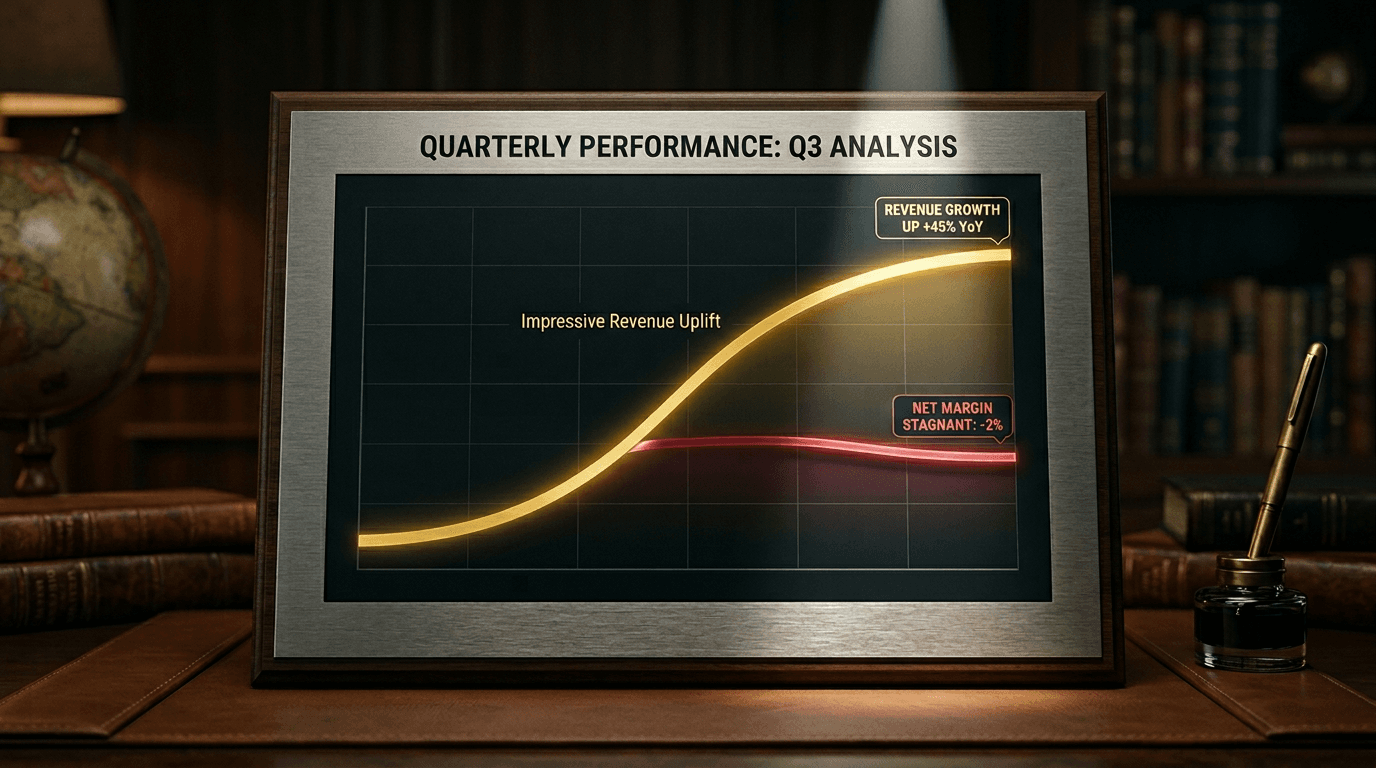
Here is the mechanism. When you run a discount and only track revenue, a promotion that sells well always looks good, because revenue always rises when you cut price. The cost of that revenue is invisible. So the deepest discounts, which move the most volume, look like your best campaigns even when they are your worst. Cost data is what makes the loss visible before you repeat it.
We built profit analytics around exactly this, and it made one thing obvious across store after store: the promotions merchants were proudest of were often not the ones earning the most, because nobody had subtracted cost. The reporting can only be as honest as the cost data behind it. Garbage cost in, confident-looking garbage out.
A worked example
Take a product you sell for $50. Your supplier invoice is $20, so it is tempting to say you have $30 of margin and plenty of discount room. Now load the cost properly. Freight adds $3 per unit, duties add $2, and pick-and-pack adds $2.50. Payment processing on a $50 order runs about $1.50. Your fully loaded cost is not $20, it is $29. Your real margin is $21, not $30.
That gap changes every discount decision. A 40% discount takes the price to $30, leaving just $1 of margin on the loaded cost, a promotion you might have thought cleared $10. A 45% discount takes you to $27.50, which is below your cost. You would be paying customers to take the product. Without the loaded number, you would never see the cliff you just walked off.
Setting a margin floor you can trust
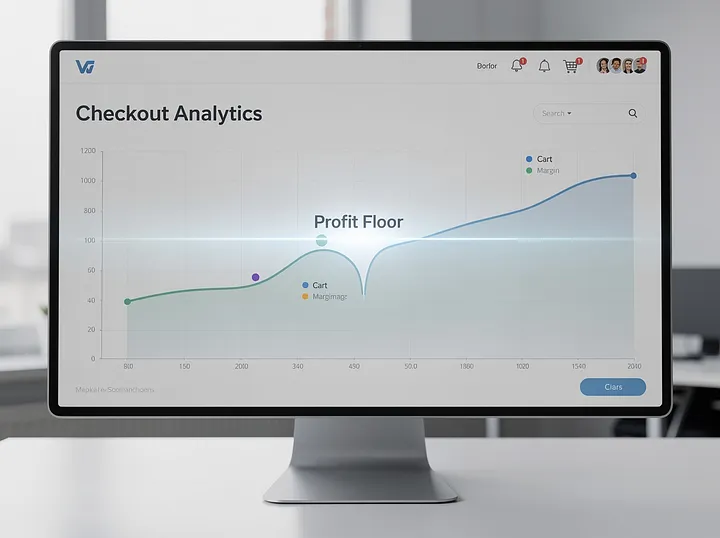
Once your COGS is accurate, you can set a margin floor: the lowest gross margin you will accept on any order. Put it above zero so you always clear cost plus a buffer for the overhead COGS does not capture, like ads and salaries. Then the rule is simple. No discount tier, on any product it touches, may push margin below the floor.
Suppose your floor is 15% and the loaded cost example above stands. On a $50 product with $29 of cost, a 15% floor means you need at least $8.53 of margin after the discount, which caps your discount at roughly $12.50, or 25% off. That is your maximum safe depth on that product, derived, not guessed. Do this per product line and your promotions stop being able to lose money by accident. We covered the campaign-level version of this discipline in how to protect margin during sitewide sales; COGS is the data that makes those guardrails real numbers instead of hopeful ones.
Where thin margins make this non-negotiable
If your margins are already thin, COGS is not optional bookkeeping, it is survival. Dropshippers and resellers often work on single-digit or low-double-digit margins, where a 10% discount can be the entire profit on an order. The entire question of whether a dropshipping business works is a COGS question, which is why cost-aware pricing sits at the center of our dropshipper pricing approach. When the margin is thin, the cost data has to be exact, because there is no cushion to absorb a bad estimate.
Keeping cost data honest
Cost data decays. Supplier prices move, freight rates swing, duties change. Stale COGS is worse than no COGS, because it gives you false confidence. Update a product's cost whenever its inputs move materially, and review your costs at least quarterly. Above all, refresh the cost on a product line before you set a promotion's depth, not after. The five minutes it takes to confirm the number is what stands between a discount that earns and one that quietly does not.
Setting this up with Discount Prime
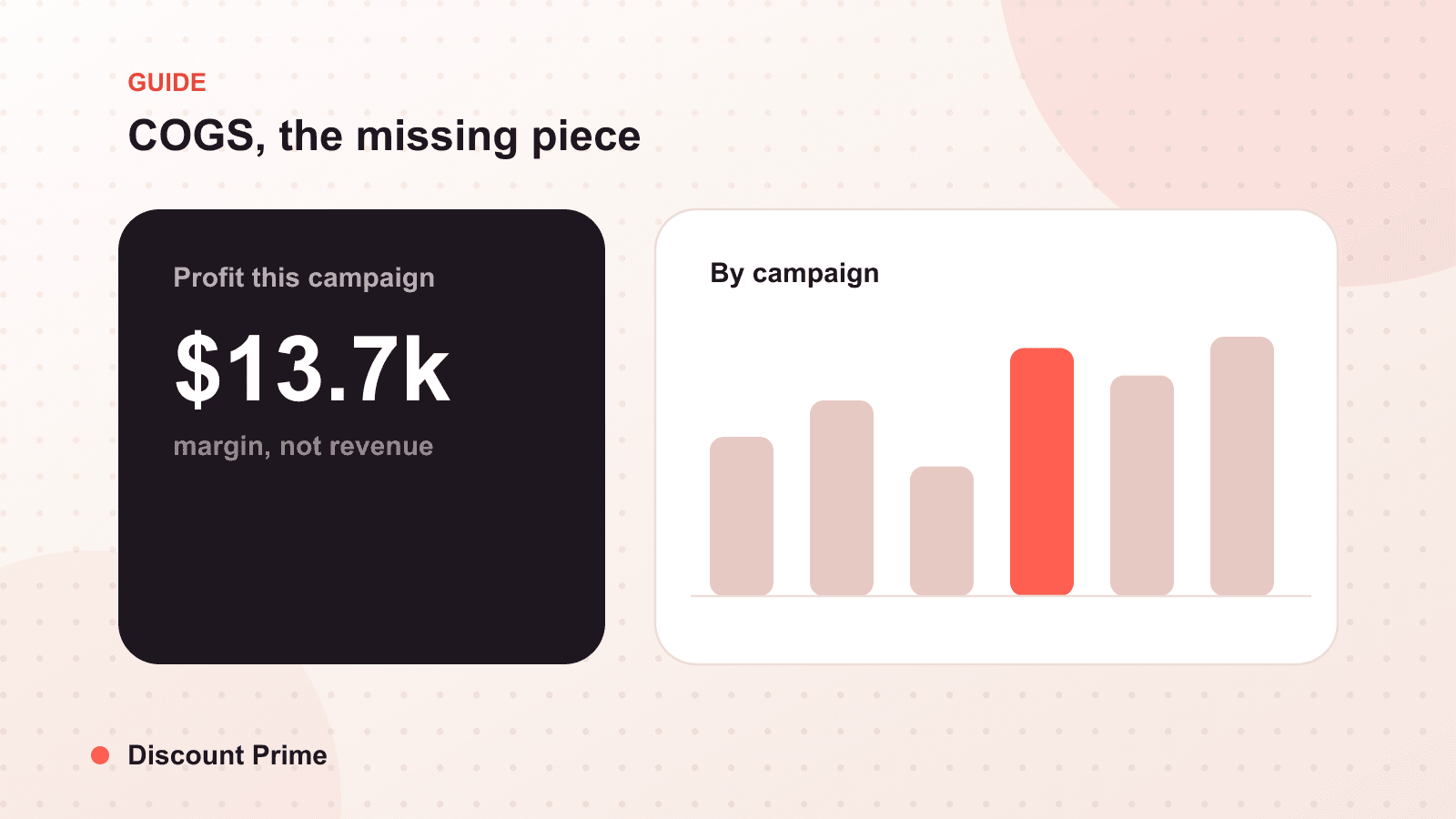
Discount Prime uses your product costs to put a margin figure on every campaign, so the moment your COGS is accurate, profit analytics turns it into a profit number on each promotion you run. Enter the fully loaded cost once, set your margin floor, and your discounts can no longer cross it without you seeing it coming. It runs on Shopify Functions on any plan. You can find the app on the Shopify App Store.