Volume discounts are the most underused discount type on Shopify. Most stores default to percentage-off codes because they are easy, but if your customers ever buy more than one of anything, buy-more-save-more pricing usually outperforms a generic code on both revenue and margin.
This guide covers how volume discounts work on Shopify, how to design tiers that customers actually respond to, and the setup mistakes we see most often.
What counts as a volume discount
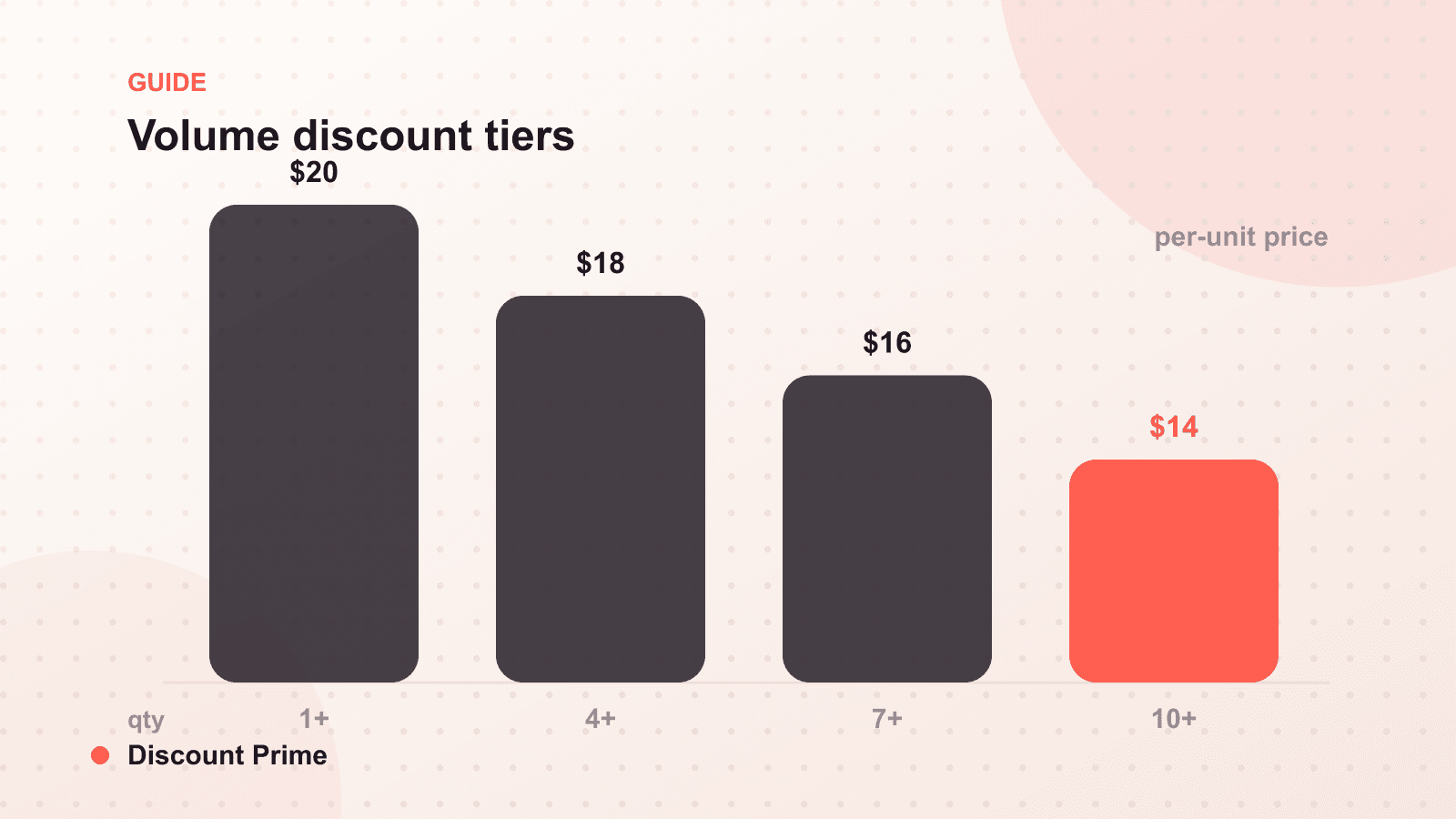
A volume discount lowers the price per unit as quantity increases. Buy 1 for $20, buy 3 for $18 each, buy 6 for $16 each. The customer is rewarded for concentrating more of their spending with you in a single order.
That last part is why volume discounts behave differently from sitewide sales. A 15% sitewide code discounts every order, including the ones that would have happened anyway. A volume discount only pays out when the customer changes behavior and buys more. You are purchasing incremental units, not subsidizing existing ones.
Why Shopify does not do this natively
Out of the box, Shopify's discount system covers codes and automatic discounts with fairly simple conditions. Quantity-tiered pricing per product, displayed on the product page, is not something you can build in the admin alone. Historically merchants worked around this with duplicate variants ("Single", "3-Pack", "6-Pack"), which fragments inventory and analytics, or with Shopify Scripts, which require Shopify Plus.
The modern answer is Shopify Functions, which lets apps add custom logic directly into Shopify's own discount engine. Discounts apply natively in cart and checkout, work on every plan, and coexist with the discount combinations system Shopify shipped this year. The line between the cart-side rule and the product-page display is worth understanding on its own, which is why we cover quantity breaks versus volume discounts in a separate post.
Designing tiers that work
Use two or three tiers, not five. Every tier adds a decision. Two well-placed tiers ("buy 3, buy 6") convert better than a staircase of five options. If you sell B2B, you can justify more depth; consumer buyers want the choice made simple.
Anchor the first tier just above typical behavior. If most customers buy 2 units, put the first tier at 3. The discount should stretch the order, not reward the default. Check your average line-item quantity before setting anything.
Make the middle tier the obvious choice. Classic pricing psychology applies: if you show 3 tiers, design the middle one to be the deal most people take, and let the top tier make it look reasonable.
Discount the unit price, not just the total. "$16 per unit instead of $20" is more persuasive on a product page than "save $24 on 6". Per-unit framing matches how buyers of consumables and supplies actually think.
Where to show the offer
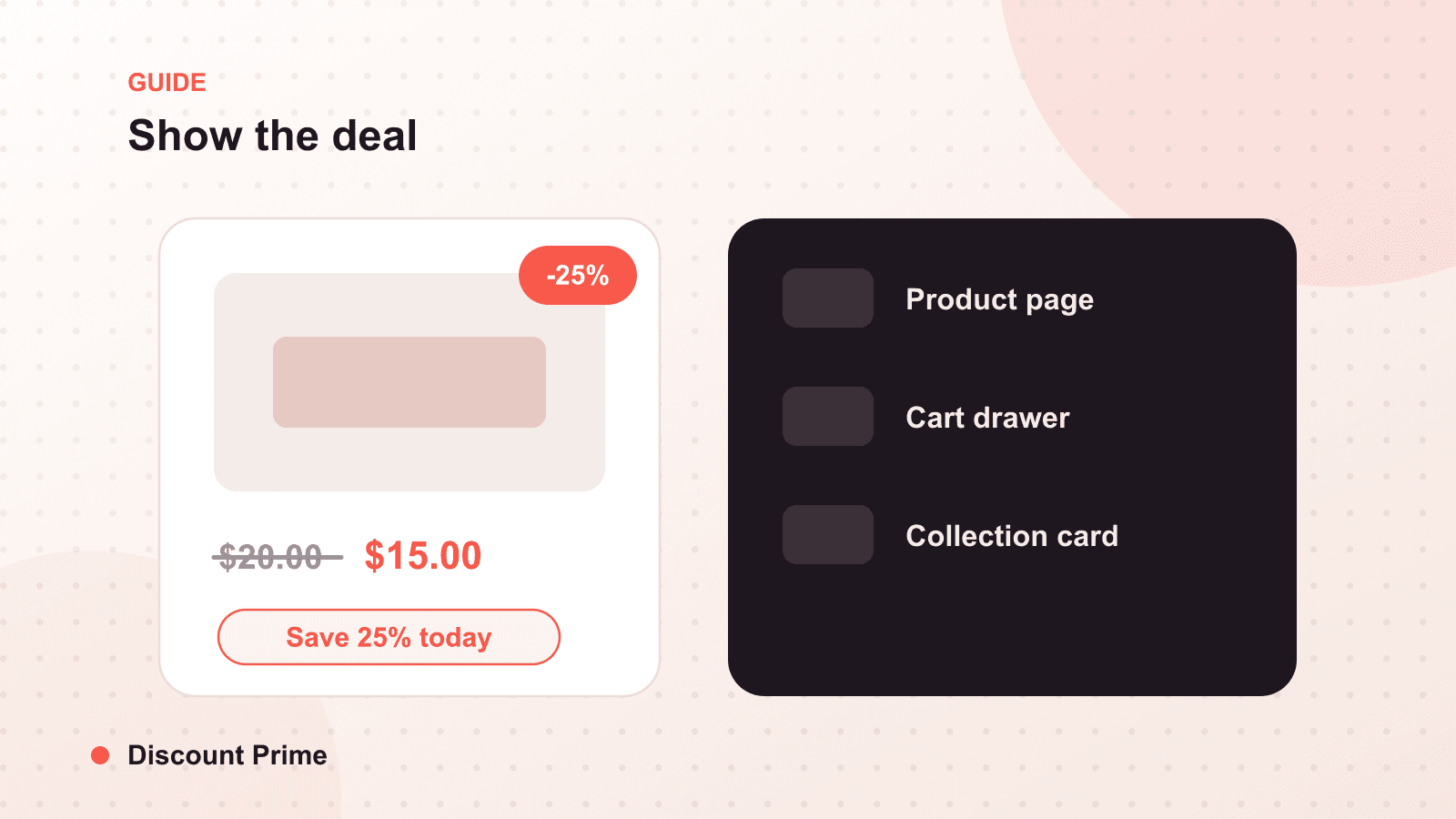
A volume discount that only appears in the cart is a volume discount most customers never learn about. The offer needs to be visible at the moment of the quantity decision, which is the product page.
The pattern that works: a compact tier table or bar near the quantity selector, showing each break and the per-unit price. Then reinforce it in the cart ("Add 2 more to save 10%") for orders that landed just below a tier.
The mistakes that cost margin
Tiers below your margin floor. Know the fully-loaded cost of the product before you set the deepest tier. A 25% break on a product with 30% margin means your best customers are your least profitable orders.
Stacking you did not plan. If a volume discount can combine with a sitewide code, your effective discount at the top tier might be far deeper than either number alone. Decide deliberately what combines with what; Shopify's combinations settings now give you real control here.
Forgetting variants. A tier set on a product usually spans its variants. If your variants have meaningfully different costs (sizes, materials), check the math at each tier for the cheapest and most expensive variant, not just the default.
No end date on "temporary" tiers. A promotional tier that quietly becomes permanent trains customers to never pay list price. If a tier is a promotion, schedule its end when you create it.
How to measure whether it is working
Watch three numbers: average line-item quantity on discounted products (it should rise), margin per order on those products (it should hold or rise), and the share of orders landing exactly at tier minimums (evidence customers are responding to the tiers rather than ignoring them).
If quantity rises but margin falls, your tiers are too deep. If nothing changes, your tiers are invisible or placed above what anyone would plausibly buy.
Setting this up with Discount Prime
Discount Prime was built for exactly this. You define quantity tiers on products or collections, the discount applies automatically through Shopify's native engine, and tier pricing displays on the product page without duplicate variants or code. We explained the Functions bet behind it in our launch note. Setup for a first campaign takes a few minutes, and you can find the app on the Shopify App Store.