The stores that have a calm BFCM are not the ones with the deepest discounts. They are the ones that decided everything in September.
If you run a Shopify store, the single highest-leverage BFCM decision is when you make your decisions. A discount plan built in late September has time to be tested, corrected, and slept on. A plan built the week of Black Friday gets shipped with whatever bugs it has. This checklist is the September version: what to decide and set up now, so November is execution instead of panic.
We watched a lot of stores run discounts through Black Friday last year. The pattern was consistent. The margin damage almost never came from the headline offer being too generous. It came from small things that compounded: an offer that quietly stacked with a forgotten code, a free shipping threshold set below the average order, a sale that started an hour late because the schedule was in the wrong timezone. Every one of those is preventable in September and expensive in November.
Decision one: find your margin floor first
Before you choose a discount percentage, find the point where your average order stops making money. Take a typical order, subtract product cost, the shipping you subsidize, transaction fees, and packaging. What remains is the room you have to discount.
Here is the worked version. Say your average order is $80, product cost is $40, shipping subsidy is $8, fees are $3, and packaging is $2. Your contribution before any discount is $27. A 25 percent sitewide discount takes $20 off that order, leaving $7. A 35 percent discount, which is what "25 percent, but it accidentally stacked" looks like, leaves you underwater. The floor is not a feeling. It is a number, and you should write it down now so nobody has to guess at 11pm on Black Friday.
Decision two: build one hero offer
Pick one offer that headlines the weekend. Not five. The strongest small-store offers reward larger orders instead of just discounting demand you already had.
A sitewide code discounts every order, including the customer who was going to buy anyway. A volume discount like "save 20 percent when you buy 3 or more" only pays out when the basket grows, which means the discount funds itself out of the extra units. During the highest-traffic weekend of the year, that difference compounds. If your catalog suits it, a Buy X Get Y offer does similar work by moving slow inventory as the free item instead of discounting the hero product.
Decision three: set combination rules, then test them
This is the one that bites quietly. Shopify lets you control how product, order, and shipping discounts combine, but the defaults will not read your mind. Decide for each active offer whether it can stack, then prove it.
Open an incognito window, build a cart that qualifies for more than one discount at once, and watch what actually applies. If your hero offer combines with a leftover welcome code and a free shipping deal, the customer gets all three and you find out from your margin report, not before. Test the boundary cases: the cart that just clears the free shipping threshold, the cart with one qualifying product and one excluded one.
Decision four: schedule in the right timezone
Set your start and end times explicitly, in your store's timezone, and confirm what happens to carts that are open when the sale flips on or off. A sale that starts an hour late loses your earliest, highest-intent traffic. A sale that ends late trains your list that your deadlines are negotiable.
If you offer free shipping as part of the plan, set the threshold above your current average order value so it lifts basket size rather than subsidizing orders that already cleared it. A threshold below your AOV is margin given away for nothing.
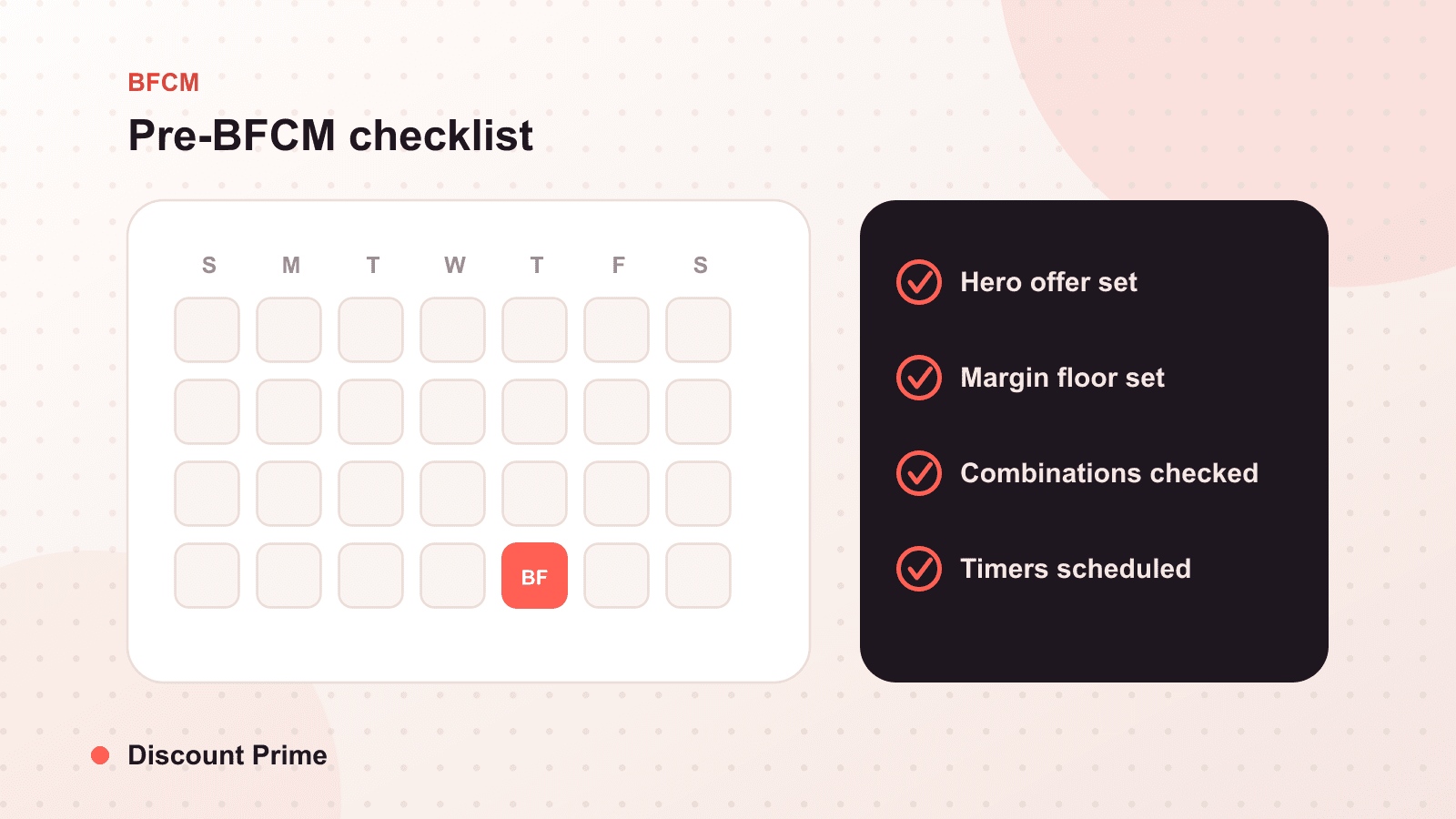
The eight-week checklist
Work through these in order. Everything here can be done in September.
- Calculate your margin floor from a real average order, and write the number where your team can see it.
- Choose one hero offer and confirm it rewards larger orders, not just existing demand.
- Exclude your lowest-margin products from the hero offer so the deepest discount never lands on the thinnest margin.
- Set combination rules for every active discount, product, order, and shipping.
- Test in an incognito cart, desktop and mobile, including the carts that qualify for multiple offers.
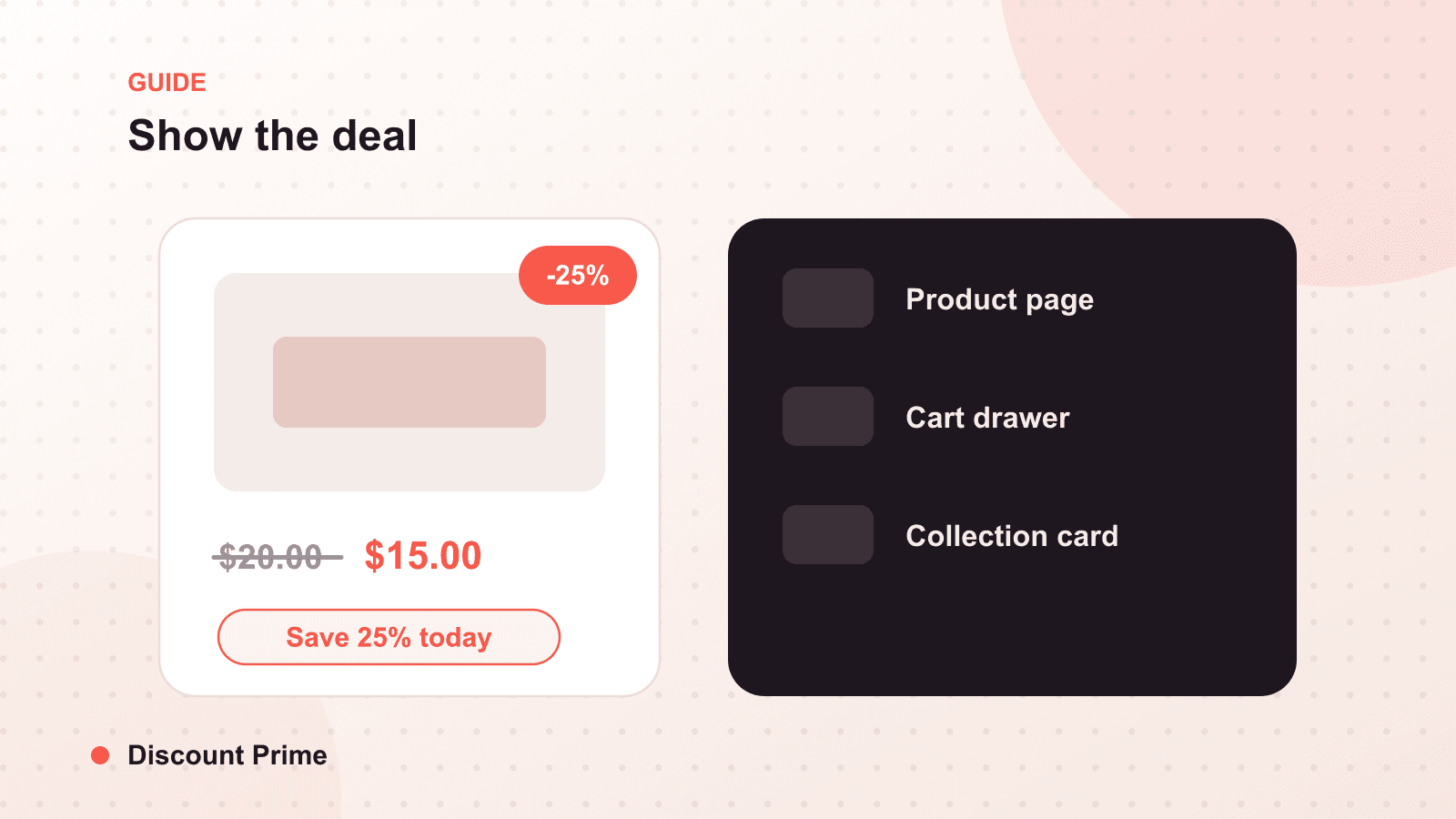
- Confirm the offer displays before the cart, on the product page, so customers see it while they are still adding units.
- Schedule start and end times in your store's timezone and check the boundary behavior.
- Pull last year's data and note which discounts drove real volume at real margin, so this year's depth is a decision, not a guess.
That last step is new this season. With discount analytics you can look back at what actually happened last year instead of running on memory. The stores that review last year before planning this one tend to discount less and earn more, because they can see which offers were pulling weight and which were just habit.
Setting this up with Discount Prime
Discount Prime handles the tier setup, the product-page display, the combination controls, and the timezone scheduling in one place, which is most of this checklist. If you are building your BFCM offers this month, our pre-BFCM analytics view also lets you sanity-check them against last year before you commit. For the framework behind a first BFCM plan, see your first BFCM discount plan, and for how last year's numbers should shape this year's, read what discount analytics shows you.