The most requested feature in our support inbox for six months was the ability to say: this customer pays a different price.
Today Discount Prime adds B2B and customer-specific pricing. You can now set prices that apply only to specific customer groups, tagged wholesale accounts, VIPs, employees, or any segment you define, and layer your existing volume tiers on top. It runs through Shopify Functions, which means it works on every plan. No Shopify Plus, no separate wholesale store, no public code.
This is the feature we spent the first year hearing about and the last stretch building. Here is what it does and how to set it up.
What shipped
Customer-specific pricing in Discount Prime is tag-driven. The building block is simple: a price rule that only fires when the logged-in customer carries a tag you choose.
- Tag-gated pricing. Point a rule at a customer tag like
wholesaleorvip. Only tagged, logged-in accounts get that price. Everyone else sees standard pricing. - Account-level wholesale rates. Give your trade accounts a base discount off retail, set from cost up, not from retail down.
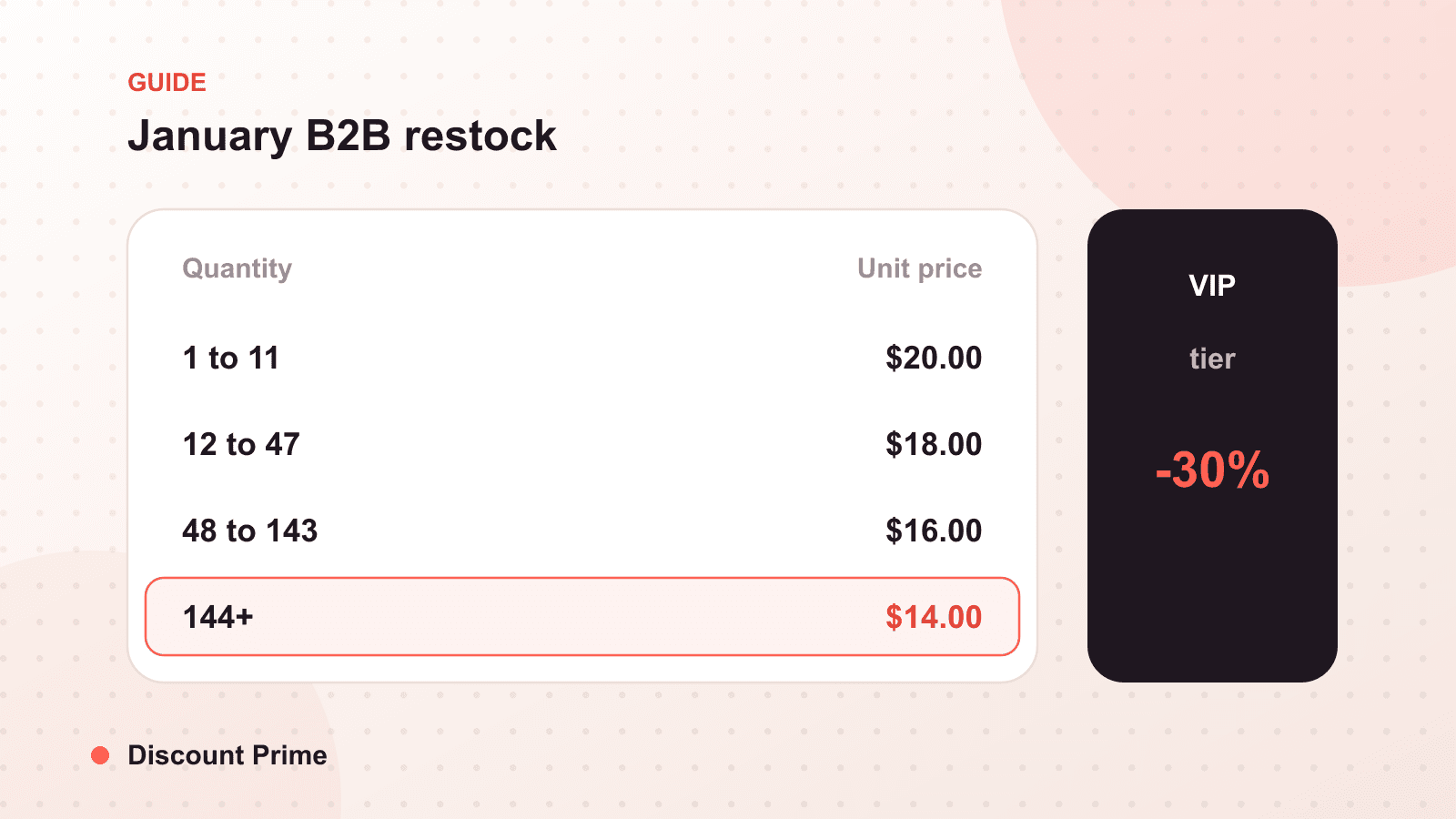
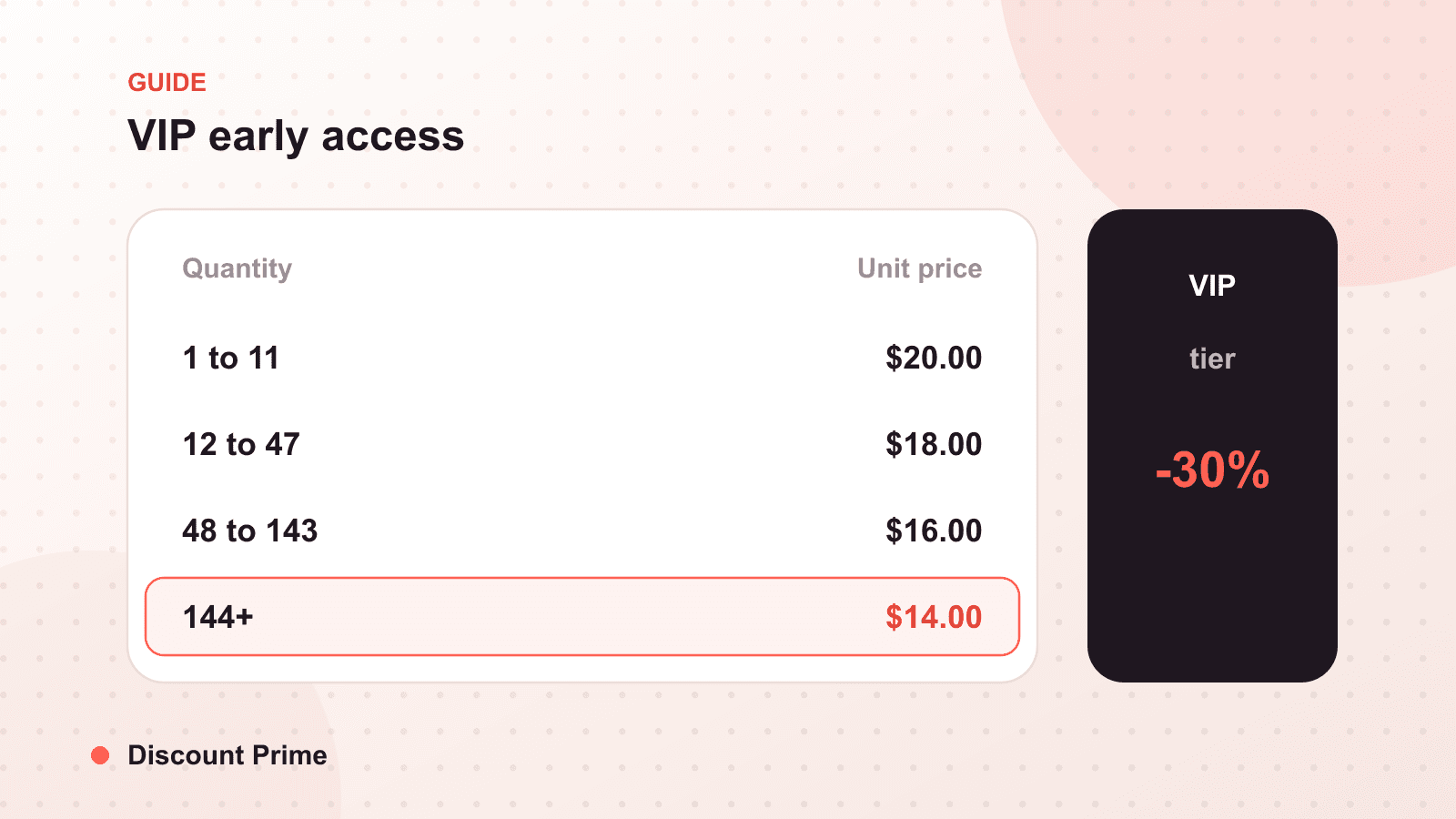
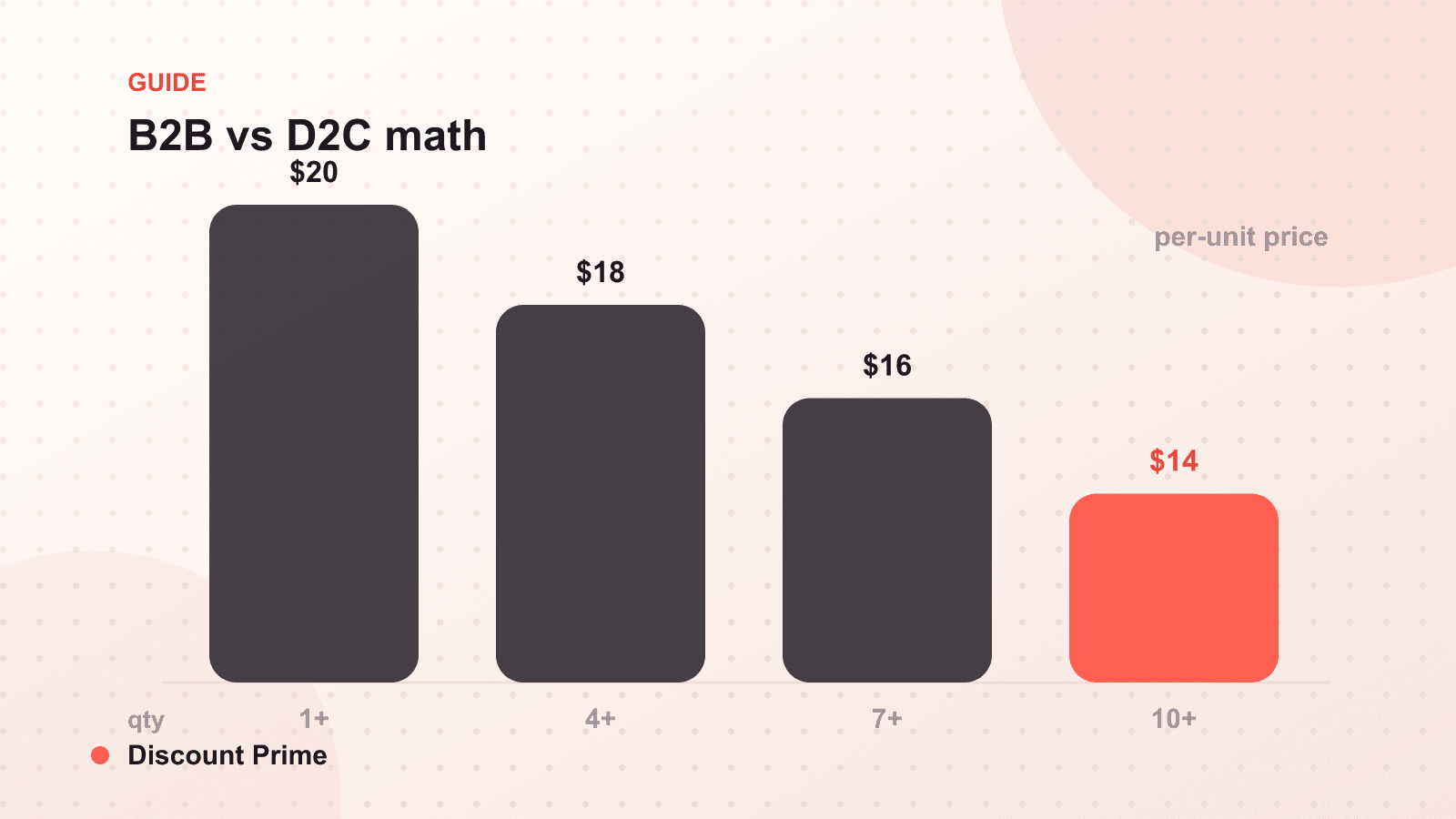
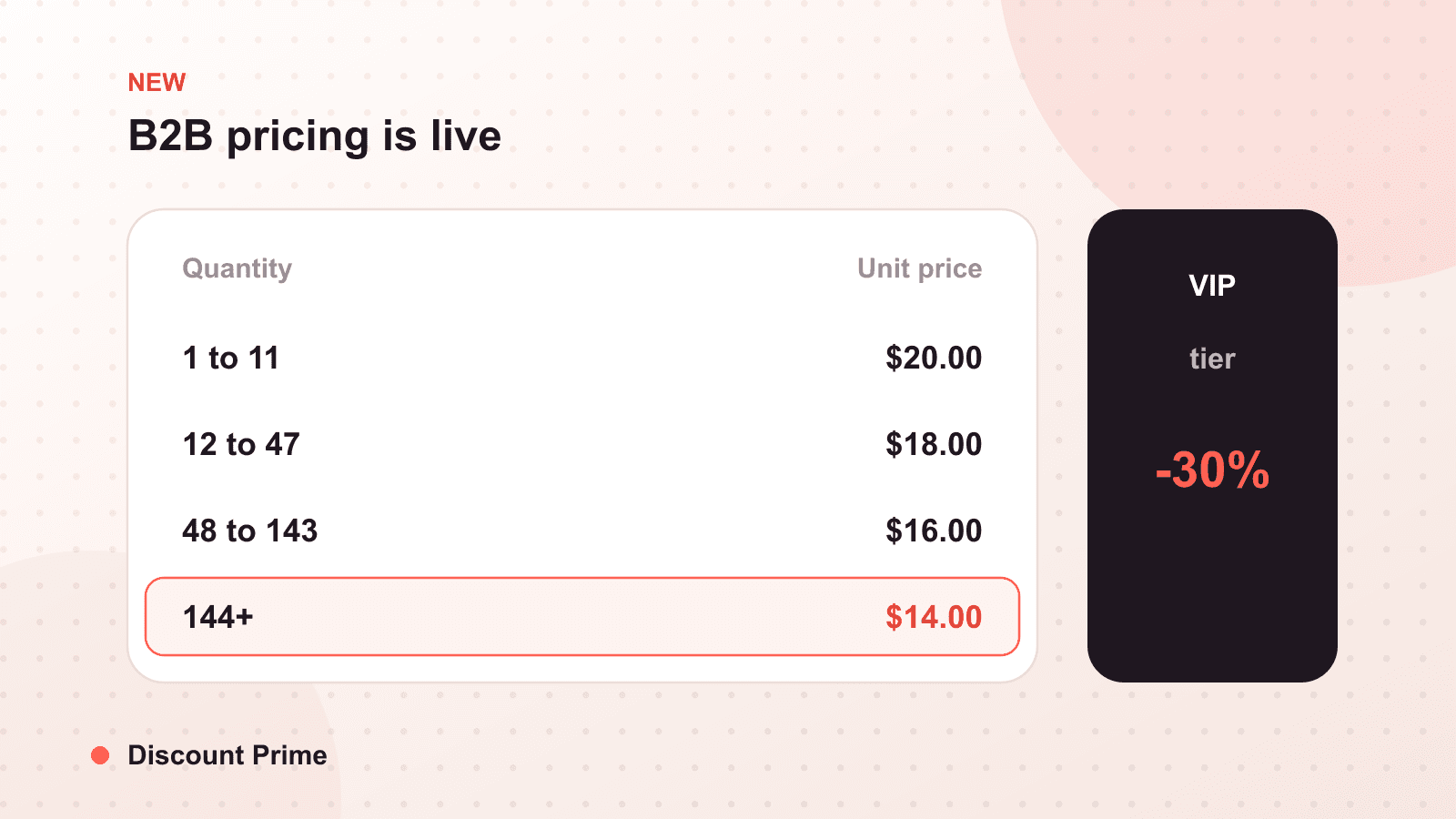
- Volume tiers on top. Combine the tag gate with a quantity ladder so wholesale buyers get deeper pricing at case quantities.
- No leakage. Because pricing is tied to the account, not to a code, there is nothing to post on a coupon site. The wholesale price does not exist for anyone who is not approved and tagged.
- Any plan. It is built on Functions, so it applies natively in cart and checkout without the Plus-only B2B tooling.
Two weeks ago we published a guide on doing wholesale pricing without Shopify Plus using customer tags. This feature is that approach, built into the app so you do not have to assemble it yourself.
How to set it up
Setup takes a few minutes if your accounts are already tagged.
- Tag your accounts. Approve wholesale applicants and add a tag such as
wholesale. Tag VIPs or employees the same way if you run those segments. - Create a customer-specific rule. In Discount Prime, create a price rule and target it to that tag.
- Set the rate from cost. Decide the base discount against your fully loaded cost, so trade pricing stays profitable.
- Add volume tiers (optional). Layer a quantity ladder for case-quantity breaks. B2B buyers expect depth, so more tiers are fine here than in a retail offer.
- Set what combines. Decide whether the rule can stack with any public promotions, and configure it, so a tagged account cannot accidentally take a wholesale rate plus a sitewide code.
The rule applies automatically for tagged, logged-in customers. Retail shoppers see standard pricing without any change to their experience.
A quick example
Say a product retails at $40 against a $22 cost. You want wholesale accounts to pay 30 percent less as a base, with a further break at a case of 12.
| Buyer | Condition | Price per unit | Margin per unit |
|---|---|---|---|
| Retail | Standard price | $40.00 | $18.00 (45%) |
| Wholesale, under 12 | Tagged wholesale | $28.00 | $6.00 (21%) |
| Wholesale, 12 or more | Tagged, case quantity | $26.00 | $4.00 (15%) |
The retail shopper never sees the $28 price. The wholesale account gets its base rate the moment it logs in, and the case break stacks on top, exactly the layered structure the manual tag approach produced, now handled by the app.
Why we built it this way
We could have waited for a heavier B2B system with company hierarchies and net terms. We chose the tag-based version first because it solves the actual problem most non-Plus merchants brought to us: show my approved buyers their own prices, on the plan I am already paying for. Tags are something merchants already understand, Functions makes them apply natively, and the result is account pricing without a platform upgrade or a second store.
It also composes cleanly with what you already run. Your tiered pricing ladders and volume tiers do not go away. Customer-specific pricing adds a who on top of the existing how much, and the two work together. If you have not built your quantity ladder yet, our guide to structuring tiers customers understand covers depth and anchoring.
Setting this up with Discount Prime
If you sell to trade buyers, VIPs, or any segment that should see its own prices, B2B and customer-specific pricing is live now. Start by tagging your approved accounts, set your rates from cost up, and layer volume tiers where quantity matters. For the full tag-based method and the thinking behind it, our wholesale pricing without Plus guide walks through every step. Install Discount Prime from the Shopify App Store and give your best customers the pricing they have been asking you for.