The problem with most pricing tables is not the prices. It is that the customer has to do arithmetic to understand them.
Tiered pricing is a schedule of prices that get better as the customer buys more, either more units or more dollars. Done well, it lifts average order value and rewards your best customers without a code. Done badly, it turns your product page into a spreadsheet nobody reads. This guide is about the difference.
If you sell anything a customer might buy more than one of, you have already thought about tiers. The question is how to structure them so a buyer understands the offer in about two seconds and acts on it. That comes down to three things: how many tiers, where you place them, and how much you vary depth for consumer versus wholesale buyers.
What tiered pricing actually is
Tiered pricing sets a different price at each of several breakpoints. Buy 1 to 2 units at $20 each, 3 to 5 at $18, 6 or more at $16. The breakpoint can be a quantity, as above, or a cart total ("spend $200, save 10 percent"). Either way, the customer moves down a price ladder as their order grows.
This is closely related to volume discounts and quantity breaks, and the terms overlap in everyday use. The useful distinction is intent. A quantity break is a single "buy more, save more" rule on one product. Tiered pricing is the broader structure, the whole ladder, and it often spans a collection or a customer group, not just one SKU.
On Shopify, tiers used to mean either duplicate "3-pack" variants that fragment your inventory or Shopify Scripts, which only Plus stores could use. Shopify Functions changed that. Price tiers now apply natively in cart and checkout, on any plan, without cloning products.
The three-tier rule
Here is the single most useful constraint: for a consumer store, three tiers is the ceiling, and two is often plenty.
Every tier you add is a decision you hand to the buyer. A person deciding between "1" and "buy 3, save" makes that call quickly. A person staring at 1, 3, 6, 12, and 24 options has to model their own consumption, compare five per-unit prices, and predict future need. Most people resolve that friction by picking the smallest option or leaving. More tiers feel generous to the merchant and read as work to the customer.
Two or three tiers also make the offer legible at a glance, which matters because the offer has to be understood on the product page, before the cart. If a buyer cannot see the shape of the deal without scrolling or calculating, the deal is not doing its job.
Where to place the tiers
The tiers only work if they are anchored to real behavior. Setting them by instinct is how you end up rewarding orders that would have happened anyway.
Anchor the first tier just above typical behavior. Look at your average line-item quantity. If most customers buy 2, set the first break at 3, not at 2. The first tier should stretch the order, not discount the default.
Make the middle tier the one you want people to choose. In a three-tier layout, design the middle tier to be the target order and price it so it reads as the sensible pick. This is price anchoring: the top tier is there partly to make the middle look reasonable, a mild version of the decoy effect. Not everyone reaches the top tier, and that is fine. Its job is to frame.
Keep the deepest tier above your margin floor. Know the fully loaded cost before you set the biggest break. A 25 percent discount on a product carrying 30 percent gross margin means your highest-volume customers are your least profitable orders, which is exactly backwards.
A worked example
Say you sell a $20 consumable. Cost of goods is $11, so gross margin at full price is 45 percent. Your average line-item quantity is 2. Here is a clean three-tier ladder.
| Tier | Quantity | Price per unit | Discount | Margin per unit |
|---|---|---|---|---|
| Base | 1 to 2 | $20.00 | 0% | $9.00 (45%) |
| Middle | 3 to 5 | $18.00 | 10% | $7.00 (39%) |
| Top | 6 or more | $16.00 | 20% | $5.00 (31%) |
The first break sits at 3, just above the average of 2, so it pulls orders up rather than rewarding the default. The middle tier is the one you are steering toward, and even at the top tier you still clear 31 percent margin per unit, comfortably above zero. Contrast that with a lazy "buy 6, save 40 percent" break that would price the unit at $12, one dollar over cost, and turn your best customers into break-even orders.
B2C versus B2B tier depth
The three-tier rule is a consumer rule. B2B is a different animal.
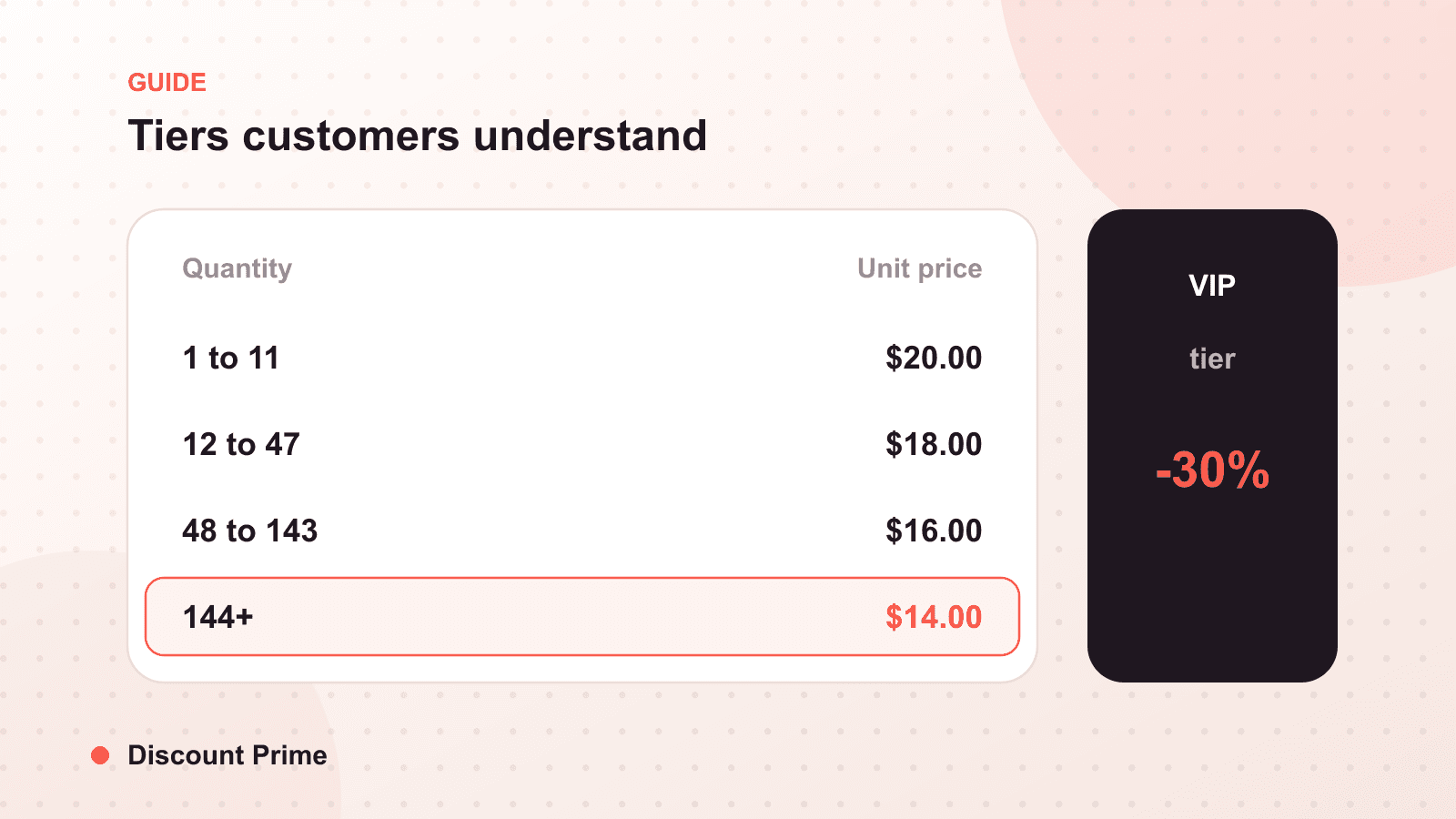
Wholesale and trade buyers expect a volume schedule. They buy in case quantities, they compare your breaks against other suppliers, and a deeper ladder reads as normal rather than confusing. Where a D2C store might stop at "6 or more," a B2B catalog might run breaks at 12, 48, and 144 with meaningfully larger per-unit savings, because the buyer is planning a purchase order, not an impulse add-on.
The other difference is who sees which price. Consumer tiers are public and quantity-based. B2B pricing is often account-based, where a logged-in wholesale customer sees a different price ladder than a retail shopper. That is where tag-based customer-specific pricing comes in, and it is the natural next step once you have your quantity tiers working. If you are selling wholesale on a non-Plus plan, our guide to wholesale pricing without Shopify Plus walks through the tag-based approach.
The mistakes that quietly cost margin
Tiers set below cost awareness. If you cannot state the margin at your deepest tier from memory, you are guessing.
Tiers that stack with codes you forgot about. A tier that can combine with a sitewide code can discount far deeper than either number suggests. Decide deliberately what combines. Our guide to volume discounts covers the display and stacking details.
Variant cost blindness. A tier usually spans a product's variants. If a large size costs more to make than a small, check the margin at each tier for the most expensive variant, not just the default.
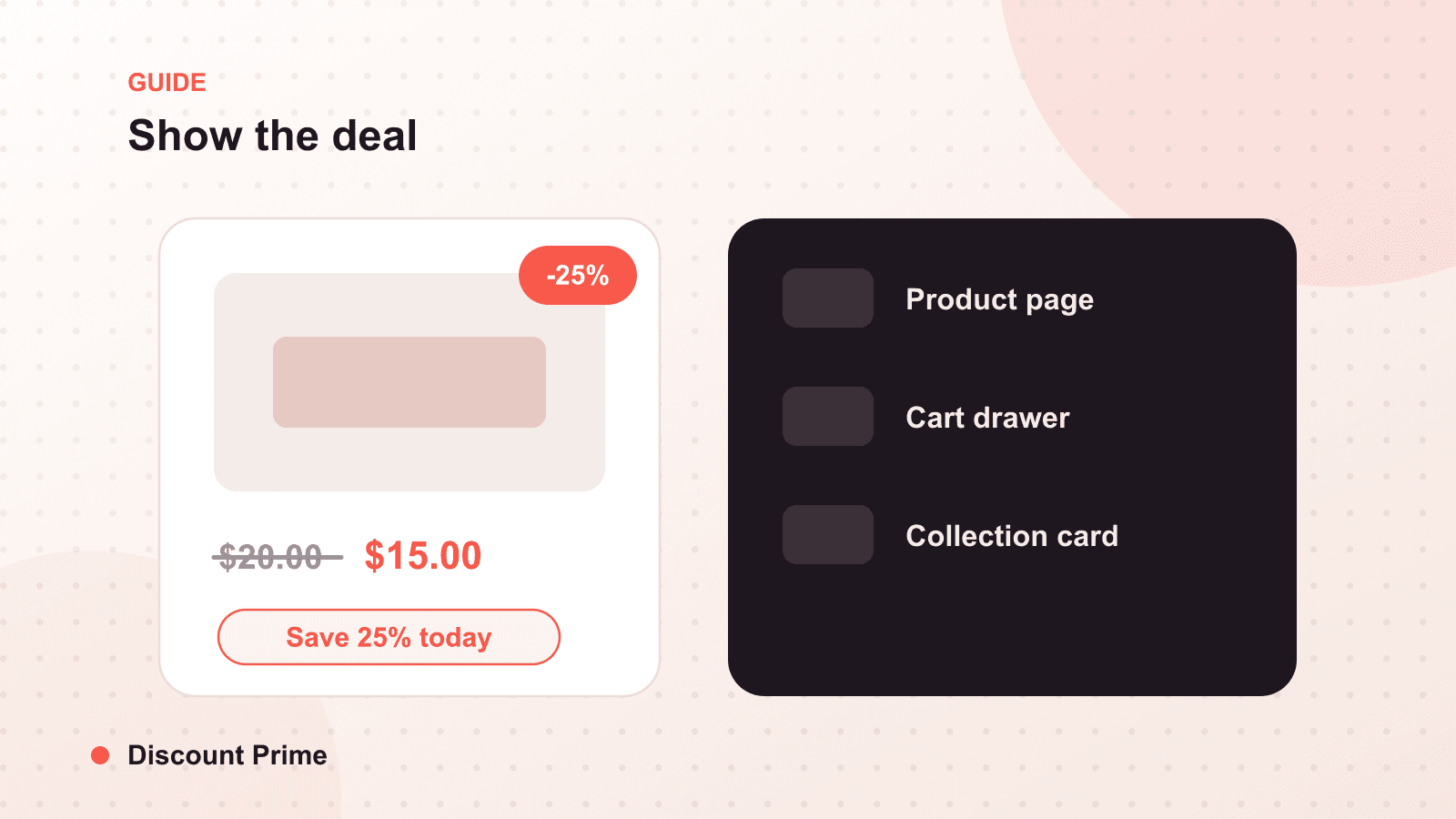
Invisible tiers. A price ladder only in the cart is a ladder most buyers never see. Show it near the quantity selector on the product page.
Setting this up with Discount Prime
Tiered pricing in Discount Prime lets you define quantity or spend breaks on products and collections, with the discount applying automatically through Shopify's native engine and the tier table displaying on the product page. No duplicate variants, no Scripts, no Plus requirement. Start with two or three tiers, anchor the middle one to the order you actually want, and let the app handle the rest.