
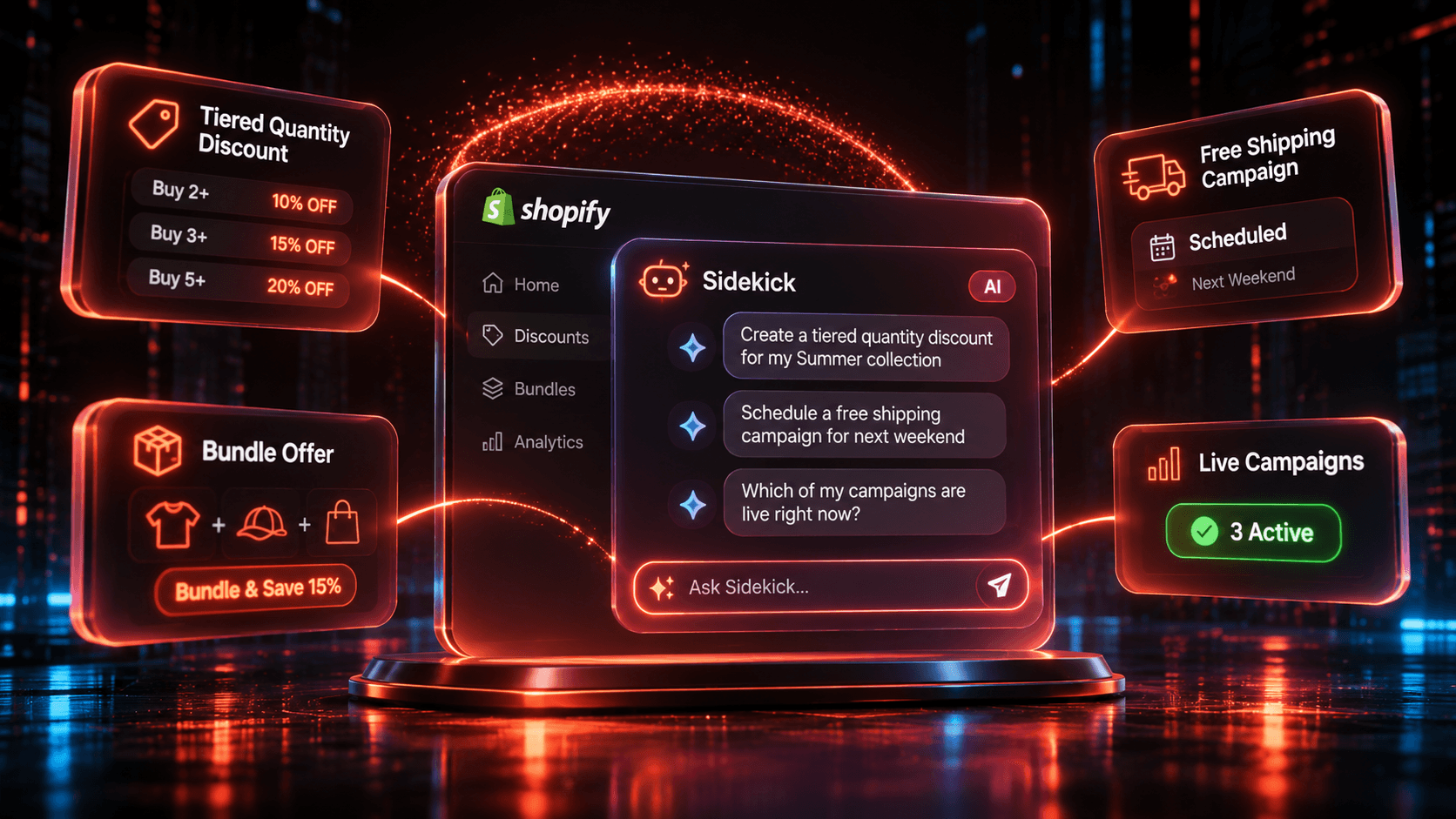
The short answer
Yes, Sidekick can create and edit Shopify discounts on its own, and Discount Prime works with Sidekick so you can run the app from the same conversation on every plan, with usage limits and no limits on Ultimate. Use Sidekick alone for a simple native discount, and add Discount Prime when you want tiered quantity campaigns, scheduled free shipping campaigns, live campaign checks, and profit insights in the chat.
Task | Sidekick alone | Sidekick + Discount Prime | Plan |
|---|---|---|---|
Create or edit a Shopify discount | Yes, from a description, with your review before it takes effect | Native abilities stay as they are | Any Discount Prime plan |
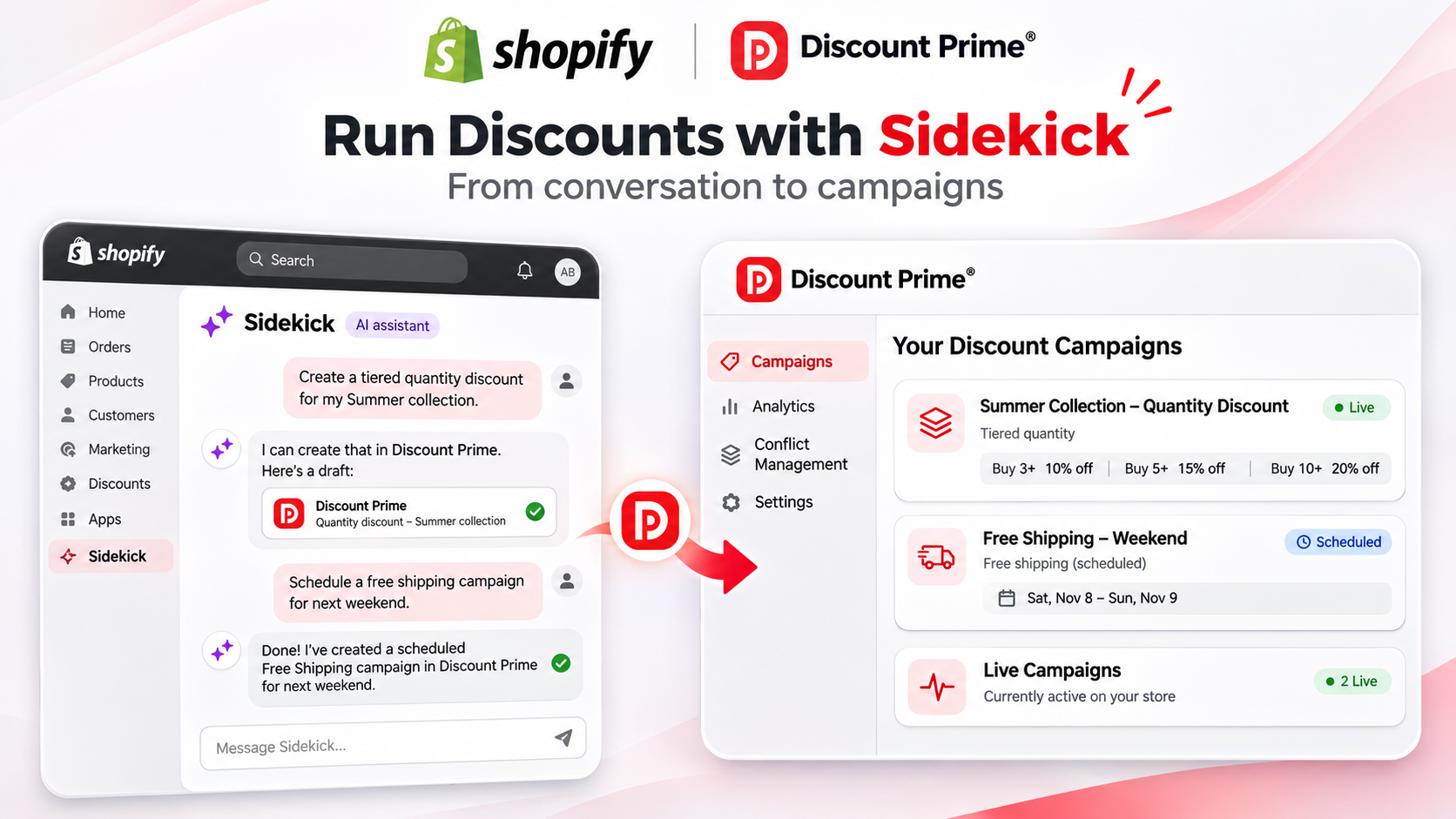
Tiered quantity discount on a collection | Not among the four types on Shopify's discounts page | Published prompt: "Create a tiered quantity discount for my Summer collection" | Starter (free) |
Schedule a free shipping campaign | Help Center lists free shipping discounts among what Sidekick can create | Published prompt: "Schedule a free shipping campaign for next weekend" | Premium ($19.90/mo) |
Check which campaigns are live | Uses an app's data through a supported app extension | Published prompt: "Which of my campaigns are live right now?" | Starter (free) |
Find out which products lose money | Can write and run code to summarize store data | Profit insights in Sidekick. Ultimate adds which products lose money and the safe discount for each | Premium, full view on Ultimate |
Product Bundle, Cross-sell, Free Gift, Upsell | Not among the four types on Shopify's discounts page | Available in the app. No published Sidekick prompt yet, so set them up in Discount Prime | Bundle from Premium, others from Prime |
Other apps state a Sidekick connection too.
App | Rating · Reviews | Price | How it handles Sidekick | Keep in mind |
|---|---|---|---|---|
Discount Prime | 5.0 · 20 | Free Starter; paid $19.90 to $99.90/mo | Stated on our What's New page: run the app from a conversation | Three published prompts so far; usage limit numbers are not published |
Abra Promotions | 5.0 · 61 | Free plan; $99 Flex, Fixed from $299/mo | Named in Shopify's Sidekick guide | $99 Flex plan adds 1.5% of attributed revenue over $10k |
Discount Kit | 4.9 · 98 | $99.99 to $350/mo | Named in Shopify's Sidekick guide | No free plan; Pro has 25 automatic discounts |
Kitenzo Bundle Builder | 4.4 · 264 | Free to install; 1.5% per bundle transaction | Named in Shopify's Sidekick guide | Cost grows with bundle revenue |
Kite Discount, Free Gift, BOGO | 4.9 · 1,351 | Free to install; $29 to $99/mo | Listing image caption: "Integrated with Shopify sidekick" | Free plan is not for Shopify Advanced and Plus |
Discounty: Bulk Discount Sales | 4.9 · 1,306 | Free plan; $9.90 to $49.90/mo | "Works with" list names Sidekick | Free plan is 10 variants and 3 campaigns |
iCart Cart Drawer Cart Upsell | 4.7 · 451 | Free to 100 orders; $9 to $29/mo as listed | Listing says it works with Sidekick for questions about iCart | Cart drawer first; price rises with orders |
Ratings, reviews and prices from each app's Shopify App Store listing, as of November 2026. Disclosure: Discount Prime is our app.
We read these pages and did not test each integration. A listing that names Sidekick does not tell you how deep the connection goes. Candy Rack, Bulk Discount Codes Generator and Free Gift Box+Buy 1 Get 1+BOGO also name Sidekick in their "Works with" lists. Other apps may do the same, so treat this as a starting list.
Which one fits:
One simple percentage code or free shipping offer: Sidekick alone. You may not need an app.
Tiered campaigns, profit insights and one app for bundles, gifts and upsells: Discount Prime.
Large promotion programs with budget for them: Discount Kit or Abra Promotions, both named in Shopify's guide.
A full-page bundle builder with a headless API: Kitenzo, if a per-transaction fee suits you.
What Sidekick does for discounts on its own
As of November 4, 2026, Shopify's official pages say the following.
Create and edit. The Help Center says you can ask Sidekick to create or edit discounts from a description, and you review each result before it takes effect in your store. That page links to steps for amount-off and free-shipping discounts.
Help and troubleshooting. Shopify's discounts page calls Sidekick a built-in, free assistant that can help create, edit, or troubleshoot discounts. Its example is "Create a 15% discount code for my summer collection, one use per customer, ending Sunday."
Draft orders. Sidekick's help and guidance page lists applying discounts to line items or a whole order, and adding discount codes.
Your approval. The Sidekick overview says it presents changes for your review before applying them.
That same discounts page names four discount types: fixed amount, percentage, Buy X Get Y, and free shipping. If your offer fits one of those, start here. It costs nothing extra.
How an app connects to Sidekick
Sidekick connects to apps through Sidekick app extensions. Shopify's developer docs describe two kinds. Data extensions are read-only and let Sidekick search an app's data. Action extensions help with tasks, and Shopify says merchants stay in control of what gets updated.
Three limits from Shopify:
Sidekick isn't available on every store.
It supports integrations with up to 20 apps for each user on a store.
A changelog post dated October 28, 2026 says Sidekick suggestions can use data from installed apps with supported extensions. Without one, an app's data does not reach those suggestions.
Shopify also keeps a guide to apps that work with Sidekick, published June 17, 2026. Its promotions section names Abra Promotions, Discount Kit and Kitenzo.
The three Discount Prime prompts, and what each one covers
The What's New page publishes three example prompts. Each campaign type follows your plan, whichever way you create it.
"Create a tiered quantity discount for my Summer collection"
This asks for a tiered quantity discount, which is volume breaks: the discount grows as the shopper adds units. It is included on the free Starter plan.
The prompt names the collection but not the breaks, so decide those first. Say a $40 tee costs you $18, with 10% off at 2 units and 15% off at 3:
Units | Order total | Your cost | Order profit | Profit per unit |
|---|---|---|---|---|
1 | $40 | $18 | $22 | $22 |
2 at 10% off | $72 | $36 | $36 | $18 |
3 at 15% off | $102 | $54 | $48 | $16 |
Profit per unit falls from $22 to $16, while order profit more than doubles.
"Schedule a free shipping campaign for next weekend"
This asks for a free shipping campaign on a timed window. Free shipping starts on Premium at $19.90/mo, so this prompt is not for the Starter plan. Free shipping in Discount Prime also has a subsidy cap. With a $10 cap, a $14 shipping charge costs you $10 at most, so check that setting in the campaign.
"Which of my campaigns are live right now?"
This is a status question, and a good first prompt on any plan.
What the integration does not promise yet
The title of this guide mentions bundles, so here is the plain version. Product Bundle, Cross-sell, Free Gift and Upsell are campaign types in Discount Prime. What's New says you can run the app from a conversation, but none of the three published prompts names these four. Until we publish one, build them in the app.
They are worth building, because none is one of the four types on Shopify's discounts page. Shopify does offer a separate Shopify Bundles app. Three numeric examples:
Product Bundle with a floor. Three items worth $100 sell for $80 at 20% off the set. If they cost you $62, you keep $18. A further 20% on top would leave $64 and $2 of profit. Best deal wins, Stack and the profit-protection floor exist for this case. See how bundle discounts stack.
Free Gift threshold. With a $75 threshold, a $90 cart in a 20% sale is $72 after discounts, so it does not earn the gift. The threshold is measured after other discounts. The discount function re-checks it, and out-of-stock gifts are skipped.
Cap the difference. A shopper has a $60 product in the cart and the better version is $85. With a $15 cap, they pay at most $75, and the incentive covers the other $10. It applies only to swapped lines.
Sidekick and Smart offers are different things
Sidekick is Shopify's assistant. Smart suggestions in Cross-sell and Smart ladders in Upsell are separate Discount Prime features on Ultimate. They use formulas inside the app that run locally on your store's data, with nothing sent to an external system.
How to set it up in Discount Prime
Install Discount Prime. The Starter plan is free forever, with 3 campaigns and 50 live discounted variants. Sidekick works on it with usage limits.
Open Sidekick in your Shopify admin (any plan). Shopify's getting started page says you can mention installed apps in a chat, so name Discount Prime to keep the request clear.
Start with the status prompt (any plan). Ask "Which of my campaigns are live right now?"
Create your first campaign (Starter). Use the tiered quantity prompt, with your breaks already worked out.
Check the campaign in Discount Prime (any plan). Read the products, tiers and dates before you rely on it. Use Deactivate if something is wrong.
Move to Premium ($19.90/mo, 7-day free trial) for free shipping campaigns, profit insights in Sidekick and Product Bundle with specific-product slots.
Move to Prime ($49.90/mo, 7-day free trial) for bundle slots by collection, tag, vendor or product type, plus Cross-sell, Free Gift and Upsell.
Move to Ultimate ($99.90/mo, 14-day free trial) for unlimited Sidekick use, full profit insights showing the safe discount for each product, Combo products and multi-tier gifts.
All 13 storefront widgets are no-code.
Where to go next
What's New: the Sidekick integration and its example prompts
Shopify bundle apps compared: nine apps on stacking, margin floors and rule-based slots
Do bundle discounts stack with other discounts?: the margin math behind Best deal wins and Stack
Sidekick Pulse vs. third-party Shopify apps: how native Shopify tools and apps fit together
Ready to try it? Install Discount Prime on Shopify. The Starter plan is free.