Every Shopify store already has a segmentation engine built in. It is called the customer tag, it costs nothing, and most stores use it to file people rather than to price them.
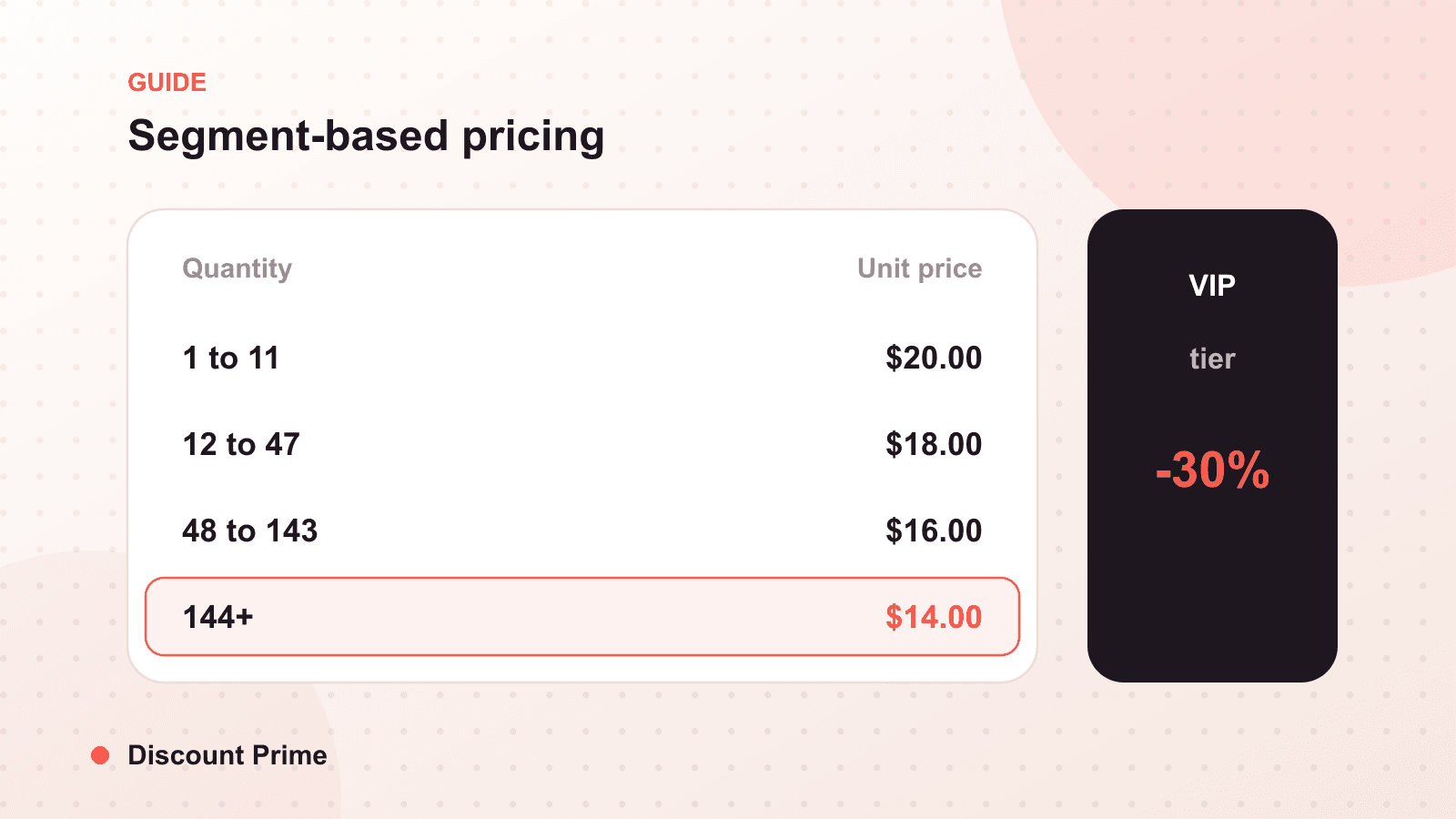
If you want to charge a wholesale buyer one price, a VIP customer another, and a staff member a third, without spinning up a separate storefront or upgrading your plan, the answer is almost always customer tags. Tag the customer, attach a price rule to the tag, and each segment sees its own pricing automatically when they are logged in. That is the whole idea, and it is more powerful than most merchants realize.
This post covers what customer tags can and cannot do on their own, the segments worth building first, and how to keep segment pricing from leaking to people who should not have it.
What a customer tag actually is
A customer tag is a plain-text label on a customer record in your Shopify admin: vip, wholesale, staff, net30, whatever you decide. You can add tags manually, in bulk through import, or automatically with flows and rules. Shopify uses the same tags to build customer segments for marketing.
On their own, tags do nothing to price. They are just labels. The pricing happens when you pair a tag with a discount engine that can read it as a condition. With an app built on Shopify Functions, a tag becomes a trigger: if the logged-in customer carries this tag, apply this price. The tag is the who; the price rule is the what.
Why tags beat codes for ongoing segments
Merchants often reach for a discount code to handle VIP or wholesale pricing. For a one-time promotion, fine. For a standing relationship, codes are the wrong tool, and it comes down to control.
| Discount code | Customer tag | |
|---|---|---|
| Who can use it | Anyone who has the code | Only the tagged, logged-in customer |
| Leak risk | High, codes get shared and posted | Low, tied to a verified account |
| Applies automatically | No, customer must enter it | Yes, at checkout for that customer |
| Good for | Time-boxed promos, attribution | Ongoing VIP, wholesale, staff pricing |
| Removes access | Reissue or expire the code | Remove the tag |
The leak point is the whole story. A wholesale code that ends up on a coupon aggregator becomes a public wholesale storefront overnight. A wholesale tag cannot leak, because it lives on the account, not in a string a customer can paste to a friend.
The three segments worth building first
You do not need a taxonomy of twenty tags. Start with the three that pay for themselves.
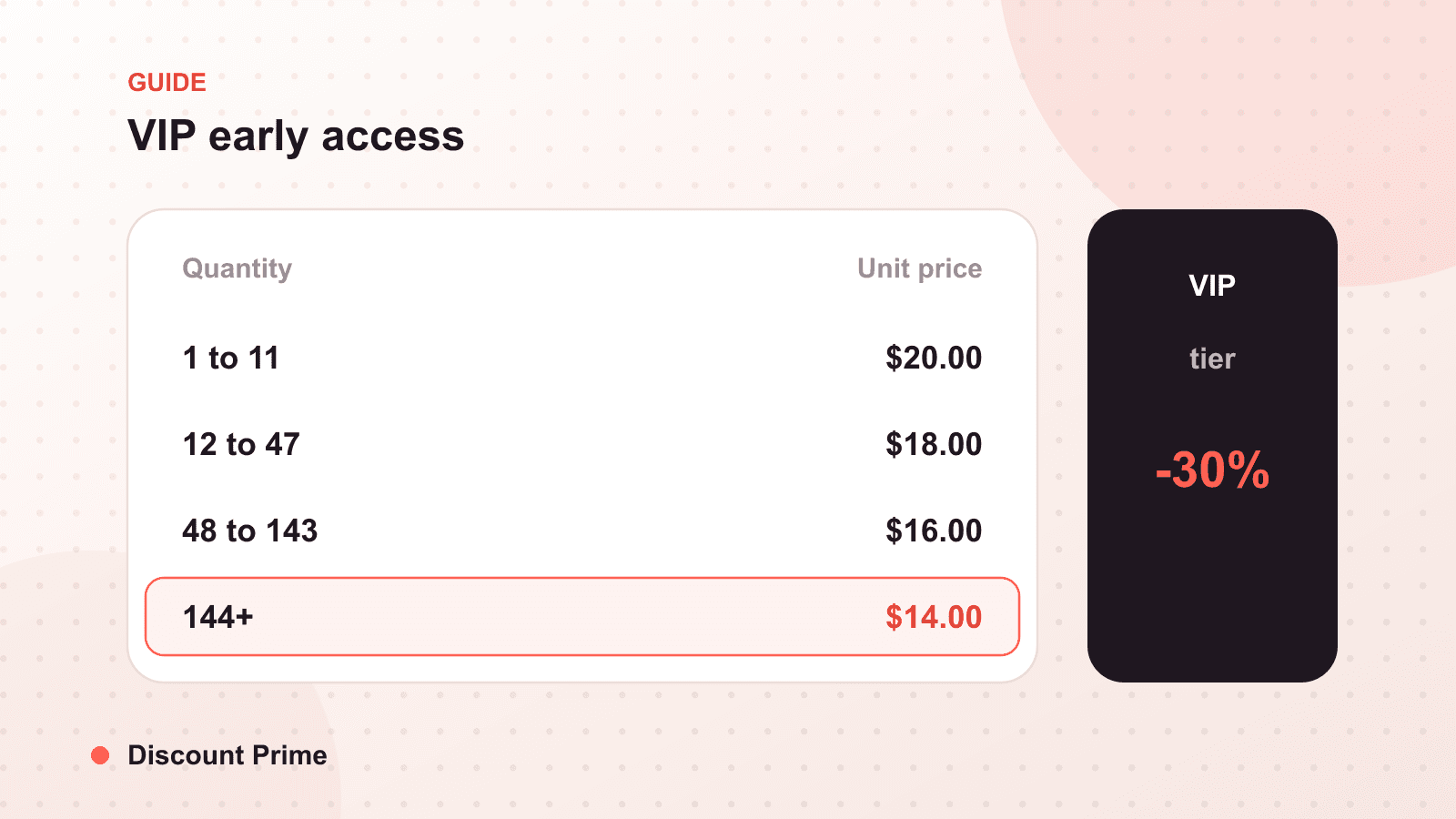
VIP customers. Your repeat buyers and highest-lifetime-value accounts. A modest standing discount, or early access to sales, tagged as vip, rewards loyalty without a public markdown. The margin math is favorable because these customers already convert; you are protecting a relationship, not buying a new one.
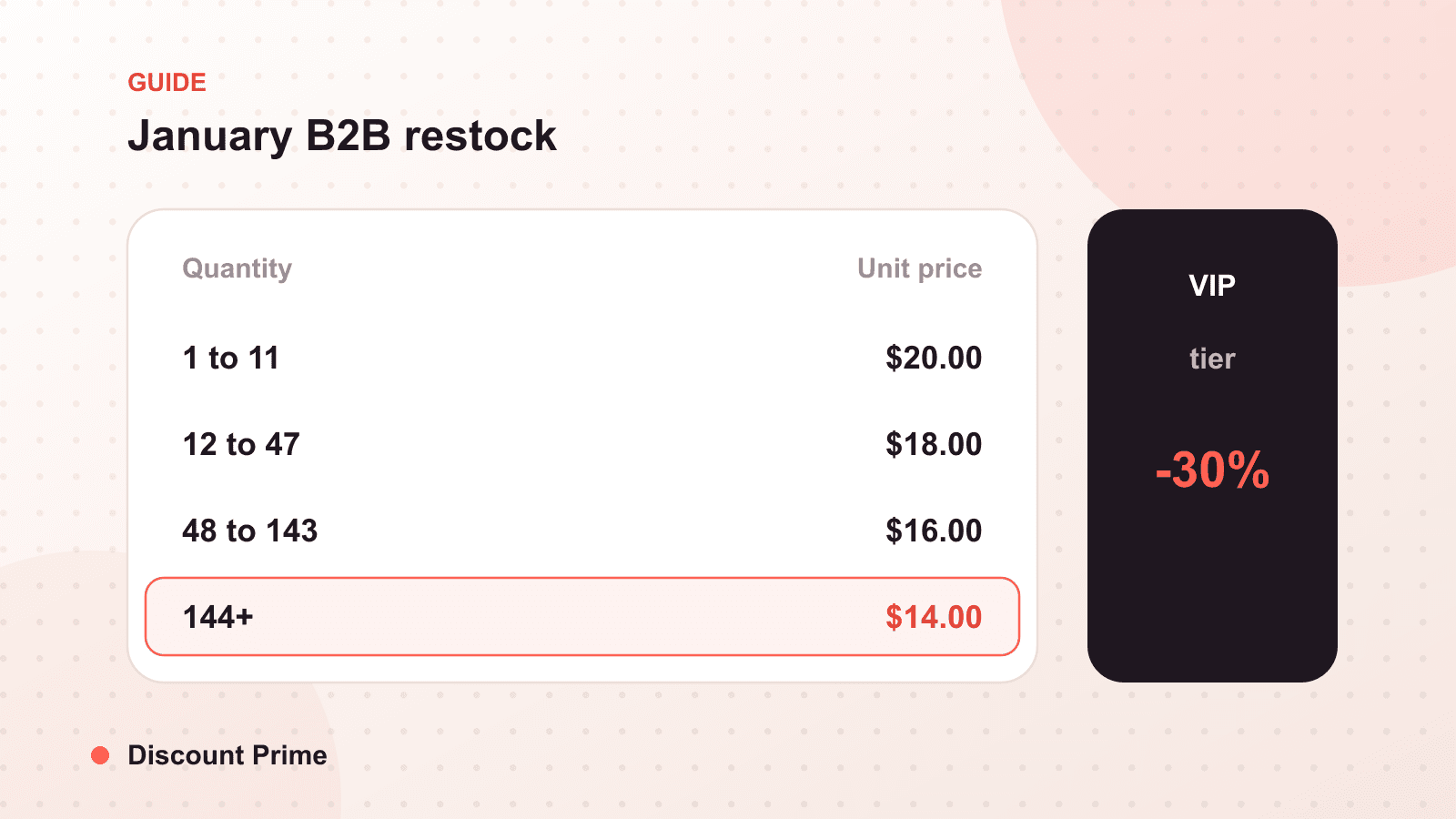
Wholesale and B2B accounts. The classic case. Tag verified resellers as wholesale and give them their trade pricing automatically. This is how you run wholesale on a standard plan without a separate B2B storefront. Pair it with minimum quantities if your trade terms require case packs.
Staff and friends-and-family. A staff tag with a defined discount keeps employee purchases clean, attributable, and off the public code system, where a staff code would inevitably escape.
A worked example
Say you sell a product at $40 retail with a fully loaded cost of $22, so retail margin is $18 per unit, or 45 percent. You want three segments:
- Retail: $40, no tag, 45 percent margin.
- VIP (
vip): 10 percent off, $36, margin $14, or 39 percent. Still healthy, and it rewards your best repeat buyers. - Wholesale (
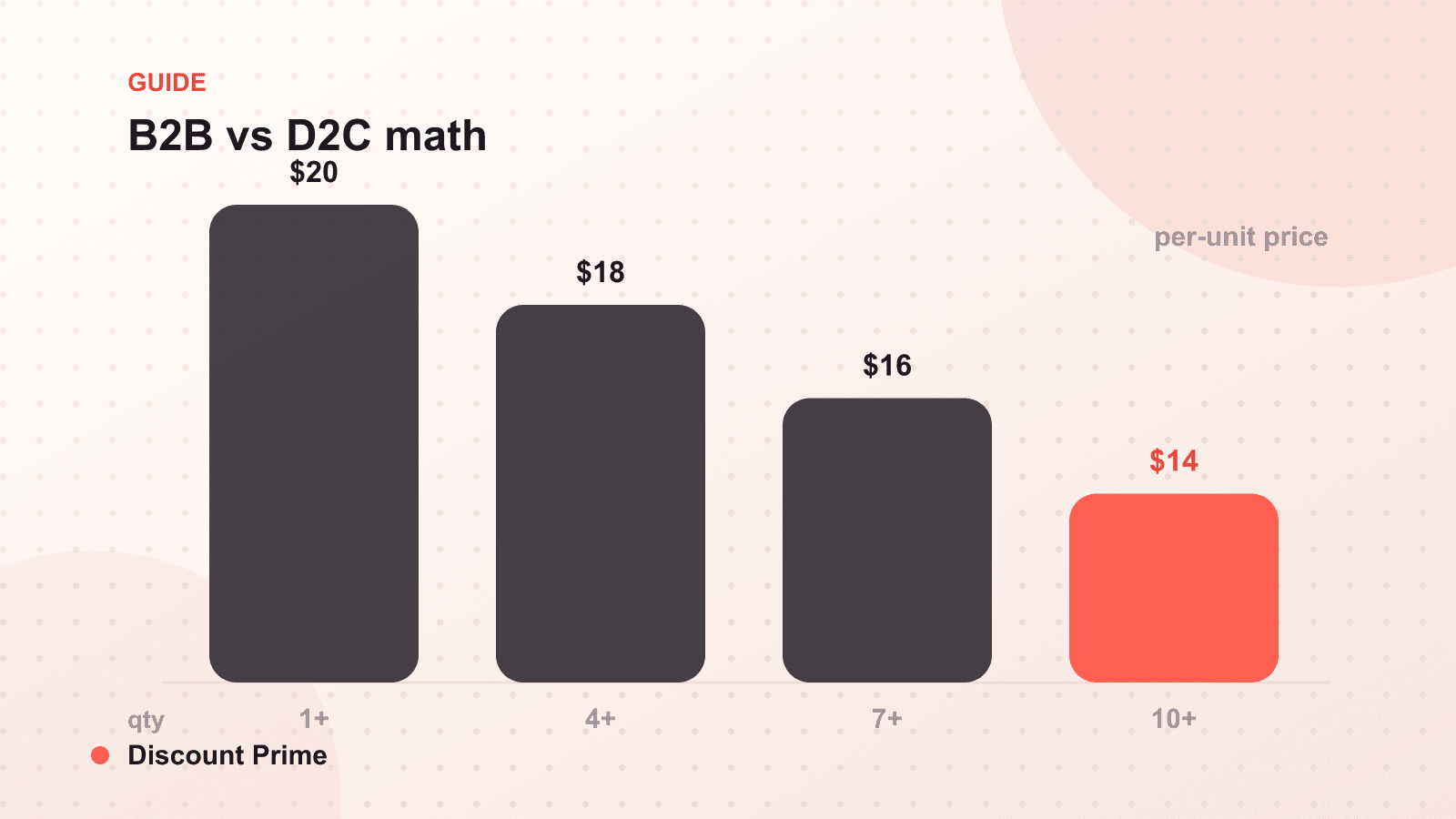
wholesale): 30 percent off at a 6-unit minimum, $28 per unit, margin $6, or 21 percent, but at volume and with near-zero acquisition cost.
The point of writing it out is that each segment has a different margin floor, and tags let you honor all three at once on the same catalog. A retail shopper never sees the wholesale price, and a wholesale buyer never has to hunt for a code.
The mistakes that undo segment pricing
Tagging without a logged-in requirement. Segment pricing should apply to authenticated customers. If a price can show to anyone, it is not a segment, it is a public discount. Gate the pricing behind the account.
Overlapping tags with conflicting prices. If a customer is both vip and wholesale, decide in advance which wins. Ambiguity here is how a buyer accidentally gets the deepest of two discounts stacked. Set an explicit priority.
Stale tags. A customer who leaves your wholesale program should lose the wholesale tag. Segment pricing is only as clean as your tag hygiene. Review tags on a schedule, especially after staff changes.
Forgetting the margin floor per segment. As the worked example shows, each tier has its own floor. A discount that is safe for VIP may be underwater for wholesale once you add case-pack economics. Price each segment against its own cost, not a single blended number.
Setting this up with Discount Prime
Discount Prime reads Shopify customer tags natively and applies the right price automatically at checkout, on any plan, no separate storefront required. You define a price rule per tag for B2B and customer-specific pricing or standing wholesale pricing, and each segment sees only its own price. For the broader wholesale approach, see wholesale pricing on Shopify without Shopify Plus, and for the feature launch itself, new B2B and customer-specific pricing.