A discount that calculates perfectly but renders on a page Shopify is about to turn off is still a discount your customer will not see.
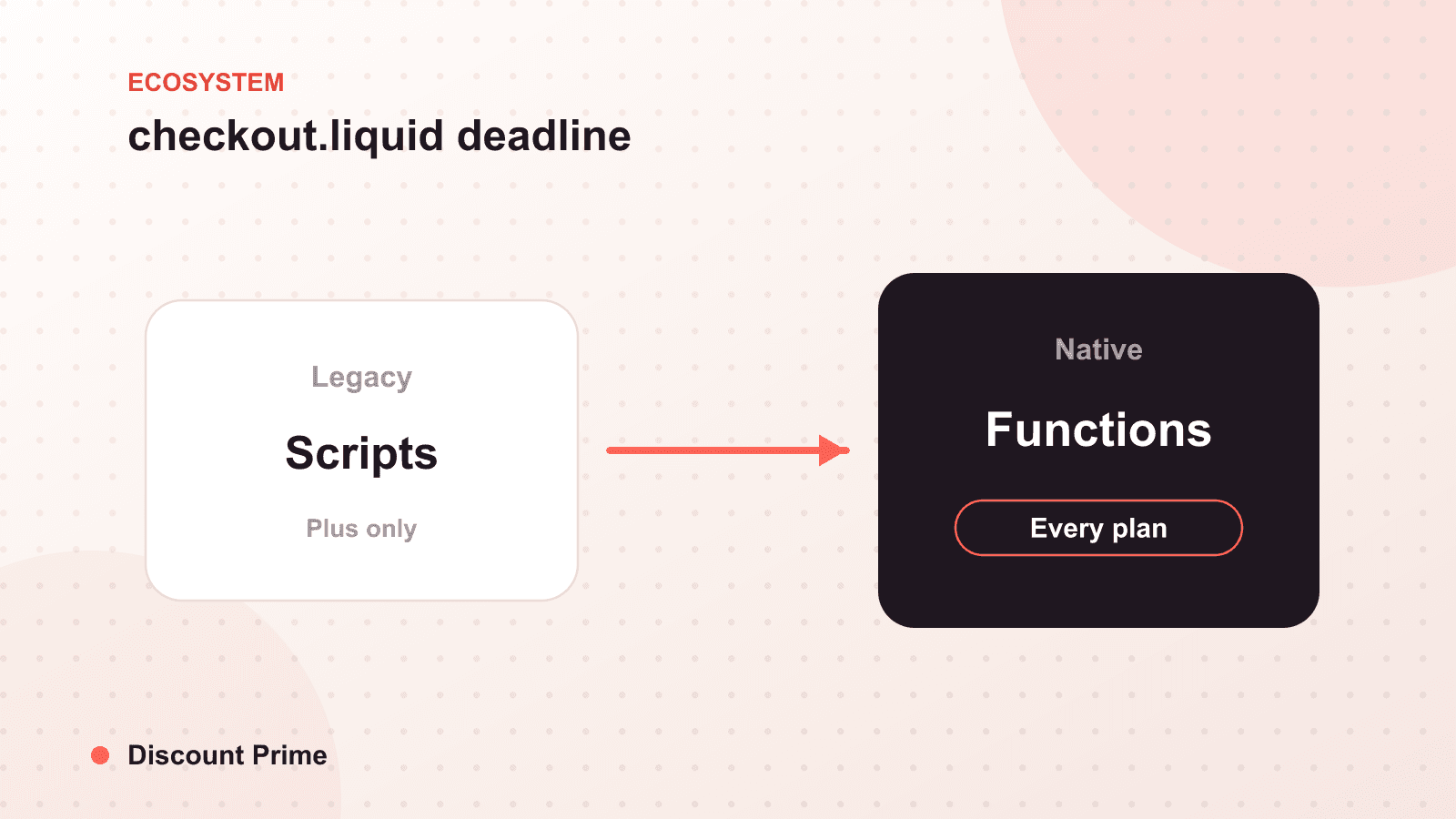
Shopify is deprecating checkout.liquid for the information, shipping, and payment pages on August 13, 2024. If your store customized checkout through the old Liquid template, those customizations stop applying after that date, and anything you built to communicate discounts at checkout, free shipping progress bars, cart notices, threshold messaging, goes with it unless you have migrated.
Here is the reassuring part first, then the checklist. The math of your discounts is safe. What is at risk is the presentation. This post separates the two so you know exactly what to move and what to leave alone.
What is actually changing on August 13
checkout.liquid was the customizable checkout template available to Shopify Plus merchants. It let developers edit the checkout pages directly in Liquid. Shopify is retiring that model in favor of checkout extensibility, a system of checkout UI extensions that render in defined, upgrade-safe slots instead of a freely edited template.
The August 13, 2024 deadline covers three pages: information, shipping, and payment. The Thank You and Order Status pages are on a separate, later timeline with an August 28, 2025 deadline. So this is a two-phase migration, and only the first phase is due now.
If your store never used customizable checkout.liquid, which is most stores, since it was a Plus feature, there is nothing here for you to migrate. You are already on the modern checkout. Skip to the closing section.
What breaks and what does not
The single most important distinction: calculation versus presentation.
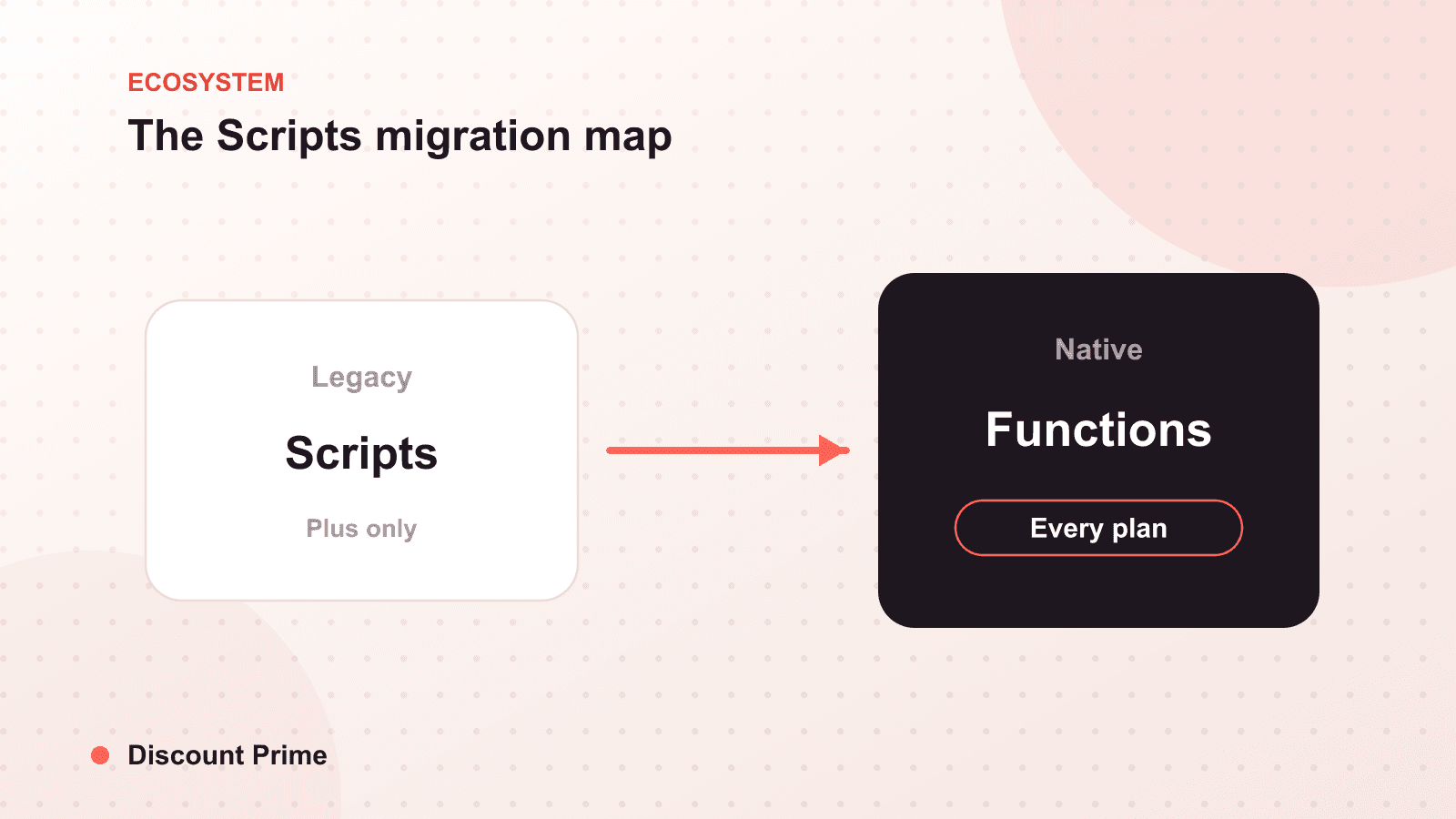
Calculation is safe. Discounts that run through Shopify Functions apply server-side, inside Shopify's discount engine. A volume tier, a customer-specific price, or a free shipping threshold calculated by Functions does not touch checkout.liquid at all. Those keep working through the deadline and past it. This is one of the quiet advantages of Functions-native discounting over the old Scripts-and-template approach.
Presentation is at risk. Anything hand-built into the checkout.liquid template to display or reinforce a discount is what breaks. The usual casualties:
- Custom free shipping progress bars coded into the checkout template
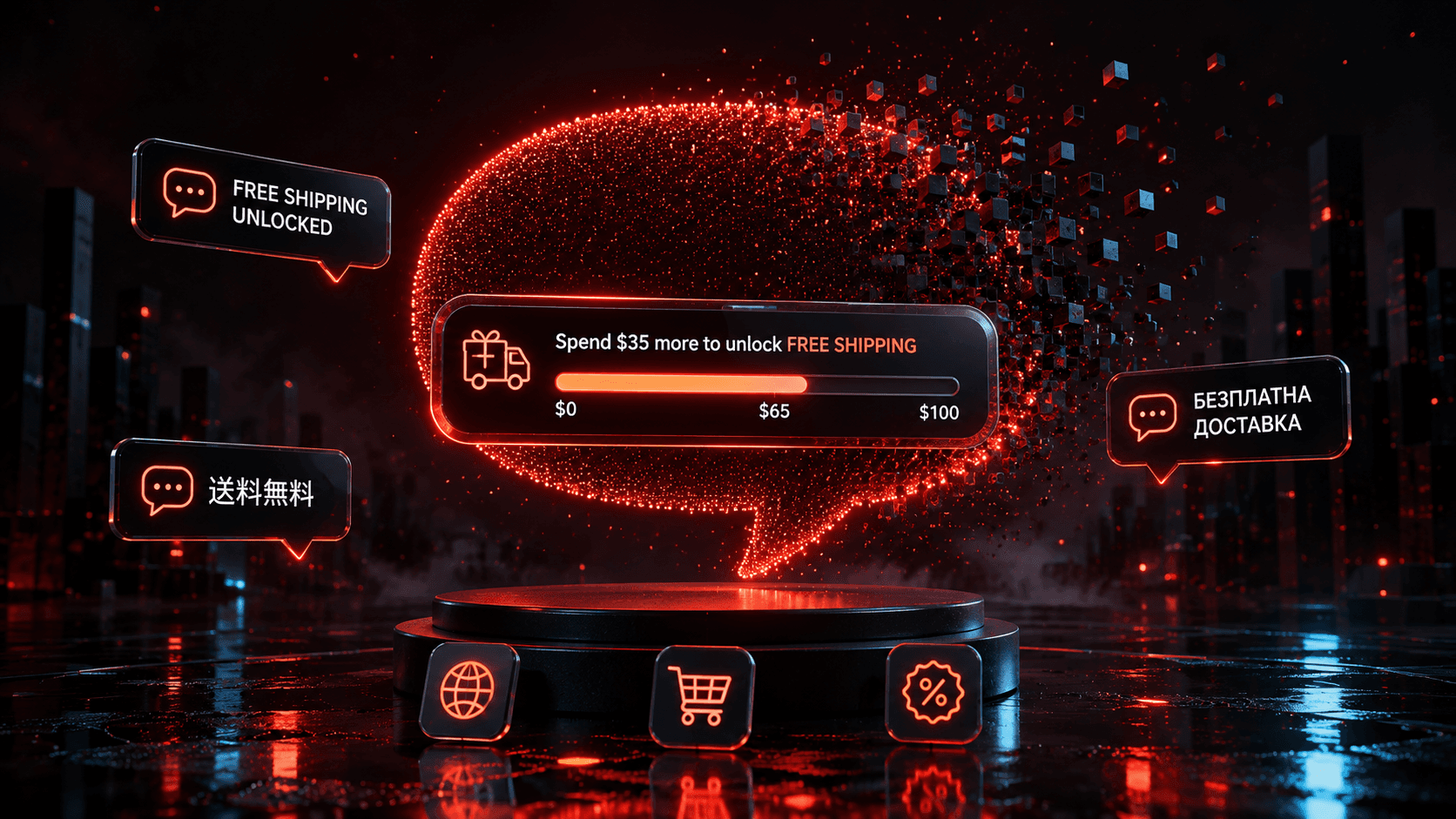
- Cart or checkout notices ("Add $15 more for free shipping")
- Trust badges, upsell blocks, and custom field logic on the information or payment pages
- Any bespoke messaging that told the customer why a discount did or did not apply
None of that math is wrong. It just has nowhere to render after August 13 unless it moves to a checkout UI extension.
The migration checklist
Work top to bottom. Do not skip the audit step; you cannot migrate what you have not inventoried.
| Step | Action | Done when |
|---|---|---|
| 1. Confirm exposure | Check whether your store uses customizable checkout.liquid at all (Plus only) | You know if this applies to you |
| 2. Inventory customizations | List every custom element on the information, shipping, and payment pages | You have a written list, not a memory |
| 3. Flag discount-facing items | Mark which items communicate a discount (free shipping bar, threshold notice) | Discount messaging is separated out |
| 4. Map to extensions | For each item, find the checkout UI extension or app block that replaces it | Every item has a target, or a decision to drop it |
| 5. Rebuild in extensibility | Recreate the discount messaging as checkout UI extensions | The bar and notices render in preview |
| 6. Test discount display | Run a test cart at, just below, and above each threshold | Messaging shows correctly at every tier |
| 7. Test on mobile and Shop Pay | Verify rendering on mobile and through Shop Pay | Nothing is missing or misplaced |
| 8. Publish before the deadline | Ship the new checkout before August 13, 2024 | Old checkout.liquid is no longer relied on |
The step merchants skip is number 6. Discount messaging has to be tested at the boundaries, exactly at the free shipping threshold and one dollar below it, because that is where a broken bar does the most damage. A customer who is told they need $15 more when they actually qualify will abandon.
A worked scenario
Say your old checkout ran a free shipping bar coded into checkout.liquid, tied to a $75 threshold. On August 13, the bar disappears, but the free shipping discount itself, if it runs through Functions, still applies at $75. So customers still get free shipping. They just lose the nudge that grew carts toward it.
The revenue at risk is not the discount, it is the incremental order size the bar was producing. If that bar reliably pushed a slice of $60 carts up to $75, its silent disappearance is a quiet drag on average order value that will not show up as an error anywhere. That is why presentation deserves the same migration urgency as anything that throws a visible failure.
What to do if you are not on Plus
If you were never on Shopify Plus, you never had checkout.liquid to customize, and this deadline does not create work for you. But it does carry a lesson worth internalizing: the durable way to run checkout discounting is to keep the calculation in Shopify Functions and the display in supported checkout extensions. Both survive platform migrations by design. Hand-coded template hacks do not.
Setting this up with Discount Prime
Discount Prime runs entirely through Shopify Functions and checkout extensibility, so volume discounts and free shipping thresholds calculate server-side and their messaging renders in supported checkout slots. The August 13 migration does not touch how our discounts apply, and the free shipping progress display moves with the modern checkout, not against it. For the wider platform context, see our read on Shopify Editions Summer '24 and the earlier Shopify Editions Winter '24 roundup.